
Blue Screen of Death (BSOD)
The screen suddenly turns blue, displays a sad-face icon and a stop code (e.g. 'MEMORY_MANAGEMENT', 'DRIVER_IRQL_NOT_LESS_OR_EQUAL'), collects some data, and restarts the computer. It may happen once a week or several times an hour.
Safe troubleshooting
What to check before opening the laptop
Root causes
Common reasons a laptop has no power
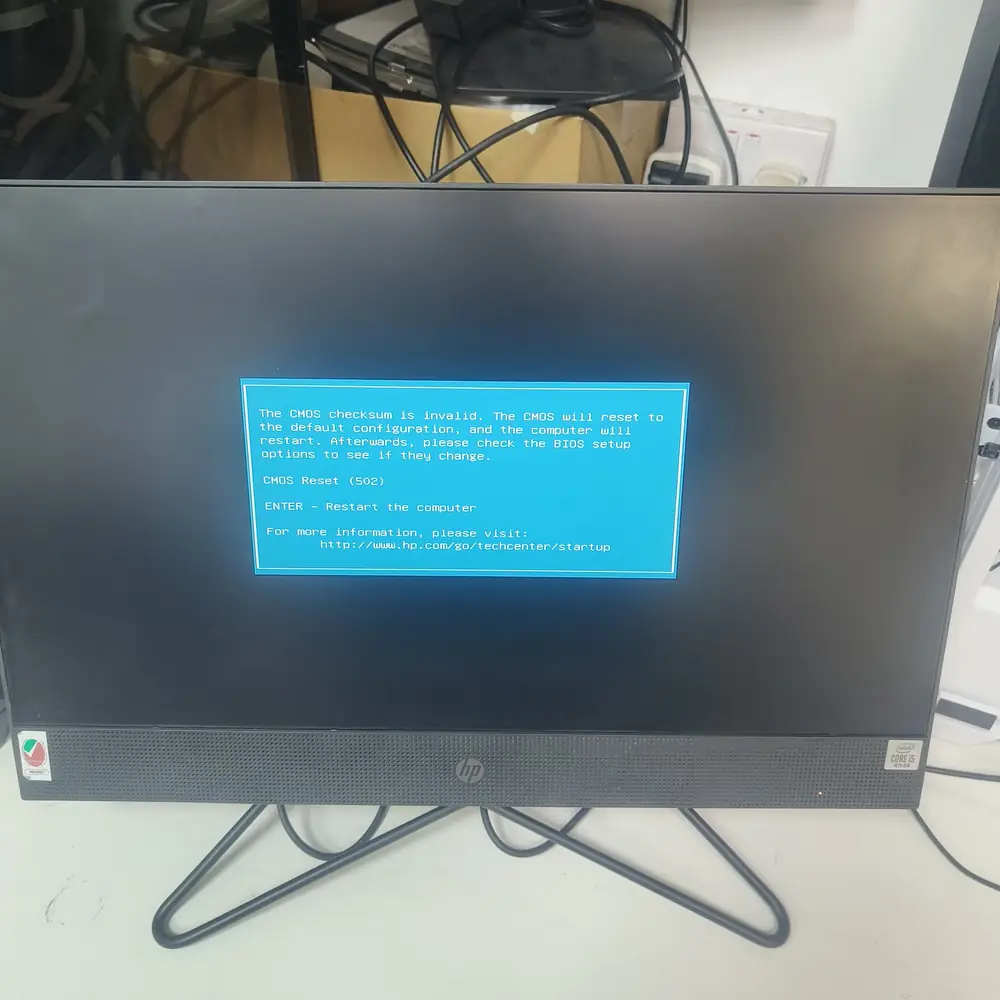
A Blue Screen of Death stop code — the same code can point to RAM, drive, driver, or thermal faults.
What NOT to do
Do not rely on the stop code alone to self-diagnose and reinstall Windows repeatedly — the same code can point to RAM, drive, driver, or thermal problems, and reinstalling won't fix a hardware fault underneath.
The KCROC approach
Diagnose first. Repair the failed stage.
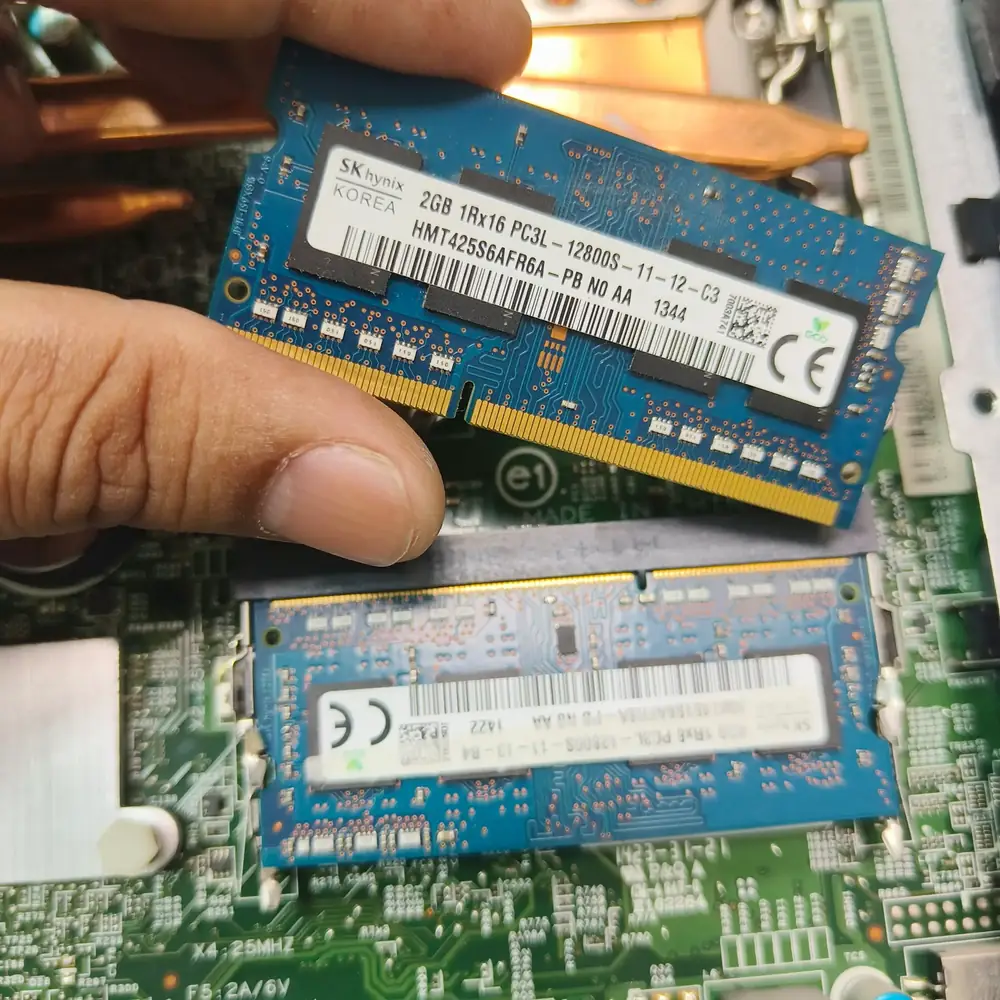
We run a memory diagnostic and drive health check first, since those cause the majority of recurring BSODs. We then check thermal behaviour under load and review the crash dump logs to identify the exact faulting driver or component before replacing anything.
Repair services