
Gaming Laptop Cleaning & Thermal Repaste Kuwait
Professional internal cleaning, thermal-interface service and cooling-system testing for gaming laptops running hot, loud or slower than they used to.If your gaming laptop is running hotter than it used to, the fans never seem to spool down, or your frame rate falls off during long sessions, the cooling system usually needs professional attention rather than a factory reset. Our gaming laptop thermal service follows a complete workflow — inspect, diagnose, clean, service the thermal interfaces, reassemble and test under load — so thermal paste replacement is only one part of what happens, not the whole plan. Kuwait's higher ambient temperatures reduce the thermal headroom available to a laptop during sustained CPU/GPU workloads, and airborne dust can build up inside the cooling system faster than in cooler, drier climates, which is why regular thermal maintenance matters more here than the generic advice most laptops ship with. We work on ASUS ROG and TUF Gaming, Lenovo Legion, MSI, Acer Predator, Alienware, Razer Blade, HP OMEN and Victus, Dell G Series, Gigabyte AORUS and other comparable gaming laptops. Pricing is confirmed after we've seen the model and symptoms — send us a WhatsApp message for a free assessment, and pickup and delivery are free anywhere in Kuwait.
Built for: Competitive gamers, casual gamers with high-performance laptops, streamers, content creators, developers running GPU-heavy workloads, 3D designers and engineers — essentially anyone whose gaming laptop is starting to run hotter, louder or slower than it used to.
Why Choose Us
Diagnostic-First Approach
We inspect the cooling system before assuming the fix is thermal paste. If a fan, heatsink or another component is the real cause, we tell you before doing any work.
Kuwait Climate Expertise
We service gaming laptops with Kuwait's heat and dust specifically in mind, not a generic cleaning checklist written for a cooler climate.
Model-Specific Disassembly
Every gaming laptop has a different internal layout. We open each model using the correct procedure to avoid damaging clips, ribbon cables and antennas.
Thermal Testing, Not Guesswork
After reassembly, we run the system under load and check CPU/GPU temperatures and behaviour rather than assuming the service worked.
Free Pickup & Delivery, Kuwait-Wide
We collect and return your laptop anywhere in Kuwait at no extra cost.
No Fix, No Fee
If we can't safely service your specific laptop, you don't pay for the attempt.
ESD-Safe Laboratory
Work is carried out on grounded, static-controlled workstations in our Hawalli lab.
Honest Escalation
If your laptop still runs hot after proper thermal service, we'll tell you and point you toward the right deeper diagnostic instead of repeating the same service.
Service Capabilities
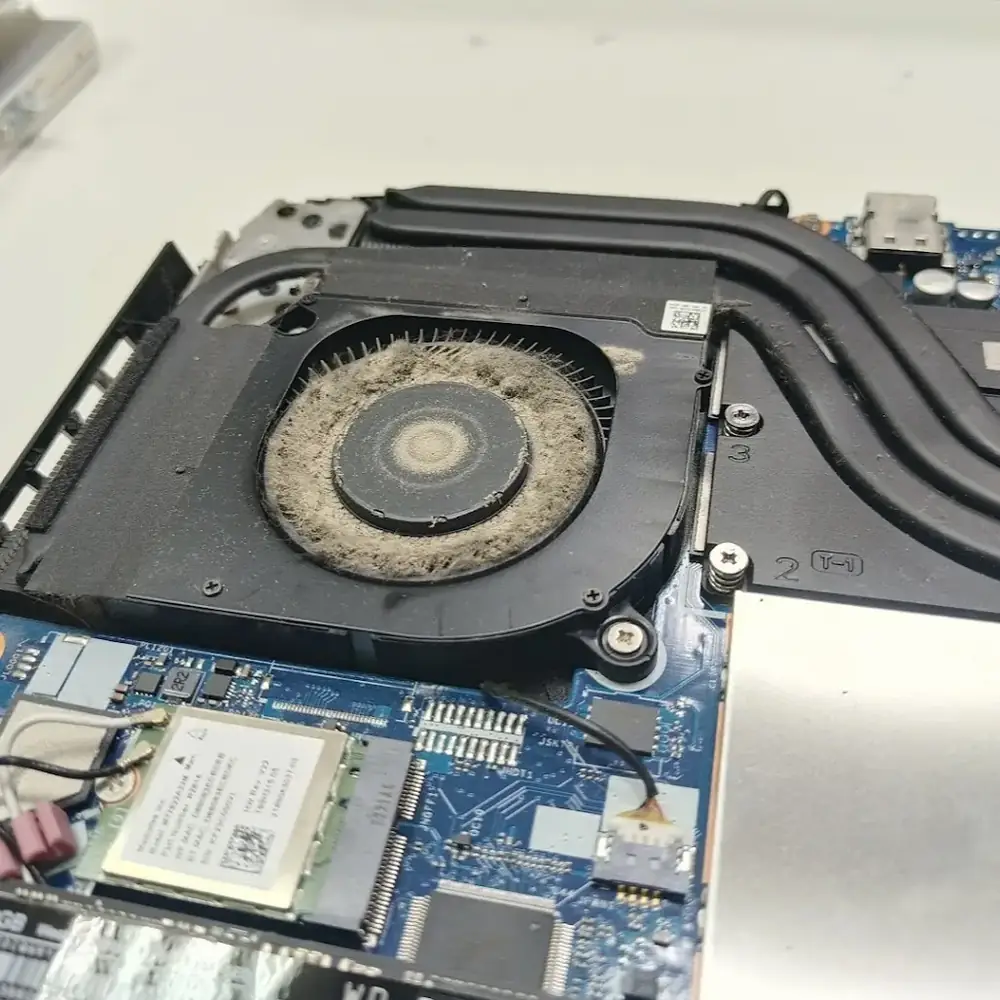
Dust built up around the fan and WiFi card, restricting airflow through the cooling system.
- Model-Specific Internal Disassembly
- Internal Dust Removal from Fans & Airflow Paths
- Fan Cleaning, Inspection & Bearing Check
- Heatsink & Cooling-Channel Cleaning
- Thermal Paste Replacement
- Thermal Pad Inspection & Replacement Where Required
- Cooling-System & Heat-Pipe Inspection
- Post-Service Thermal Testing Under Load
Devices We Cover
Brands We Service
Common Problems We Fix
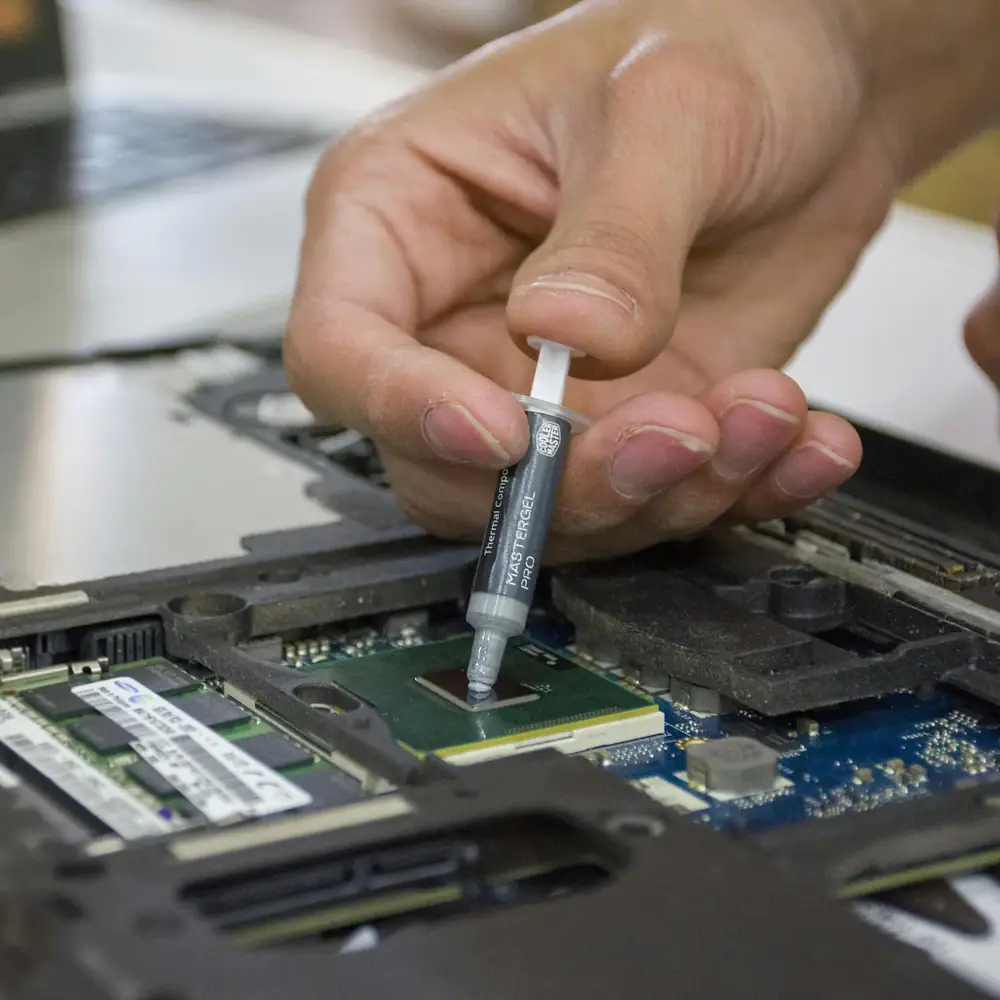
A gaming laptop showing signs of overheating — hot chassis, loud fans and thermal throttling under load.
Laptop Running Unusually Hot
mediumThe chassis feels noticeably hotter than it used to, especially near the keyboard or underside during gaming — often a sign that heat isn't being carried away from the CPU/GPU as efficiently as before.
Fans Constantly Running at High Speed
mediumThe cooling fans ramp up quickly and rarely spool back down, even during lighter tasks, which usually means the system is working harder than it should to hold its temperature.
Excessive Fan Noise
lowA loud, persistent whine or rattle under load can point to dust-clogged fan blades, a worn bearing, or the fan compensating for reduced cooling efficiency elsewhere.
FPS Drops After Extended Gaming
highFrame rates start normal but fall off the longer you play — a classic sign of the system reducing clock speeds once it hits a thermal limit.
Thermal Throttling
highThe CPU or GPU visibly reduces its clock speed under sustained load to protect itself from heat, which shows up as stutter or a sudden performance drop mid-session.
Performance Starts Strong, Then Declines
mediumThe first few minutes of a session feel fine, then things gradually slow down — usually because temperatures are climbing faster than the cooling system can manage.
Random Shutdowns Under Heavy Load
criticalThe system powers off unexpectedly during demanding games as a safety response to reaching a critical temperature — this shouldn't be ignored.
Weak Airflow from Exhaust Vents
mediumLittle to no warm air coming from the exhaust vents during gaming, even with fans audibly spinning, often points to a blocked heatsink or restricted airflow path.
Visible Dust Accumulation
lowDust visible around vents or intake grilles is usually a sign of a larger buildup inside, restricting airflow across the heatsink fins.
Never Received Internal Cooling Maintenance
lowA gaming laptop that has never been opened for cleaning is a strong candidate for preventive thermal maintenance, particularly after a year or more of regular use in Kuwait.
Typical Results
Results vary by laptop model, workload, ambient temperature, cooling design and the condition of the hardware. Thermal service does not guarantee a particular temperature or FPS improvement — these are representative outcomes where cooling degradation was the underlying cause, not a specific guaranteed result.
Cooling System Condition
A cleaner cooling system with improved airflow once dust buildup on fans and heatsink fins is removed.
Thermal-Interface Performance
Restored heat transfer where the original thermal paste or pads had degraded with age and heat cycling.
Fan Workload
Reduced fan noise and workload in cases where dust or thermal-material degradation was contributing to the fans running harder than necessary.
Sustained Performance
Improved sustained performance and thermal headroom in cases where thermal throttling was caused by cooling-system degradation rather than a separate hardware fault.
System Stability
Improved stability during longer gaming sessions where heat-related instability was the underlying cause.
Our Repair Process
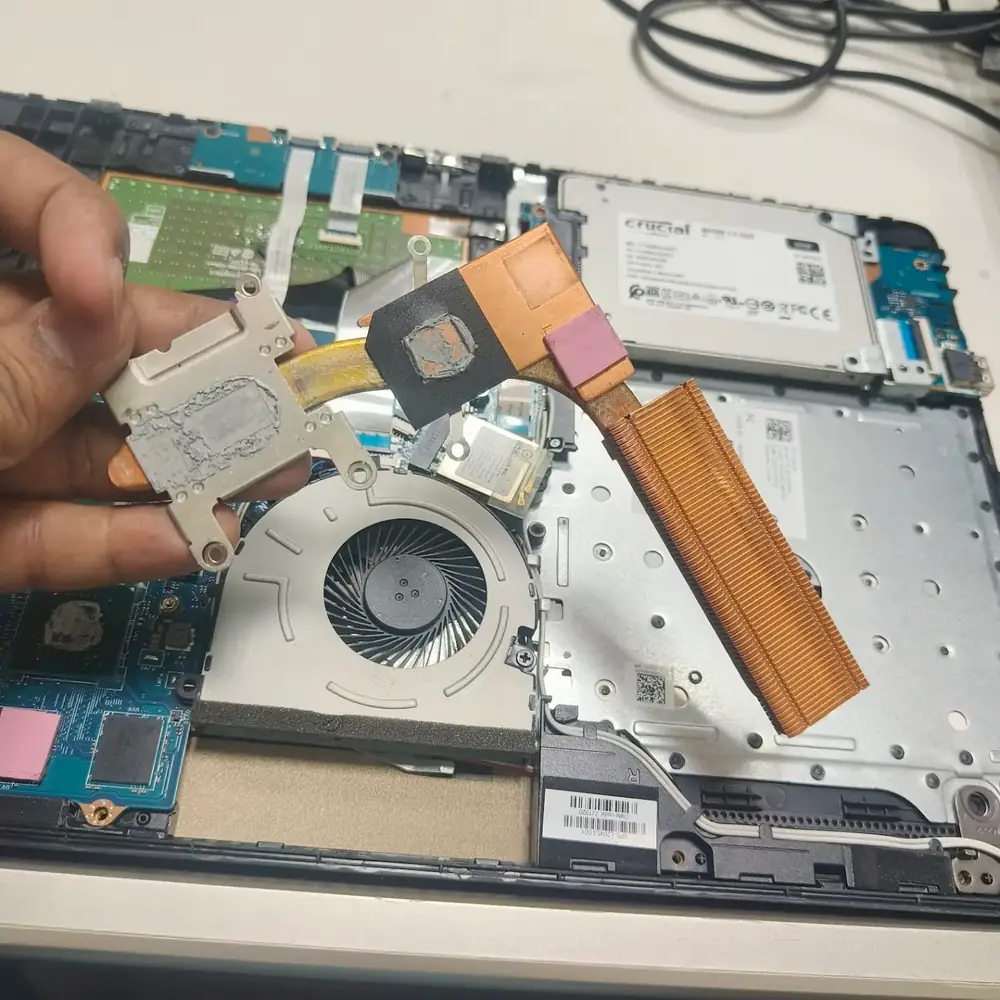
A copper heatsink with dried, degraded thermal paste — a common cause of reduced heat transfer.
Contact KCROC
Send us your laptop model and the symptoms you're seeing — heat, noise, FPS drops or shutdowns — over WhatsApp for a free initial assessment.
Free Pickup
We collect your laptop anywhere in Kuwait according to our standard pickup policy, at no extra cost.
Initial Inspection
A technician evaluates the reported thermal symptoms and the general condition of the cooling system before any disassembly begins.
Controlled Disassembly
The laptop is opened using the correct procedure for its specific model to avoid damaging clips, cables and antennas.
Deep Internal Cleaning
Fans, heatsink fins, vents and accessible cooling paths are cleaned of accumulated dust and debris.
Thermal Service
Thermal paste is replaced, and thermal pads or other interface materials are inspected and replaced where required for the specific model.
Reassembly & Testing
The laptop is carefully reassembled, connectors are verified, and CPU/GPU behaviour is tested under load.
Return
Once we've confirmed the system boots correctly and operates normally, the laptop is returned to you.
What We Check
- CPU temperature under sustained load
- GPU temperature under sustained load
- GPU hotspot temperature where supported
- Fan behaviour and ramp response
- System behaviour during a sustained workload test
- Indicators of thermal throttling
- General system stability after reassembly
- Boot and normal operation verification
Frequently Asked Questions
Related Repair Resources
Explore the closest repair services, troubleshooting pages, brand specialists and practical guides for this type of fault.
Troubleshooting pages
Brand specialists
Where We Handle This Repair
These are the Kuwait service areas most directly connected to this repair type. Pickup is arranged through KCROC rather than requiring a walk-in visit.
Service Areas in Kuwait
Ready to fix your device?
Our technicians are ready to trace the fault. Send us your symptoms via WhatsApp for a fast, free estimate.