
Computer Freezing or Randomly Crashing
The mouse and keyboard stop responding, the screen locks up completely, or the computer suddenly restarts or shuts off on its own — with no blue screen or error message, just a sudden freeze or reboot.
Safe troubleshooting
What to check before opening the laptop
Root causes
Common reasons a laptop has no power
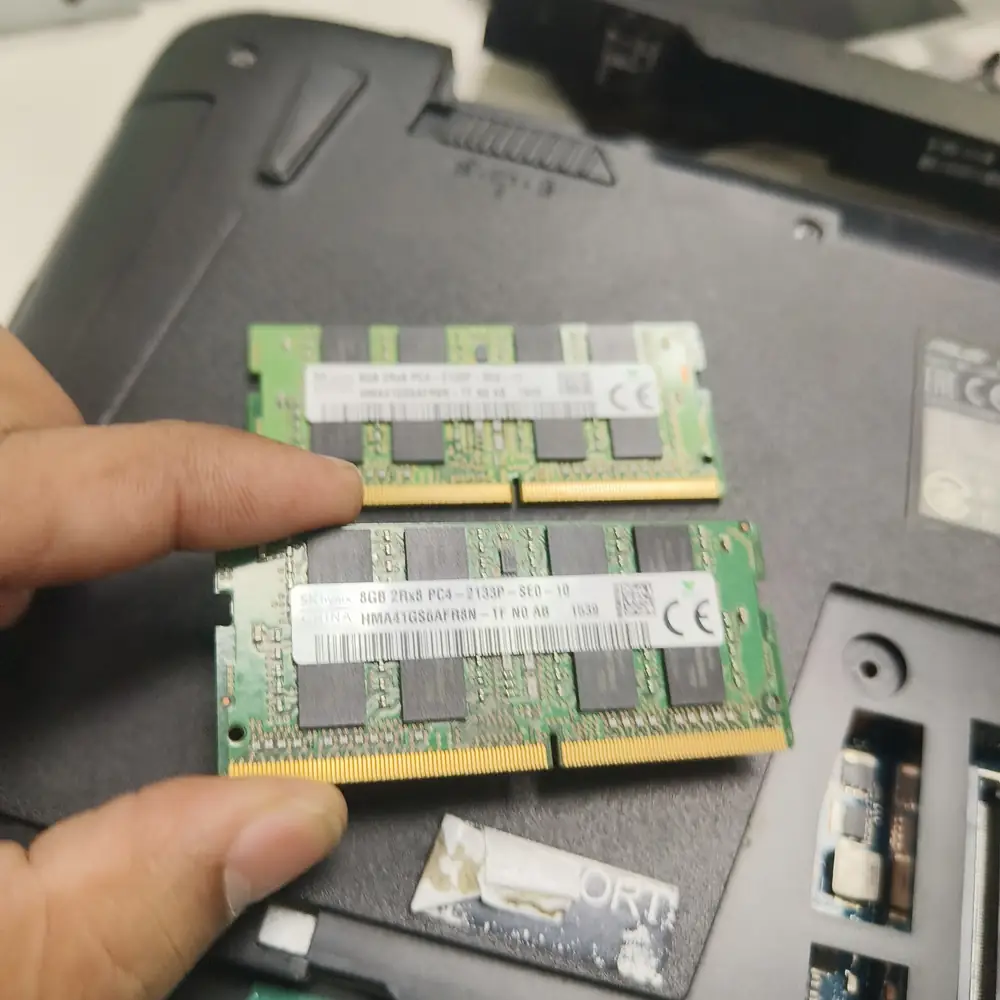
Comparing RAM modules during a stress test — failing memory is one of the most common causes of random freezes.
What NOT to do
Do not keep force-restarting and continuing to use the machine as normal — a laptop that shuts itself off from heat will keep doing so at progressively lower temperatures as thermal paste and components degrade further.
The KCROC approach
Diagnose first. Repair the failed stage.
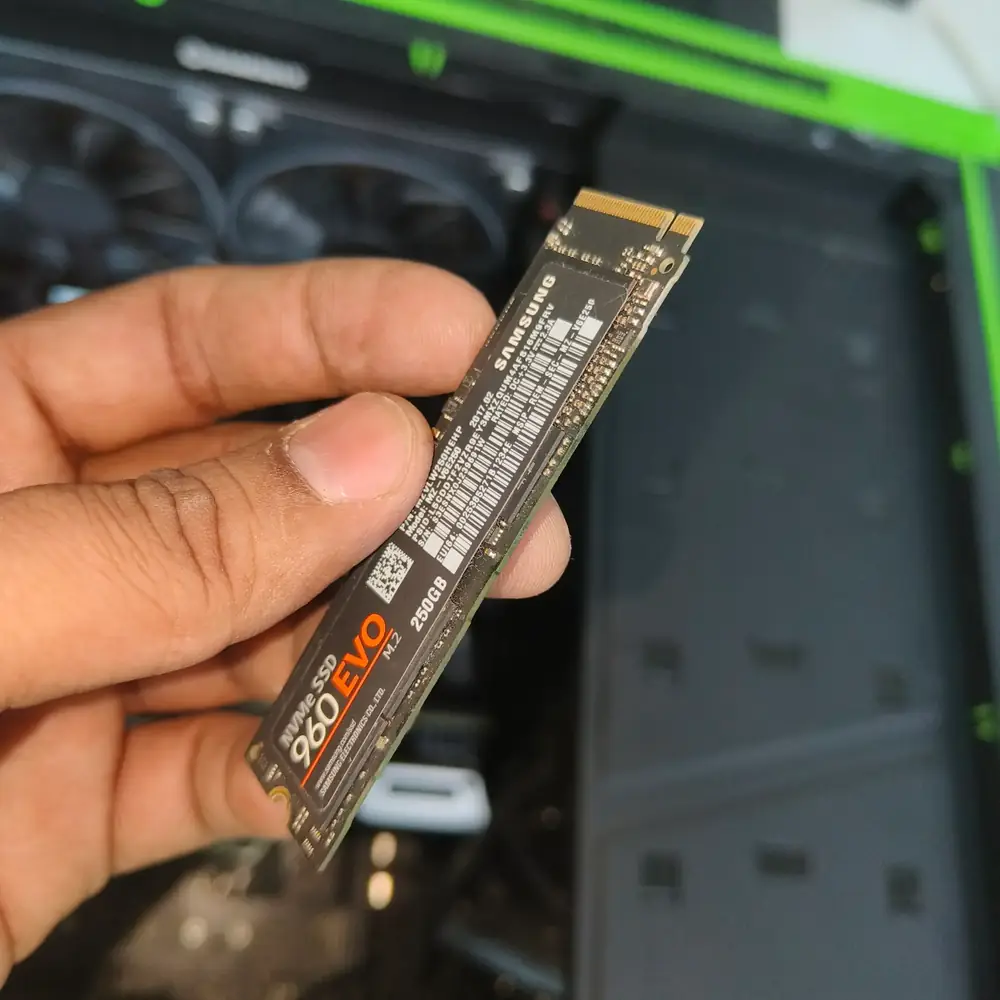
Replacing a drive that was intermittently dropping out under load once it is confirmed as the fault.
We stress-test RAM, monitor CPU/GPU temperatures under sustained load, and check the storage drive and power delivery, since freezing and unexpected shutdowns are almost always one of these four causes rather than a software problem.
Repair services