
Chip-Level Motherboard Repair
We trace the fault to the specific failed component — a MOSFET, a power IC, a corroded trace — and repair it directly, instead of defaulting to a full board swap.
MacBook Air and Pro repair in Kuwait for power, USB-C charging, screen, battery, keyboard and liquid-damage faults, with component-level board diagnostics where repair is viable.
Need MacBook repair in Kuwait? KCROC diagnoses MacBook Air and MacBook Pro faults including no power, USB-C charging problems, liquid damage, black or flickering screens, battery swelling, keyboard and trackpad faults, overheating and boot failures. We check the model, symptom and affected circuit before recommending a component-level repair or a compatible part replacement. Where technically viable, board-level micro-soldering can repair the original logic board rather than automatically replacing the whole board. Diagnostics are free, the quote is approved before paid work, and free pickup and delivery can be arranged across Kuwait. Repairs are completed at our Hawalli lab with a 30-day warranty on covered work; data preservation is a priority but cannot be guaranteed for every damaged device.
Built for: MacBook Air and MacBook Pro owners who need a clear diagnosis and repair options for power, charging, display, battery, keyboard, liquid-damage or logic-board faults.
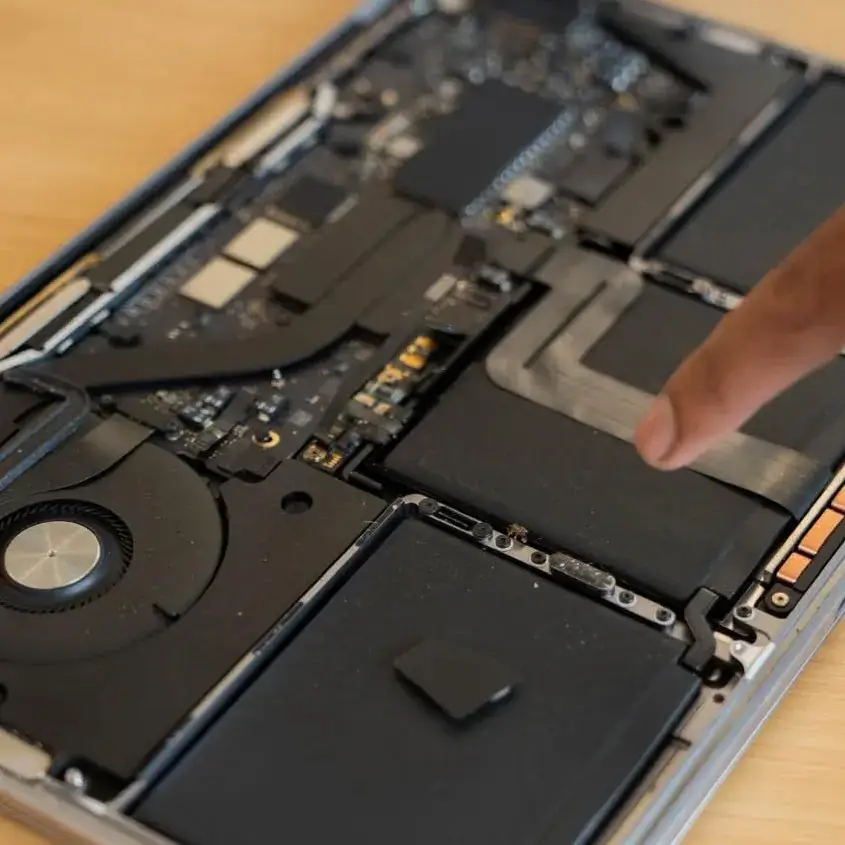
Component-level MacBook logic-board inspection and micro-soldering where the original board is technically repairable.
We trace the fault to the specific failed component — a MOSFET, a power IC, a corroded trace — and repair it directly, instead of defaulting to a full board swap.
When technically feasible, repairing the original logic board may avoid replacing it. We focus on the reported hardware fault, recommend backups where possible, and cannot guarantee data preservation or recovery.
Charging faults can involve the adapter, cable, port, power-negotiation circuitry or other board-level components. We test the relevant path before recommending a repair.
The board is fully stripped and run through an industrial ultrasonic cleaner to remove corrosion at a microscopic level before we assess what, if anything, needs replacing.
Thermal imaging and multimeter tracing happen before you're quoted anything — you know the actual fault, not a guess based on symptoms alone.
All micro-soldering and board work is performed on grounded, static-controlled workstations in our Hawalli lab.
Collected from and returned to your home or office anywhere in Kuwait, at no extra cost.
If we can't repair it after diagnosis, you pay nothing — not even for the diagnostic.
MacBook Air and MacBook Pro symptoms can overlap even when the underlying fault is different. A MacBook that will not power on, a machine that runs but shows a black display, and a laptop that will not negotiate USB-C charging need different diagnostic paths. We identify the exact model and reported symptom before choosing the next tests.
For charging and no-power faults, we inspect the charger and port behaviour and test relevant power circuits. For liquid exposure, the safest first step is to disconnect power and stop trying to turn the device on; repeated testing can worsen electrical damage. For black or flickering screens, we check the display assembly, connection and related circuitry where appropriate before recommending a replacement.
Model identifiers and chip generations help narrow compatible parts, but do not guarantee that a component is in stock or that a specific repair is possible. Free diagnostics and an itemized quote come before paid work. Many routine repairs take around 24–48 hours after diagnosis; complex board faults and parts orders can take longer.
Check the charger, USB-C port behaviour and relevant power circuits before assuming the logic board needs replacement.
Separate possible screen, cable, backlight and board faults before quoting a display assembly.
Power off, unplug it, do not try to restart it, and arrange prompt inspection for corrosion and shorts.
Stop using and charging the device; avoid pressing or puncturing the battery and arrange safe handling.
Test the affected subsystem and its connectors; replace only the part supported by diagnosis.
Compare technical feasibility, cost, part availability and data risk before you approve a repair. Original-board repair can help preserve data access, but cannot guarantee recovery.
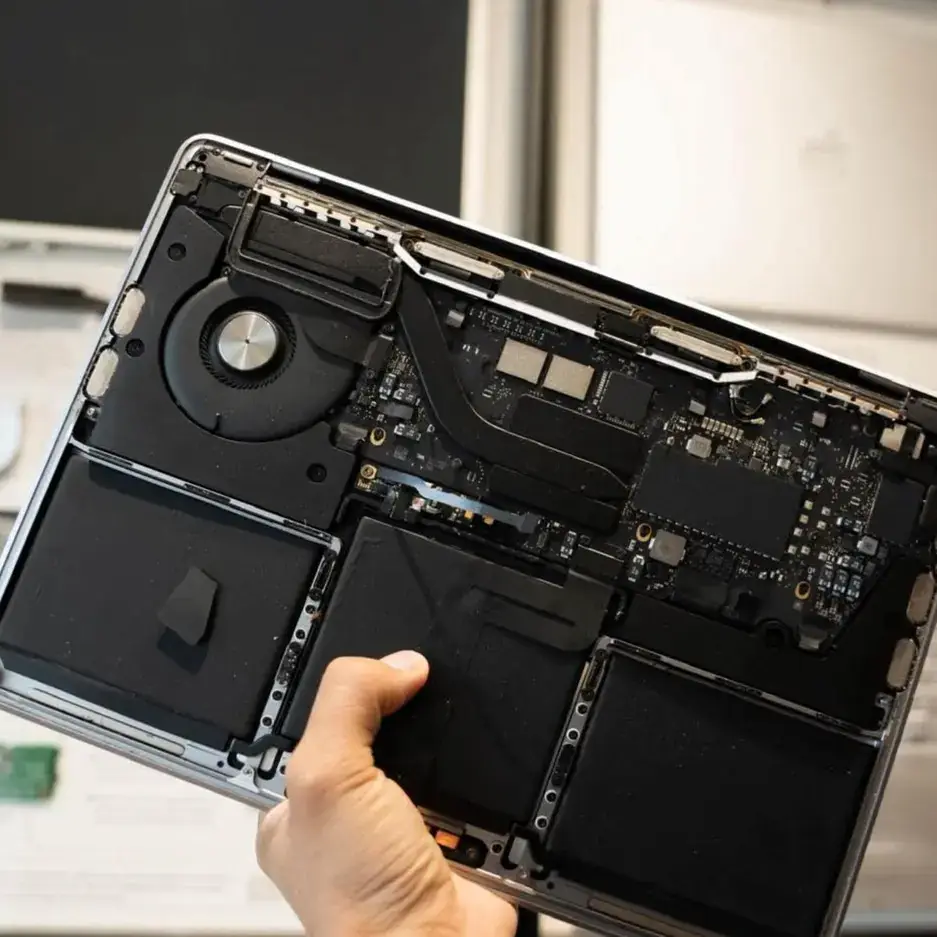
MacBook Air and Pro diagnosis in Kuwait: isolate the power, charging or logic-board fault before choosing a repair.
No response to the power button can have several causes, including the adapter, charging path, battery, power circuitry or logic board. We test the device and trace the fault before deciding whether component-level repair is viable.
Liquid can cause electrical shorts and corrosion, and the extent of damage depends on the liquid, affected area and device condition. Disconnect power, do not try to turn the MacBook back on, and arrange inspection promptly.
If USB-C ports do not charge the MacBook or recognize accessories, possible causes include the charger, cable, port, power-negotiation circuitry or another board fault. Testing helps identify the cause before parts are replaced.
Flickering, lines or a black display can involve the display assembly, connector, backlight path or other hardware, depending on the model. We check the symptom before recommending a screen replacement.
Unresponsive or sticking keys can result from contamination, liquid exposure, the keyboard mechanism, a cable or another fault. The model and symptom determine whether cleaning, a targeted repair or assembly replacement is appropriate.
Trackpad problems may involve settings, the trackpad assembly, its connection, battery swelling or another hardware issue. We check the model and symptoms before recommending repair or replacement.
Can range from a corrupted macOS installation (software-level, no hardware repair needed) to a failing SSD controller or RAM fault on the board. We check software recovery options first before assuming a hardware repair is required.
Unexpected restarts can be caused by software, power, thermal or hardware faults. We check the reported pattern and available diagnostics before deciding whether hardware repair is needed.
Sound problems can be caused by settings, software, speakers, connectors or audio circuitry. A hardware diagnosis can help separate these possibilities when basic checks do not resolve the issue.
Can be a wireless card fault, a damaged antenna connection (common after screen or top-case work by other shops), or a driver-level issue on older macOS installs.
A raised trackpad, bulging case or separating seam can indicate a swollen battery. Stop using and charging the device, do not press or puncture it, and arrange safe professional handling.
Heat or fan noise can relate to workload, airflow, dust, thermal materials, software or hardware. Fan-equipped models can be inspected for cooling issues; fanless models require a different diagnostic approach.
If a MacBook with important data will not start, avoid repeated power attempts after liquid exposure and explain the data priority before repair. Storage architecture varies by model, and a board replacement or severe board damage may affect data access; recovery cannot be guaranteed. KCROC repairs hardware faults and does not provide standalone data recovery.
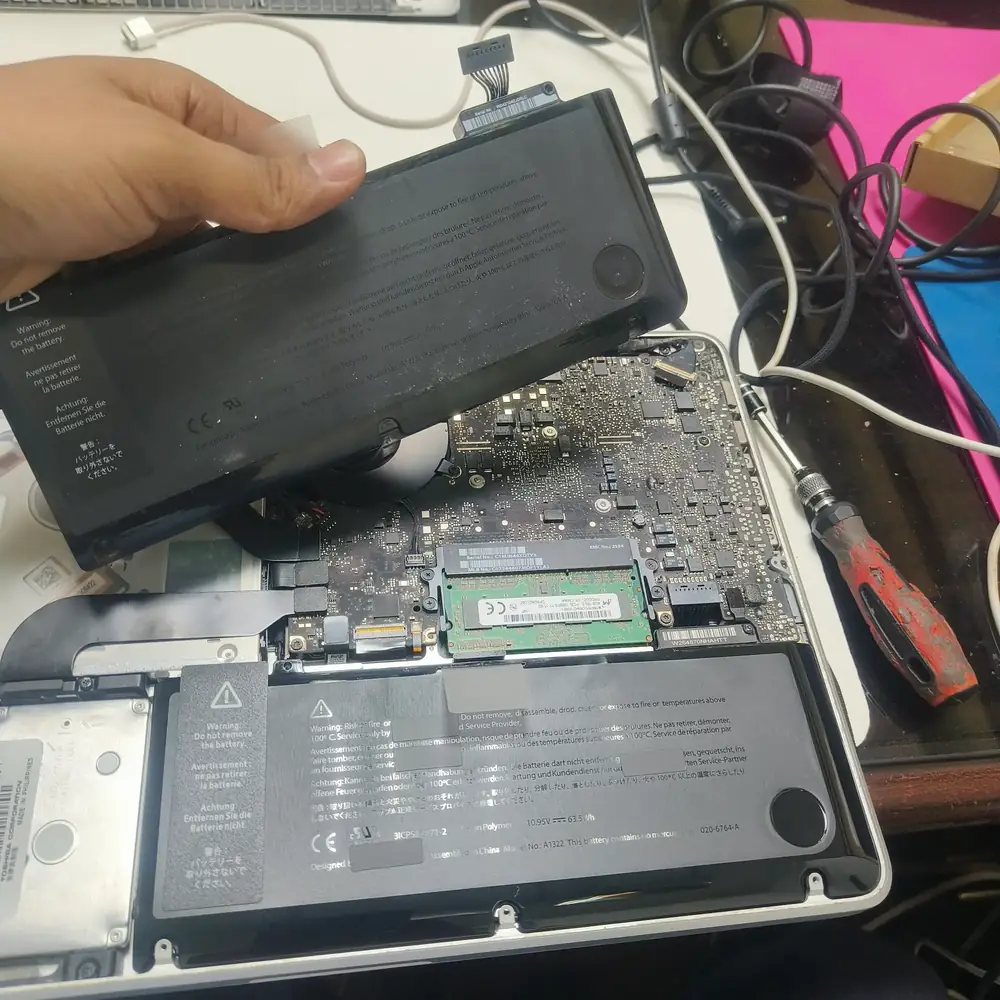
MacBook battery safety inspection: a swollen battery requires careful handling and should not be pressed or charged.
We collect your MacBook from your home or office anywhere in Kuwait.
We trace the fault to the exact component — a shorted MOSFET, a blown power IC, a corroded trace — rather than assuming the whole board needs replacing.
You get a written explanation of what's actually wrong and an itemized quote before any work starts.
The failed component is replaced or the board is ultrasonically cleaned for liquid damage, on grounded, static-controlled workstations.
The board is stress-tested under sustained load to confirm the repair holds before reassembly.
Your MacBook is returned after the agreed checks, with a 30-day warranty on covered repair work. We explain any limitations or unresolved symptoms before return.
Sometimes. A component-level repair may be possible if the fault can be isolated and the board is repairable, but this depends on the exact model, damage and parts. We diagnose first and explain the available options; we cannot promise that every board can be repaired.
Repairing the original logic board can help retain the original hardware, but it does not guarantee that data will survive or remain accessible. Back up important files if possible, explain data concerns before work begins, and understand that severe board damage or board replacement can affect access.
Repairability differs by model and fault. Many Apple Silicon models integrate memory and storage-related components more closely with the logic board, while older Intel models vary in their storage design. The exact model matters, and neither component-level repair nor data recovery is guaranteed.
Yes — Intel MacBooks from 2015 onward alongside M1, M2, and M3 generation Apple Silicon models.
Disconnect the charger and other accessories, shut the device down if you can do so safely, and do not try to restart or charge it. Arrange prompt professional inspection. The outcome depends on the liquid, the affected components and whether electrical damage has occurred.
Sometimes. The cause may be the adapter, cable, port, power-negotiation circuitry or another board fault. We test the charging path and explain whether a targeted repair is practical before quoting.
Initial diagnostics are free. The service page lists a starting price of 25 KWD, but the final quote depends on the exact fault, model, parts and repair method. We provide the quote before paid work begins; comparisons with another provider depend on its specific quote.
Part options depend on the model and the repair. We confirm the proposed part type, compatibility, availability and price before you approve the work. We do not claim Apple authorization or promise genuine Apple parts unless explicitly confirmed for that specific repair.
It depends on the model and mechanism — some generations require top-case-level replacement due to how the keyboard is integrated, while others allow more targeted repair. We confirm which applies to your specific model before quoting.
That depends on the cause of the original heat issue and the repair performed. Where relevant, we test cooling behaviour and explain any remaining thermal concern; no specific temperature outcome can be promised before diagnosis.
Yes, 30 days covering all parts and labor on the repair performed.
Many routine repairs take around 24–48 hours after diagnosis, but board-level faults, liquid damage and parts orders can take longer. We confirm a realistic estimate after inspecting the device and checking part availability.
Open Apple menu > About This Mac if the MacBook starts, or check the small A-number printed on the underside (for example A2337 or A2442). Send the model name and A-number through WhatsApp so we can check the likely repair path. Do not post the serial number publicly.
No. Possible causes include the display assembly, cable or connector, backlight circuit, power or graphics-related faults depending on the model. We test the symptom and related circuits before recommending a screen replacement; the symptom alone is not a confirmed diagnosis.
Yes, we can inspect the display connection and relevant backlight path where the model design allows. Terms such as Flexgate or Dustgate describe particular model-related issues and do not explain every black or flickering screen; we confirm the fault before quoting.
We test display functions supported by the specific model and replacement part. Calibration and feature behaviour vary by generation and component, so we confirm compatibility and do not promise every feature before inspection.
Normal hardware diagnostics focus on the reported fault rather than browsing personal files. Back up important data if possible, tell us about any data concerns before pickup, and never share your account password in a public message. Severe board or liquid damage can still put data at risk.
KCROC has its physical repair lab in Hawalli at Ibn Khaldoun Street, Al Mullah Complex, Basement Shop 19. Salmiya, Kuwait City, Farwaniya, Ahmadi, Jahra and other areas are pickup-and-delivery service areas, not separate walk-in branches.
Explore the closest repair services, troubleshooting pages, brand specialists and practical guides for this type of fault.
صفحة عربية مخصصة لنفس خدمة الإصلاح في الكويت.
Core repair services
Use the main computer repair hub for broader PC and device faults, or the focused laptop repair hub when the device is a laptop.
The main commercial repair hub for desktops, laptops, gaming PCs, MacBooks and motherboard faults. Free pickup and delivery are available across Kuwait.
View computer repair serviceThe focused laptop repair hub for screens, batteries, charging, hinges, overheating, upgrades and motherboard-level faults.
View laptop repair serviceThese are the Kuwait service areas most directly connected to this repair type. Pickup is arranged through KCROC rather than requiring a walk-in visit.
Our technicians are ready to trace the fault. Send us your symptoms via WhatsApp for a fast, free estimate.