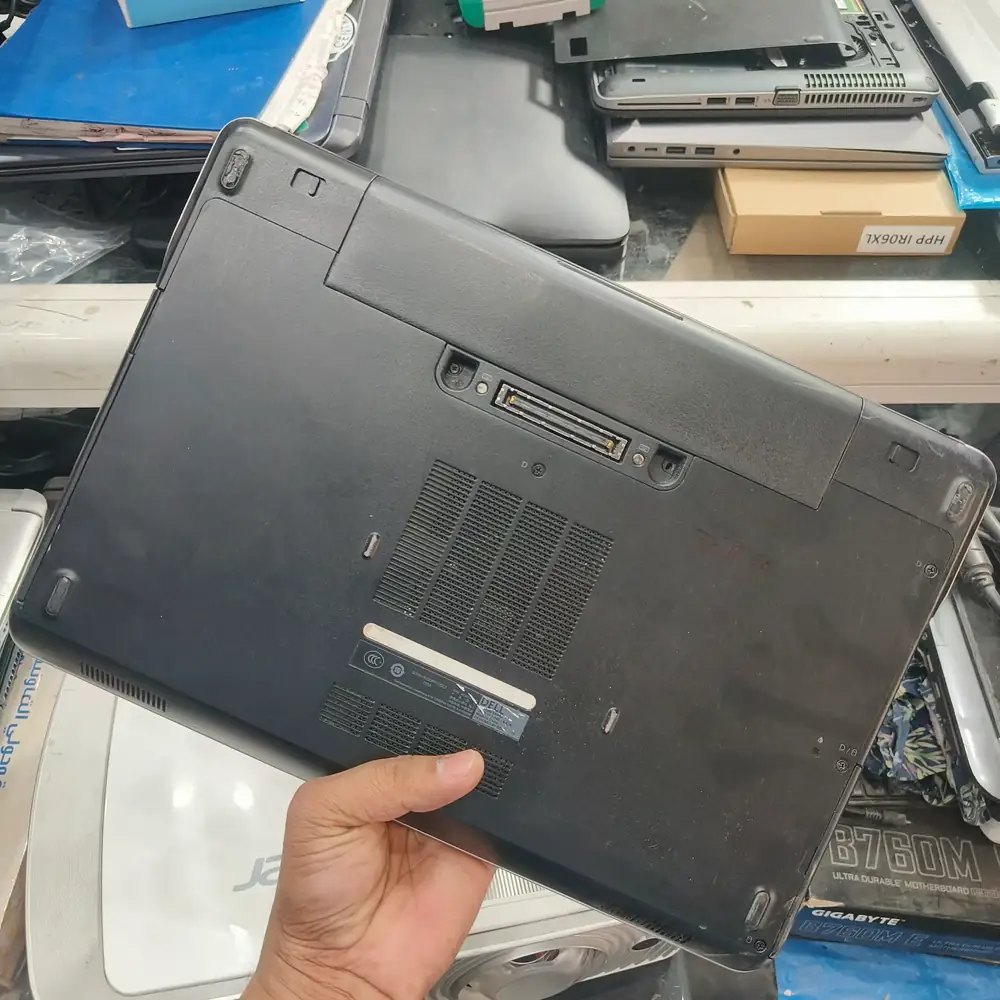
The laptop is completely unresponsive when the power button is pressed. No charging lights illuminate when plugged in, and no fan noise is heard.

Inspecting the chassis and power delivery components on a laptop that won't power on.
Do not repeatedly forcefully press the power button or wiggle the charging cable, as this can cause sparking and further component damage.

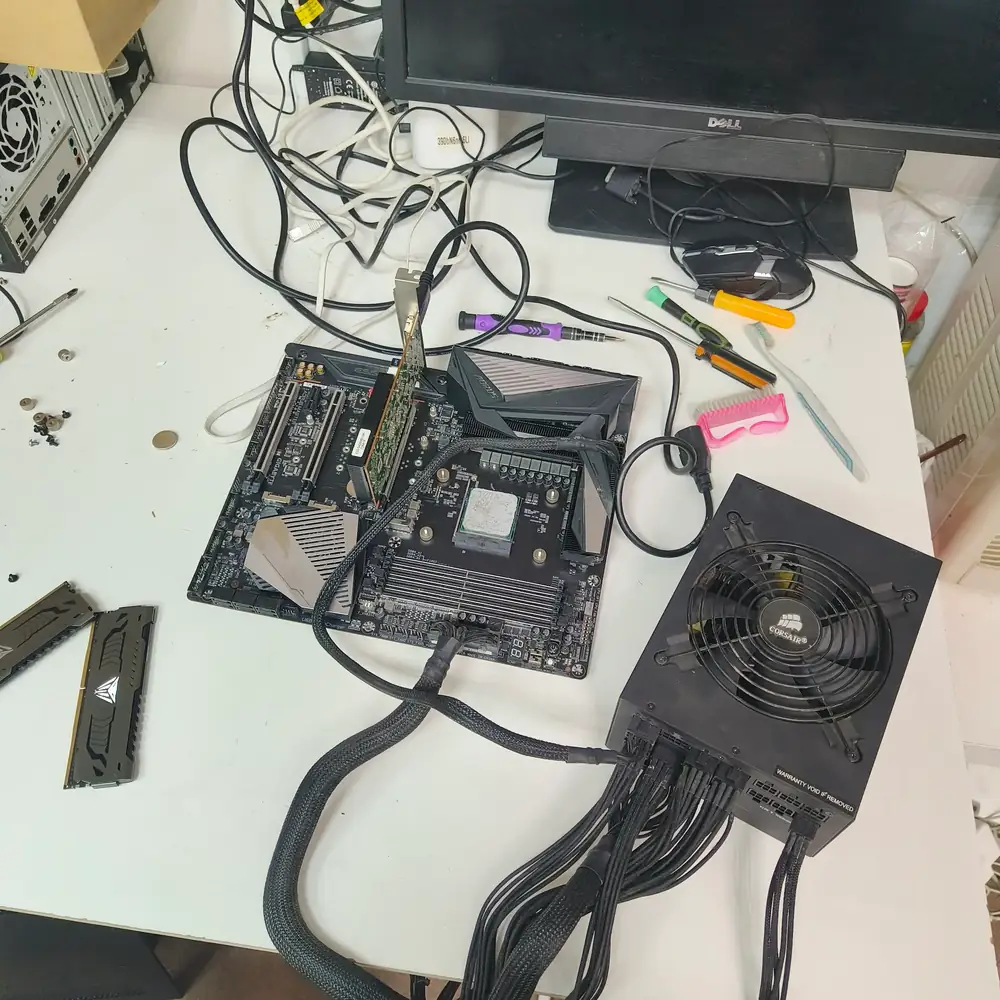
Breadboarding the motherboard outside the chassis to trace the shorted component with a multimeter.
Component-level board diagnosis using a multimeter to trace voltage drops. Usually resolved by replacing a single shorted capacitor or MOSFET.
Book a Free Diagnostic