1
Test on an external monitor
Connect an external monitor or TV via HDMI/USB-C. If a picture appears there, the fault is likely the internal panel, its cable or the backlight — not the GPU or motherboard.
You press the power button, the keyboard lights up, and you can hear the fans spinning, but the screen remains completely black. Connecting to an external monitor might sometimes show a picture.
A black screen with the fans running and lights on is one of the most confusing laptop faults, because it means the laptop is powering up — the fault is somewhere between the power-on stage and the point where an image should appear. That could be RAM, the display panel, the video cable, the GPU or the firmware. This page walks through the checks that narrow that list before any parts are opened or replaced.
Start here
People often use the same phrase for a dead laptop, a black screen and a Windows boot failure. Choosing the correct path prevents unnecessary parts replacement.
External monitor shows a picture, internal screen stays black
Points to the internal panel, backlight fuse or display cable rather than the GPU or motherboard logic.
No image on external monitor either, but lights/fans are on
Points toward RAM, GPU or motherboard-level POST failure. Try the single-RAM-stick test before assuming a board fault.
See technician diagnosisBlack screen appeared right after a BIOS/firmware update
This is a firmware recovery case, not a typical black-screen fault. See the BIOS & UEFI recovery guide.
BIOS & UEFI recovery guideNo lights, no fan, completely unresponsive
This is not a black-screen case — it is a true no-power fault. Follow the no-power diagnostic path instead.
Laptop won't turn on problemSafe troubleshooting
Connect an external monitor or TV via HDMI/USB-C. If a picture appears there, the fault is likely the internal panel, its cable or the backlight — not the GPU or motherboard.
Shine a flashlight closely at the screen at an angle in a dark room. A very faint, dim image usually means a backlight fault (the screen is technically working); no image at all points elsewhere.
Some laptops emit a beep pattern when RAM or the display path fails during startup. Note the pattern and check the manufacturer's beep-code reference if present.
On laptops with accessible RAM, if there are two modules, try booting with only one installed at a time — a failed or poorly seated stick is a common and inexpensive cause of a black screen.
Press the power button briefly and wait, and try the keyboard backlight or caps-lock key to see if the system responds — occasionally a stuck sleep state or corrupted display driver looks identical to a hardware fault.
If the black screen appeared right after a firmware/BIOS update, treat it as a firmware recovery case rather than a display fault — do not repeatedly power-cycle the laptop.
Root causes
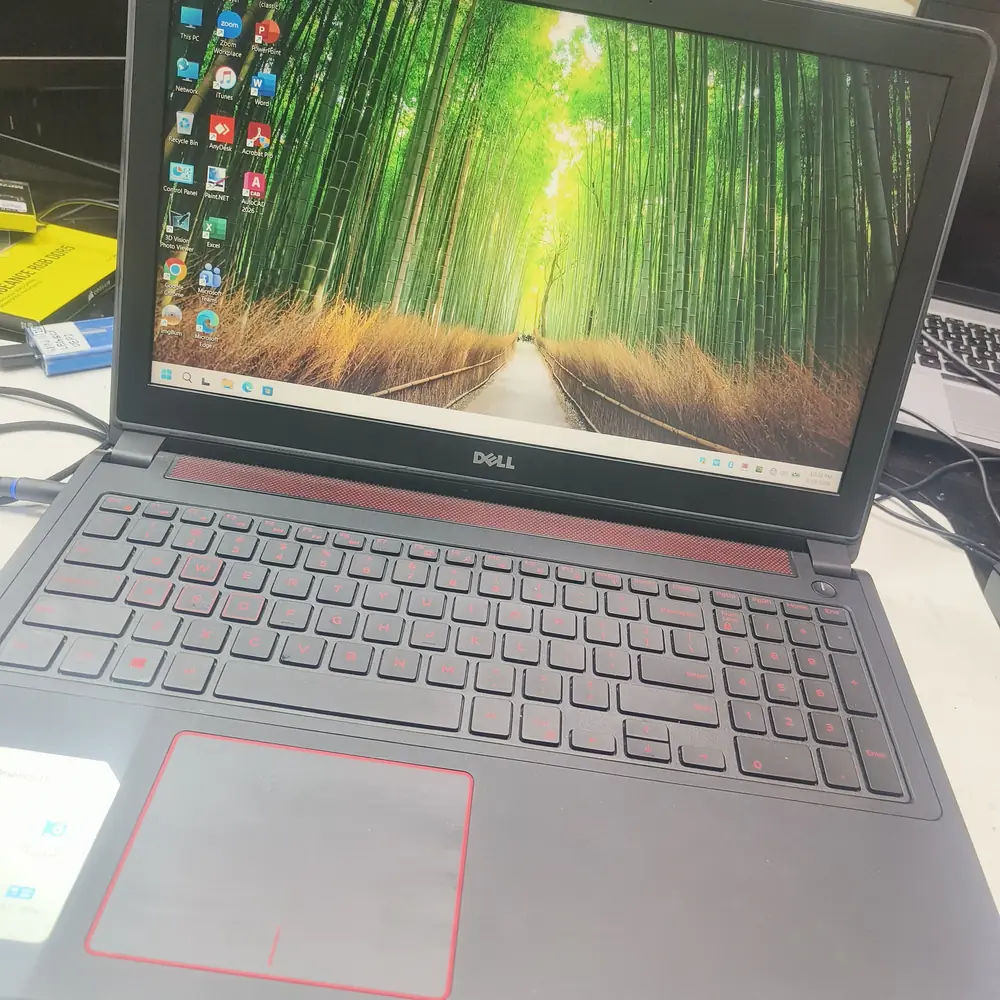
Laptop display hardware during screen-failure diagnosis and repair.
Do not repeatedly force-restart the laptop by holding the power button. If the BIOS is trying to recover or update, force-restarting will brick the motherboard permanently.
Local expertise
Heat and dust exposure common in Kuwait can accelerate connector and cable wear at the hinge, which is one of the more common causes of an intermittent or permanent black screen over a laptop's lifetime.
Voltage fluctuations during power outages, which occur periodically in parts of Kuwait, can occasionally coincide with firmware corruption — if the black screen started right after a power interruption, mention this during diagnosis.
KCROC keeps common backlight fuses, display cables and panels for major brands in stock at the Hawalli lab to shorten turnaround on this specific fault.
Inside the lab
When the external power path checks out but the laptop remains dead, the useful question is where power stops progressing through the board—not which expensive part to replace first.
We confirm whether the system POSTs correctly and outputs to an external display before opening the chassis, isolating the panel/cable from the motherboard/GPU path.
RAM modules are tested individually and reseated or swapped to rule out a seating or module failure.
Using boardview schematics, we test the backlight fuse and related circuit for continuity — a common, relatively low-cost point of failure.
The internal video/eDP cable and connector are inspected for damage, pinched routing or a loose connection at the hinge.
Where the fault is not explained by the above, GPU-level testing and firmware/BIOS verification (including reflashing where appropriate) are used to isolate the remaining possibilities.
The confirmed component (fuse, cable, panel or chip-level fault) is repaired or replaced, then the laptop is run through a full display and stability test before return.
The KCROC approach
We first test RAM and external outputs. If it is a motherboard issue, we use boardview schematics to locate and replace the blown backlight fuse or reflash the BIOS chip directly.
The diagnostic approach applies across major laptop designs; the exact hardware path varies by model.
Repair services
Questions customers ask
Not necessarily. It can be RAM, the display panel, the backlight fuse, the display cable, the GPU or firmware. An external-monitor test is the fastest way to narrow it down before assuming the motherboard is at fault.
Yes. Many laptops will not display anything, not even a manufacturer logo, if the installed RAM is faulty or poorly seated. This is one of the most common and least expensive causes of this symptom.
It is a small protective component on the motherboard that can fail due to a power surge, physical damage or age. When it blows, the screen usually still works but produces no visible light, which can look identical to a fully dead display.
This is not recommended without the correct equipment and file for your exact model. An incorrect or interrupted flash can turn a recoverable issue into a laptop that will not power on at all.
It strongly suggests the fault is isolated to the internal display path (panel, cable or backlight) rather than the motherboard or GPU, but a technician inspection is still needed to confirm the exact component.
Simple cases like RAM reseating or a backlight fuse replacement can often be completed the same day. Panel replacements or firmware recovery cases may take 1-2 days depending on parts availability.