
ROG & TUF Gaming
High-performance ASUS systems where thermal, power and display faults often need model-specific diagnosis.
ROG StrixROG ZephyrusTUF Gaming
Repair focus
Thermal service · GPU/power · Motherboard · Display
ASUS ROG, TUF, ZenBook and VivoBook laptops can develop cooling, charging, display, battery and motherboard faults. KCROC checks the exact model and cooling design before selecting thermal materials, component-level repair or compatible replacement parts.
KCROC is an independent repair provider, not an official ASUS service centre. We offer an independent repair option for out-of-warranty devices and for customers who choose non-OEM repair. Check the manufacturer's warranty terms before proceeding if coverage may still apply.
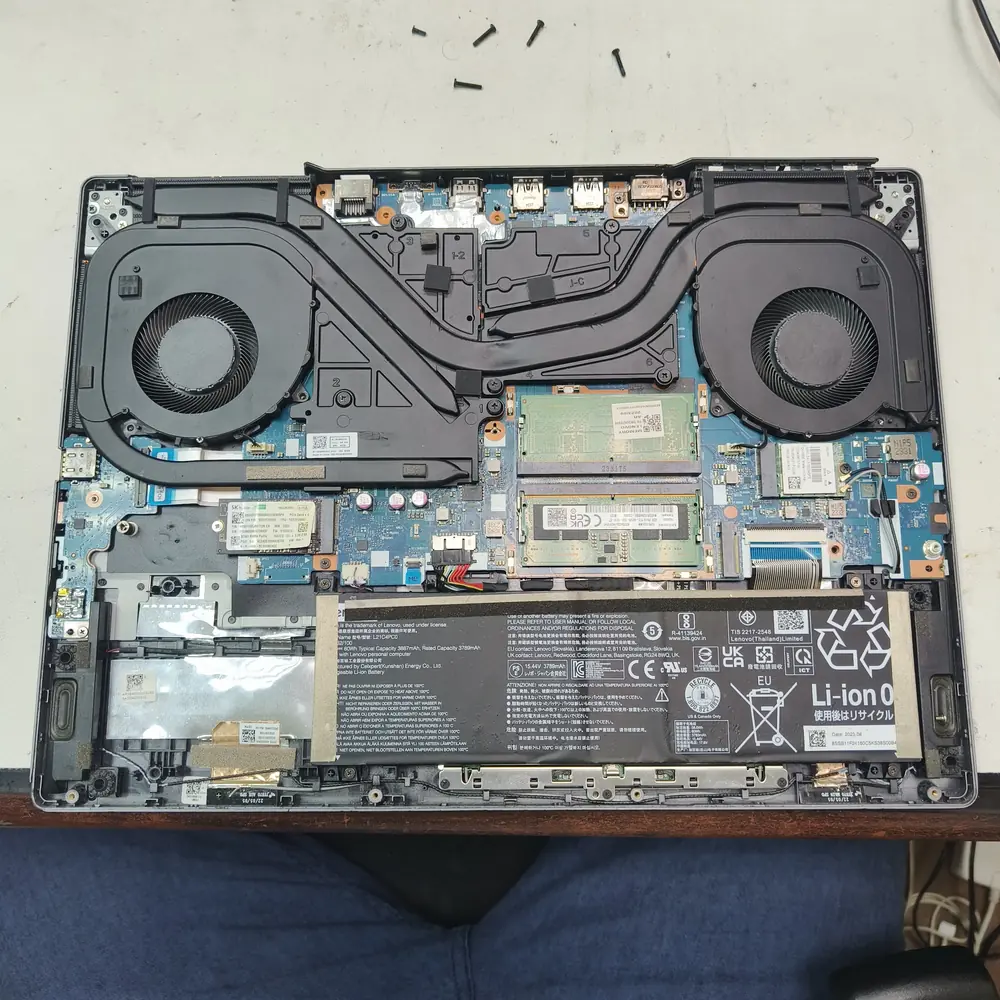
ASUS portfolio
Different ASUS families use different chassis, thermal, charging and board designs. This page covers the major families without creating duplicate pages for every model.
High-performance ASUS systems where thermal, power and display faults often need model-specific diagnosis.
Repair focus
Thermal service · GPU/power · Motherboard · Display
Thin and everyday ASUS laptops with charging, display, battery and board-level repair needs.
Repair focus
Charging · Battery · Screen · Motherboard
Repair coverage
We diagnose the symptom first, then follow the appropriate repair path. The links below point to KCROC's existing problem entities rather than creating thin, duplicate ASUS problem pages.
ROG and other gaming laptops can run hot due to workload, restricted airflow, fan faults, power settings or thermal-interface condition. We check temperatures and inspect the cooling path before recommending liquid-metal or thermal-paste service.
View diagnosis guideA no-power fault may involve the adapter, input circuit, charging IC or other board components. Test the power path before selecting a repair.
View diagnosis guideCheck device-side settings, drivers, antenna connections and wireless hardware first. A replacement card is considered only if the fault is confirmed and the exact laptop supports it; this is not a router or network repair service.
Screen flickering can involve the panel, cable, connector or board; inspect the display path and hinge area as appropriate.
View diagnosis guideDiagnosis before replacement
A no-power, charging or intermittent fault can originate in a particular circuit or component. KCROC tests the hardware first and recommends the repair path supported by the diagnosis. Where technically practical, that can mean repairing the failed component rather than replacing the entire board.
A complete motherboard replacement can still be the right answer when the board is not economically or technically repairable. The important step is diagnosing the actual fault before deciding.
Related KCROC services
Component-level laptop diagnostics, micro-soldering and hardware restoration — free pickup across Kuwait, a clear quote before paid work and a 30-day warranty.
Explore serviceGaming laptop repair in Kuwait for overheating, FPS drops, black screens, power and charging faults.
Explore serviceProfessional internal cleaning, thermal-interface service and cooling-system testing for gaming laptops running hot, loud or slower than they used to.
Explore serviceLaptop, desktop, and MacBook motherboard repair for power, charging, and component-level board faults where repair is suitable.
Explore serviceWindows laptop screen repair and replacement in Kuwait. Cracked LCD, IPS, OLED and touch displays: we check the panel, cable and backlight first. Screen fitting labour from 30 KWD plus the compatible panel.
Explore serviceStructural hinge, bezel, lid, and chassis repair for laptops before a stiff hinge turns into screen or cable damage.
Explore serviceWindows laptop battery testing and replacement in Kuwait. We check battery health and the charging path, then confirm exact model compatibility and part availability before quoting.
Explore serviceLaptop DC jack, rectangular Slim-Tip and USB-C charging-port repair in Kuwait, with connector replacement, micro-soldering and board-level power diagnostics.
Explore serviceRepair workflow
We confirm the exact model and whether the symptom is thermal, power, charging, display or motherboard related.
High-load systems are assessed for fan, thermal-interface, power and board behaviour.
We quote the required work before repair.
Relevant temperatures, charging, display and stability functions are verified.
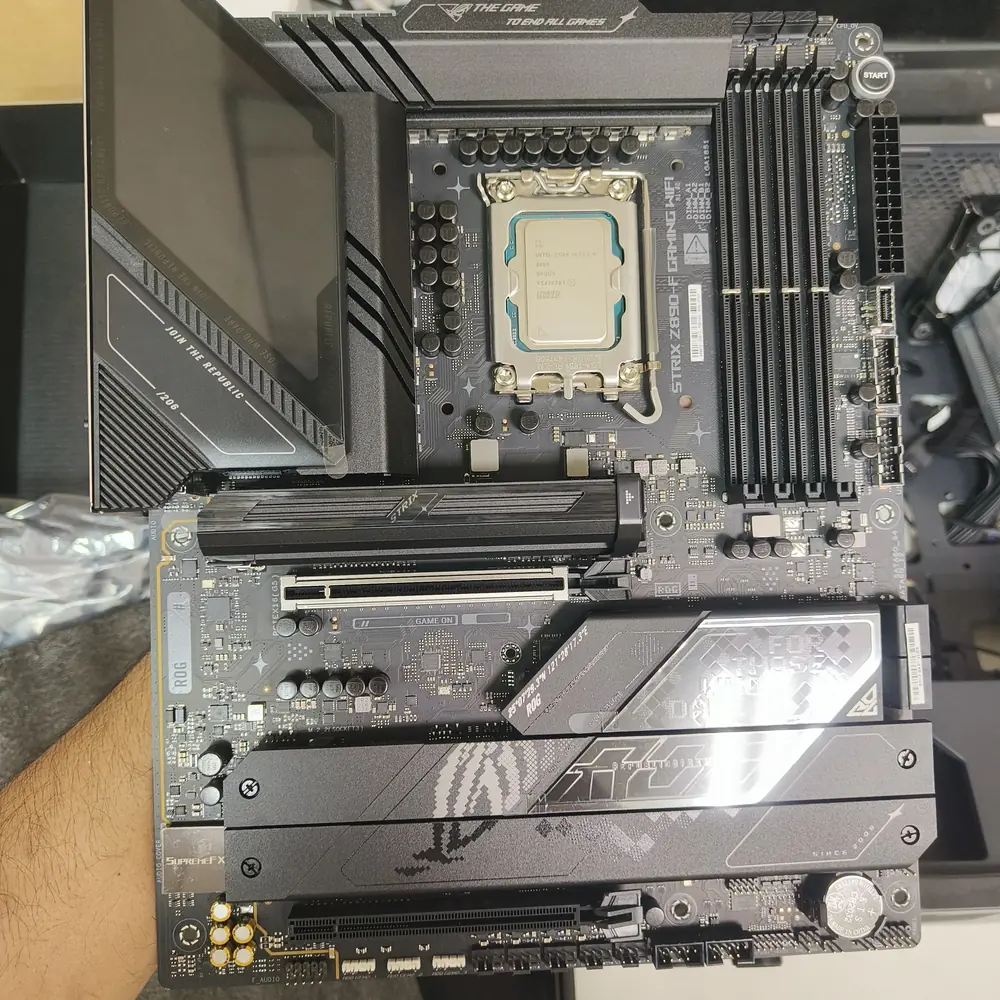
KCROC's repair content is built around the actual hardware, symptoms and diagnostic path rather than generic brand descriptions.
View repair galleryQuestions
The cost depends on the ASUS model and the fault found. KCROC diagnoses first and quotes the repair path before work.
On compatible models, yes. The cooling design is checked first because liquid metal is not suitable for every laptop.
Yes. Pickup and delivery are available across Kuwait.
A dead board can be diagnosed at component level when practical, rather than automatically assuming a full motherboard replacement is required.
Brand-specific repair is available through KCROC pickup and delivery. Use the local page that matches your area, then send the model and symptoms to a technician.
KCROC provides pickup and delivery service across Kuwait. If your ASUS has a power, charging, screen, hinge, thermal, battery or motherboard problem, start with the symptom and model; the repair path can then be determined from the diagnosis.
Core repair services
For ASUS faults, use the focused laptop repair hub for the main repair path or the broader computer repair hub for desktop and other PC needs.
The main commercial repair hub for desktops, laptops, gaming PCs, MacBooks and motherboard faults. Free pickup and delivery are available across Kuwait.
View computer repair serviceThe focused laptop repair hub for screens, batteries, charging, hinges, overheating, upgrades and motherboard-level faults.
View laptop repair serviceTell us the ASUS model and what it is doing. KCROC can diagnose the fault first, explain the repair path and quote before repair work begins.