
Gaming-specific diagnostics
We test the components that fail under sustained gaming load instead of treating every performance problem as a Windows issue.
Gaming laptop repair in Kuwait for overheating, FPS drops, black screens, power and charging faults.
KCROC diagnoses and repairs gaming laptops in Kuwait. We start with a free diagnosis at our Hawalli workshop, trace the fault across cooling, power delivery, display, memory, firmware and the motherboard, and send you a written quote before any paid work. We work on ASUS ROG/TUF, Lenovo Legion, MSI, Acer Predator, HP OMEN, Dell G Series/Alienware and Razer Blade models. Free pickup and delivery across Kuwait, and every repair is tested under load before it comes back to you.
Built for: Gamers, streamers, students and professionals whose gaming laptop runs hot, loses FPS, shuts down, shows no display, fails to charge or crashes.
Free diagnosis. Charging-port repair: 20–35 KWD. Screen replacement labour: from 30 KWD plus the panel. Final pricing depends on model, confirmed fault and compatible parts; we provide a written quote before paid work.
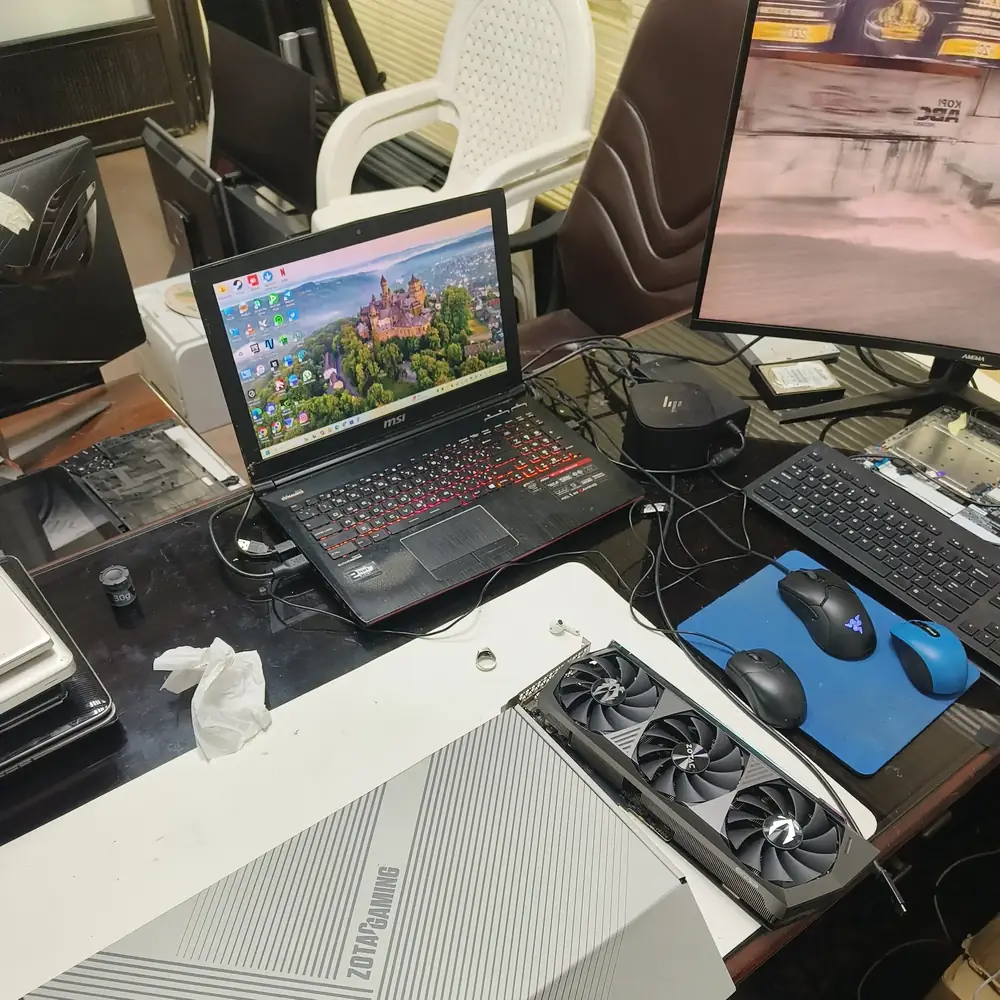
Gaming laptop hardware on the KCROC diagnostic bench.
Start with your symptom
Choose the closest symptom. Each path explains likely causes, safe checks and when a proper diagnosis is more useful than guessing or replacing parts.
Loud fans, high temperatures or performance that drops after a few minutes of play.
The laptop powers on but the screen stays black.
No lights, no fans, or a laptop that will not start.
Plugged in but the battery will not charge, or charging cuts in and out.
Random restarts, freezes or crashes during games.
A stiff, loose or cracked hinge that strains the screen and chassis.
We test the components that fail under sustained gaming load instead of treating every performance problem as a Windows issue.
High temperatures and power faults can produce similar symptoms, so we measure both before recommending an expensive replacement.
Gaming laptops have less thermal headroom here, so sustained-load cooling behaviour is part of every diagnosis.
When a board-level fault is technically repairable, we explain that option before defaulting to a complete motherboard replacement.
We collect and return your laptop anywhere in Kuwait at no extra cost. The repair itself is done at our Hawalli workshop.
You receive the diagnosis and a written quote before paid work begins. If we cannot repair it, you do not pay, under our service terms.
A gaming laptop packs a high-power CPU and GPU into a thin chassis, so heat and power problems often look alike. A frame-rate drop can be thermal throttling, a worn fan, a power-limit problem or a failing component; a black screen can be the panel, the cable, the GPU, memory or the board.
We reproduce the symptom, then read temperatures, clocks, power delivery and memory behaviour under load. Kuwait’s heat leaves less thermal headroom, so sustained-load cooling is part of every diagnosis. You receive the findings and a written quote before any paid work begins.
We measure CPU and GPU temperatures and clocks first, then inspect the fans, heatsink and thermal interfaces.
We separate the panel, display cable, GPU, memory and firmware before recommending display hardware.
We test the adapter, charging input, battery, power rails and firmware in order before quoting.
We isolate the adapter, DC-in or USB-C path, battery and charging circuit before choosing a part.
We assess component-level repair before defaulting to a full motherboard replacement.
At our ESD-safe Hawalli workshop (Al Mullah Complex, Basement Shop 19), we use model-specific measurements to separate a cooling issue from a power, GPU, display or board fault. These are diagnostic and repair paths—not a promise that every model supports every material or that every component can be repaired.
We inspect the factory cooling design, heatsink contact, fan operation and existing thermal interface. Where compatible, the service may use Honeywell PTM7950 phase-change material, careful maintenance of a factory liquid-metal interface, or model-appropriate VRAM/VRM thermal putty. We do not apply one material universally; the laptop design and measurements determine the safe choice.
For no-power symptoms, unexpected adapter shutdown or abnormal current draw, we inspect the adapter/input path and relevant power rails, MOSFETs, DrMOS stages, capacitors and controller circuits. Measurements and thermal imaging can help locate a fault when suitable. Component-level repair is offered only where board condition and test findings support a viable repair.
We assess charging paths used by gaming laptops with adapters in ranges such as 180W, 230W, 280W and 330W. We inspect barrel DC jacks, Lenovo Slim-Tip connectors and USB-C PD only on models that support it, checking the adapter, connector, input pads and charging circuitry before quoting a port or board repair.
We investigate RTX 30/40/50-series and other supported graphics configurations by model, including Error Code 43, VIDEO_TDR_FAILURE (nvlddmkm.sys), artifacting, MUX/Advanced Optimus display switching and black-screen symptoms. These symptoms can originate in software, firmware, memory, power or the display path; tests determine the next step instead of assuming the GPU chip is defective.
We identify the original panel and check compatible eDP connector layout (including 30-pin or 40-pin designs), resolution, refresh rate, OLED option, cable and backlight path. Options such as 144Hz, 165Hz, 240Hz or higher-refresh panels are model-dependent and subject to compatible part availability. We confirm the exact panel and total price before ordering.
These are examples of diagnostic paths—not claims that every model has a known defect. Hardware revisions vary within each family, so we verify the exact model and symptoms before identifying a fault or ordering parts.
| Gaming laptop family | Example models | Fault paths we assess |
|---|---|---|
| ASUS ROG / TUF Gaming | Strix G15/G16/G18, Scar, Zephyrus G14/G16, Flow, TUF A15/F15 | Check liquid-metal contact only on designs that use it, CPU/GPU temperature spikes, adapter/input power, MUX or display-switching symptoms, fans and keyboard/RGB ribbon connections when symptoms point there. |
| Lenovo Legion / LOQ | Legion 5, 5 Pro, 7, Slim, Pro 7i and LOQ families | Assess supported high-wattage adapter and Slim-Tip input, connector looseness or heat, adapter recognition, no-power/charging symptoms and eDP/display-cable faults. |
| MSI Gaming | Raider GE, Stealth GS, Vector GP, Katana, Thin GF and Cyborg families | Inspect hinge mounts and chassis, fan bearings, display-cable movement, charging input and power rails according to the individual model and damage. |
| Acer Predator / Nitro | Predator Helios/Triton and Nitro 5/Nitro V families | Check thermal interface and fans, charging interruption under load, input/charging circuitry and GPU/VRAM stability before recommending parts. |
| HP OMEN / Victus | OMEN 16/17 and Victus 15/16 families | Assess heat-related sleep/resume or no-display symptoms, battery condition, hinge/chassis separation, fan operation and power delivery according to model. |
| Dell G Series / Alienware | G15/G16, Alienware m15/m16/m18 and x15/x16 families | Check adapter identification/sense path, input power, BIOS/UEFI state, fan and heatsink assembly, and the model-specific thermal interface. |
| Razer Blade | Blade 14/15/16/17/18 families | Inspect battery condition and any swelling, compact-board power rails, fans and vapor-chamber/heatsink cooling where fitted. |
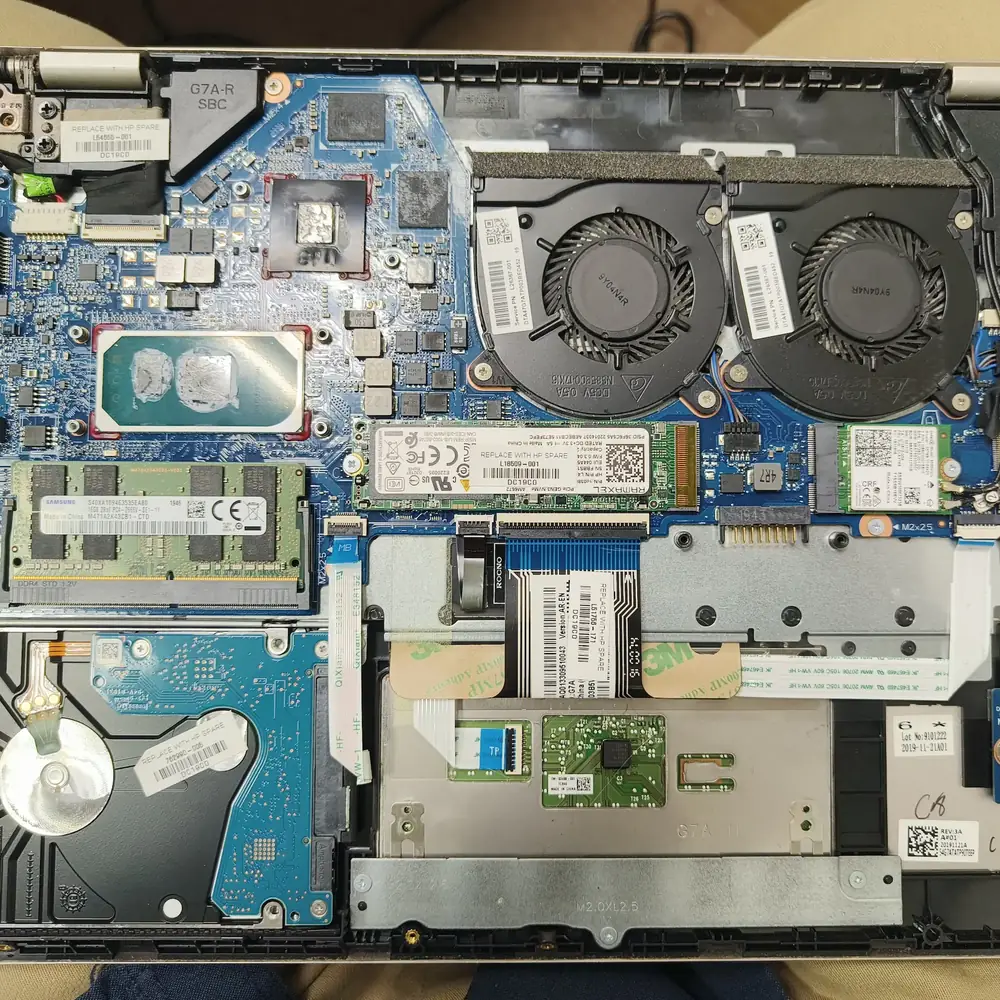
Gaming laptop cooling and motherboard inspection during diagnosis.
Dust, fan wear, blocked heatsinks, a dried thermal interface or high ambient temperature can cut sustained gaming performance. We measure temperatures and clocks under load, then service the part of the cooling path the readings point to.
We separate the panel, display cable, GPU, memory, BIOS and motherboard before replacing display hardware.
We test the adapter, charging input, battery, power rails and firmware in order before quoting a repair.
A common sign of thermal throttling, but not proof of it. We confirm with CPU and GPU temperature and clock readings under load before recommending work.
We separate the adapter, DC-in or USB-C path, battery and charging circuit before any part is replaced.
Overheating protection, a failing battery or charger, unstable memory, or a GPU or board fault can all cause restarts under load. We reproduce the fault and read temperatures and power behaviour before deciding which.
Physical damage to the hinge, keyboard or display is repaired as part of the same service. We check for related cable or board damage before quoting.
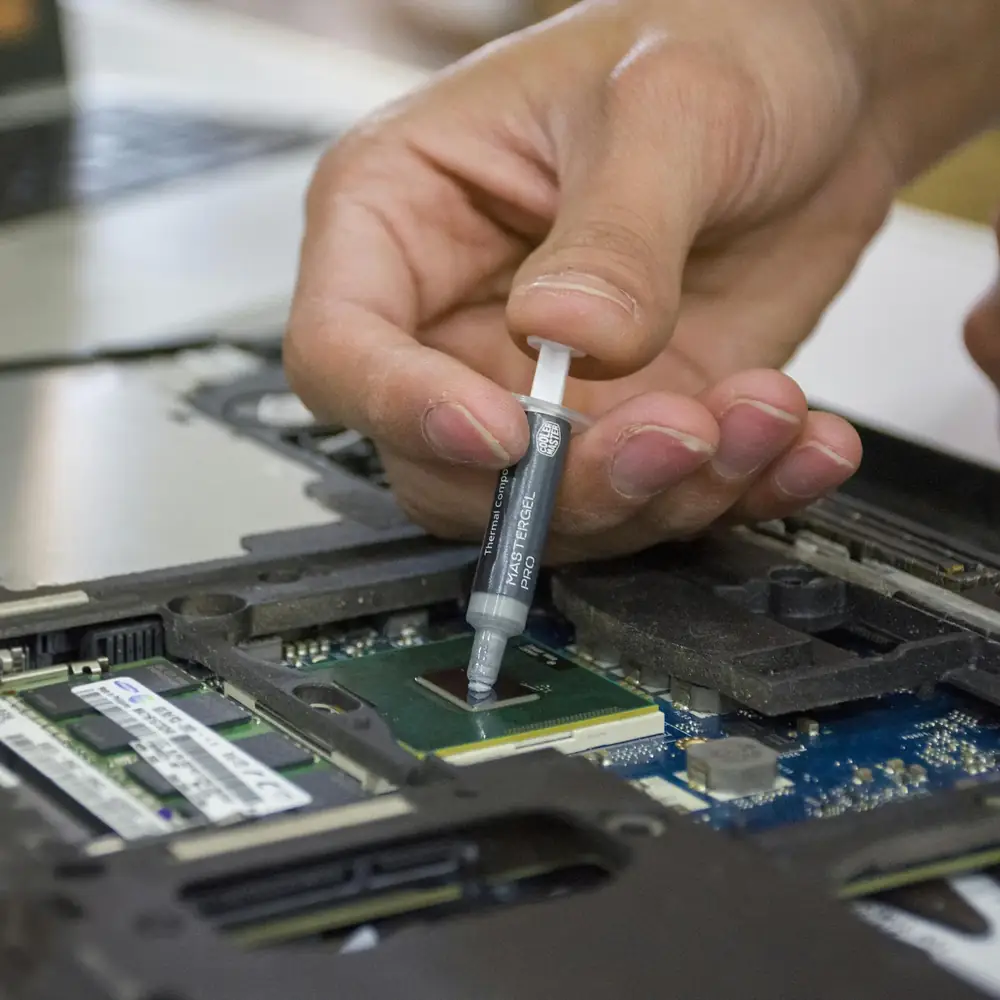
Thermal diagnostics for sustained gaming performance.
We collect your gaming laptop from home or office anywhere in Kuwait and record the exact model and reported symptoms.
We choose thermal, power, display, memory and firmware checks to match the symptoms and read the results under load.
You receive the diagnosis and a written quote before any paid work starts.
We complete the approved repair, then test under the workload relevant to the original fault before delivering the laptop back to you.
Yes. We measure CPU/GPU temperatures and clock behaviour under a suitable sustained load, then check airflow, fan operation, heatsink condition and the existing thermal interface. When the model and cooling design support it, thermal service may use Honeywell PTM7950, manufacturer-style liquid-metal handling, or compatible VRAM/VRM putty. Material choice follows the exact design and findings; the goal is to address the measured cause, not promise a fixed temperature or FPS gain.
Yes. We assess GPU, VRAM, VRM and motherboard symptoms using the exact model and fault history. Windows Error Code 43, VIDEO_TDR_FAILURE, graphical artifacting, no-display and power faults can have several causes, including drivers or firmware as well as hardware. We test the likely path and offer component-level repair when the original board is technically repairable; a chip-level repair or full-board replacement is not assumed before diagnosis.
Initial hardware diagnosis is free. Published guide prices include laptop thermal service at 15–20 KWD, charging-port repair at 20–35 KWD, motherboard component repair at 25–60 KWD, and laptop screen replacement labour from 30 KWD plus the compatible panel. Advanced board work, parts and model-specific display costs can be higher. We confirm the fault and provide a written total quote before any paid work begins.
The listed typical turnaround is usually 24–48 hours after pickup and diagnosis for many common repairs. Complex board faults, additional stress testing, a compatible high-refresh panel or a part that is not locally available can take longer. We confirm the realistic estimate after identifying the model, fault and required parts rather than promising same-day completion in advance.
Yes. Free pickup and return delivery are available across Kuwait, arranged for an agreed time at your home or office. The diagnosis, repair and post-repair testing take place at KCROC’s Hawalli workshop (Ibn Khaldoun Street, Al Mullah Complex, Basement Shop 19); the service areas are not separate walk-in branches.
Yes. We check the adapter and its output, the DC-in or model-supported USB-C Power Delivery path, connector condition, battery and motherboard charging/power circuitry. Gaming adapters can be rated at different wattages—commonly 180W, 230W, 280W or 330W depending on the model—so we verify the device and adapter before deciding whether the fault is the port, cable, adapter, charging controller or an input power component.
Not automatically. We first measure temperatures and clocks and inspect dust, fan operation, heatsink contact and the existing thermal interface. Cleaning or a compatible thermal service may help when measurements point to restricted airflow or degraded interface material. If the cause is a failing fan, power limit, charger, VRM, GPU or firmware problem, a repaste alone will not fix it; we explain the findings before recommending work.
Yes. We diagnose the panel, eDP cable/connector, hinges, chassis, keyboard and related board connections before quoting. Compatible 144Hz, 165Hz, 240Hz, higher-refresh or OLED panels depend on the exact model and part availability. Connector pin count, resolution, refresh rate and mounting differ between devices, so we confirm the original panel or model number before ordering a replacement.
We explain the diagnosis and repair options before paid work. If KCROC cannot complete the repair, the No Fix, No Fee policy applies under the stated service terms. Severe multi-layer board damage, unavailable parts or an uneconomical repair may mean we recommend alternatives rather than promise a repair that is not technically viable.
Completed repairs carry a 30-day parts-and-labour warranty under KCROC’s service terms. Hardware diagnosis normally targets the reported fault rather than browsing personal files, and the storage drive is not normally part of thermal or power-circuit work. No repair process can guarantee absolute data safety, so back up important files when possible and tell us before service if the data is especially important.
Yes. We assess ASUS ROG and TUF, Lenovo Legion and LOQ, MSI Raider/Stealth/Vector/Katana/Thin/Cyborg, Acer Predator and Nitro, HP OMEN and Victus, Dell G Series, Alienware and Razer Blade families. Send the exact model or product code and symptoms; CPU, GPU, display and board layouts vary within each family, so compatibility and repair options are confirmed for the individual machine.
High ambient temperature can leave a gaming laptop with less cooling headroom during sustained CPU/GPU loads, and accumulated dust can restrict airflow through the fan and heatsink. A hot chassis alone does not prove a fault or show that repasting is required. We check temperatures and clocks under load, fan response, heatsink and thermal-interface condition, and power behaviour before recommending cleaning, thermal service or electrical repair.
Yes. Free pickup and return delivery are available across Kuwait, including Salmiya, Farwaniya, Jahra, Ahmadi and other service areas, with timing arranged directly. All precision repair and stress testing are completed at the Hawalli workshop. A listed service area does not mean KCROC has a separate local branch there.
Explore the closest repair services, troubleshooting pages, brand specialists and practical guides for this type of fault.
صفحة عربية مخصصة لنفس خدمة الإصلاح في الكويت.
مختبر KCROC في حولي (شارع ابن خلدون) متخصص في تصليح لابتوبات الألعاب (Gaming Laptops) في الكويت — ASUS ROG/TUF، Lenovo Legion/LOQ، MSI، Acer Predator/Nitro، HP OMEN/Victus، Dell G/Alienware وRazer Blade. نفحص الحرارة وهبوط FPS ومشاكل GPU/VRAM والمذربورد والشحن، ونقدم خدمة PTM7950 أو صيانة المعدن السائل عندما يناسب تصميم الجهاز، مع فحص مجاني واستلام وتوصيل مجاني في الكويت (+96555301913).
Core repair services
Use the main computer repair hub for broader PC and device faults, or the focused laptop repair hub when the device is a laptop.
The main commercial repair hub for desktops, laptops, gaming PCs, MacBooks and motherboard faults. Free pickup and delivery are available across Kuwait.
View computer repair serviceThe focused laptop repair hub for screens, batteries, charging, hinges, overheating, upgrades and motherboard-level faults.
View laptop repair serviceThese are the Kuwait service areas most directly connected to this repair type. Pickup is arranged through KCROC rather than requiring a walk-in visit.
Our technicians are ready to trace the fault. Send us your symptoms via WhatsApp for a fast, free estimate.