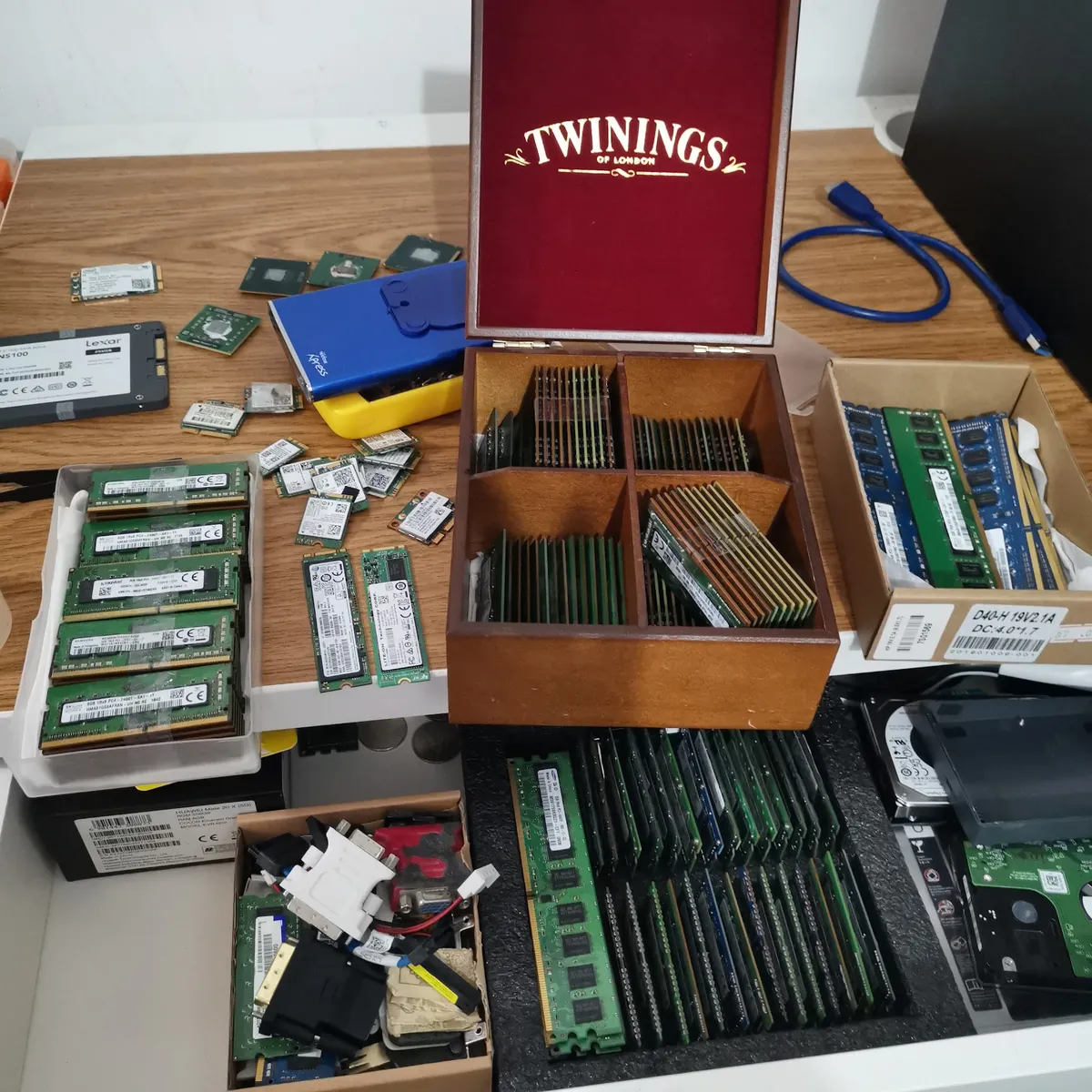
An upgrade only helps when it matches the machine and the actual bottleneck. We identify whether the laptop uses SATA or NVMe storage, check the physical format and supported capacity, and determine whether RAM is replaceable, partially soldered or fully soldered. Buying the wrong drive or memory is the most common upgrade mistake, which is why we check before you buy.
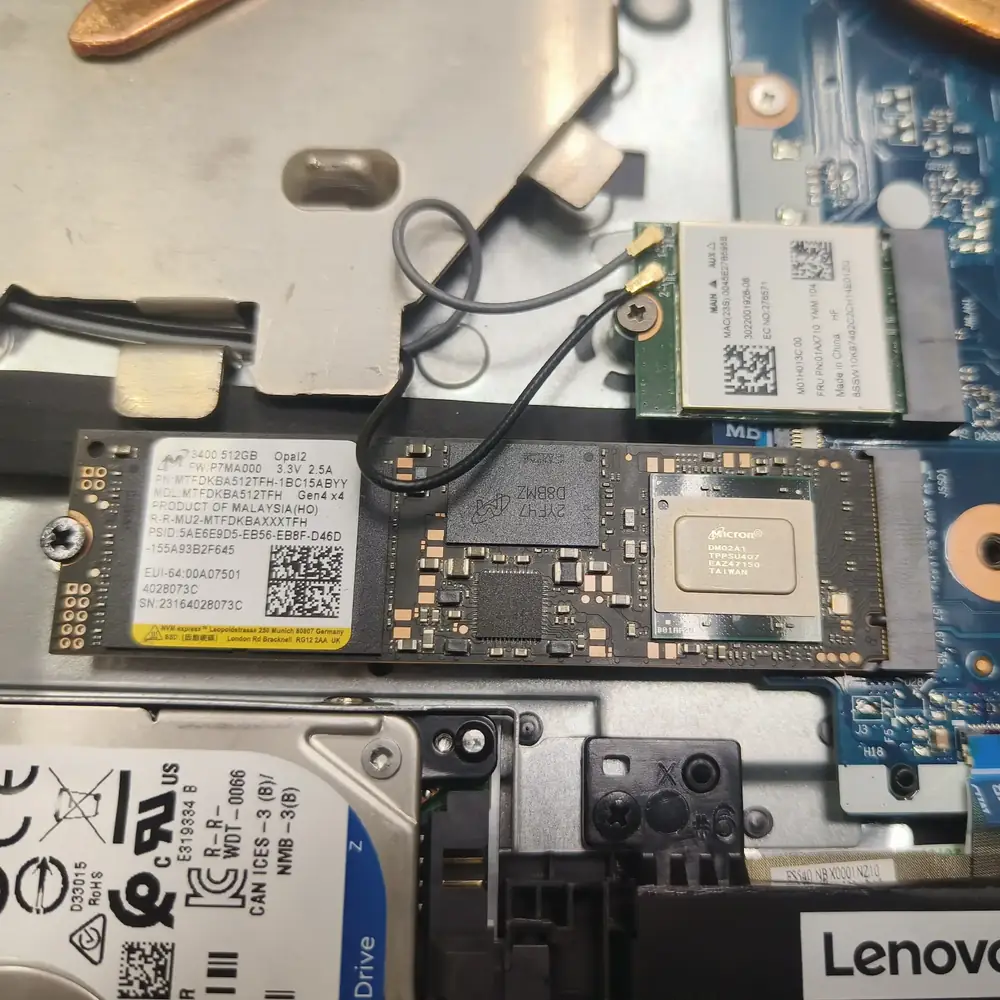
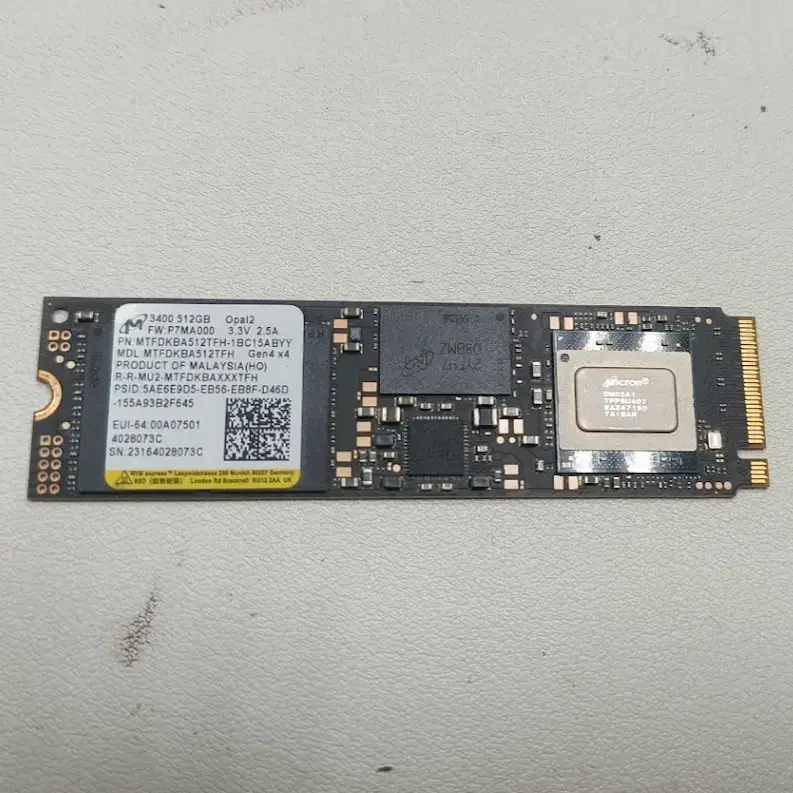
Storage: SATA SSDs (2.5-inch or M.2 SATA) are the right choice for older laptops with a 2.5-inch bay. NVMe SSDs use the M.2 PCIe slot and are several times faster. M.2 2280 is the most common length, while slim laptops, Microsoft Surface models and handheld PCs often use the shorter 2230 or 2242. A faster PCIe Gen4 or Gen5 drive still works in an older slot but runs at the slot’s speed, so we do not charge you extra for speed your laptop cannot use.
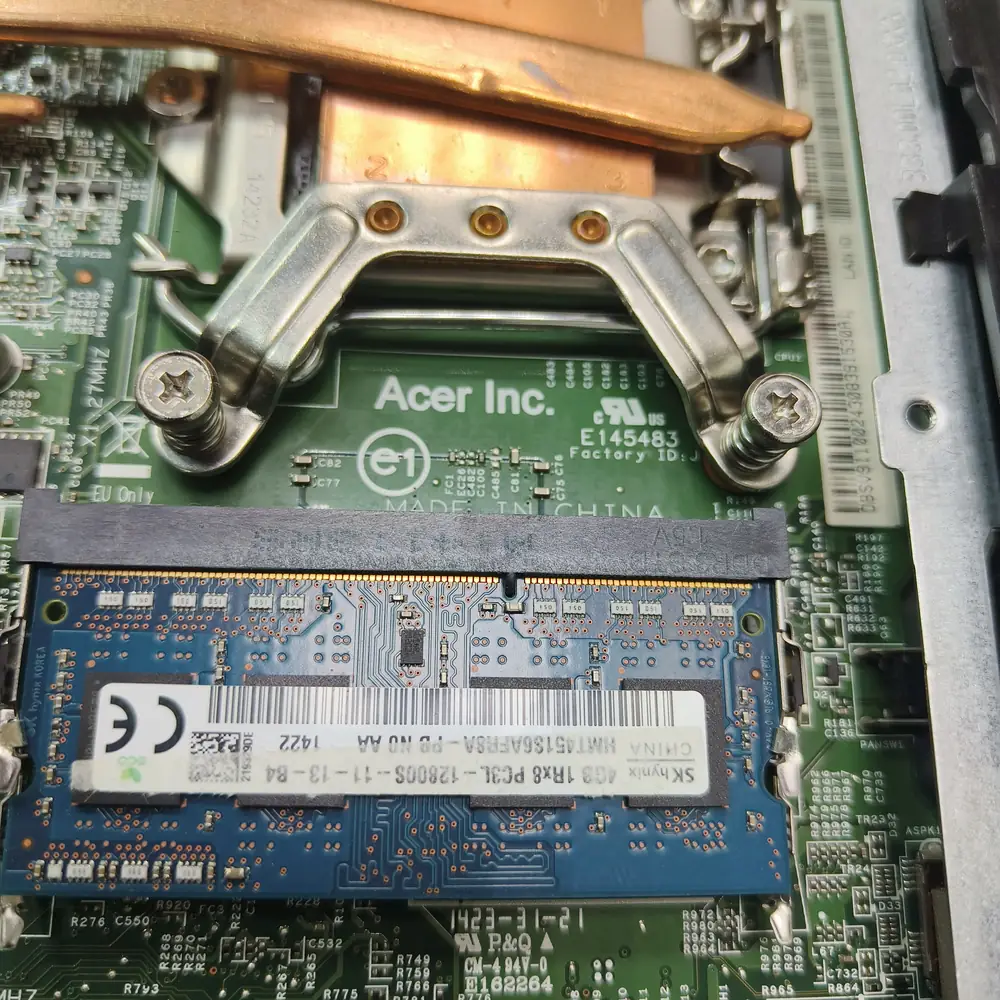
Memory: laptops use SO-DIMM modules, and the generation (DDR3/DDR3L, DDR4 or DDR5) is physically keyed, so modules cannot be mixed between generations. We confirm the number of slots, the maximum supported capacity and whether some or all of the memory is soldered to the motherboard. Two matched modules usually run in dual-channel mode, which helps performance, particularly on integrated graphics.
For storage migrations, we assess the health of the existing drive before cloning. A failing source drive may need a different migration strategy, while a healthy system can often be moved to the new SSD with its Windows installation and applications intact. On Windows 11 laptops that use BitLocker or device encryption, we secure the recovery key before any drive change.
Kuwait’s heat and dust put extra stress on laptops. A hard drive under thermal stress is slower and more likely to fail, and a laptop running at the limit of its memory runs hotter. When a laptop is already open for an upgrade we can also check the fans and thermal paste, and our cleaning and thermal service covers both.