
Is 8GB RAM Enough for Windows 11 in 2026?
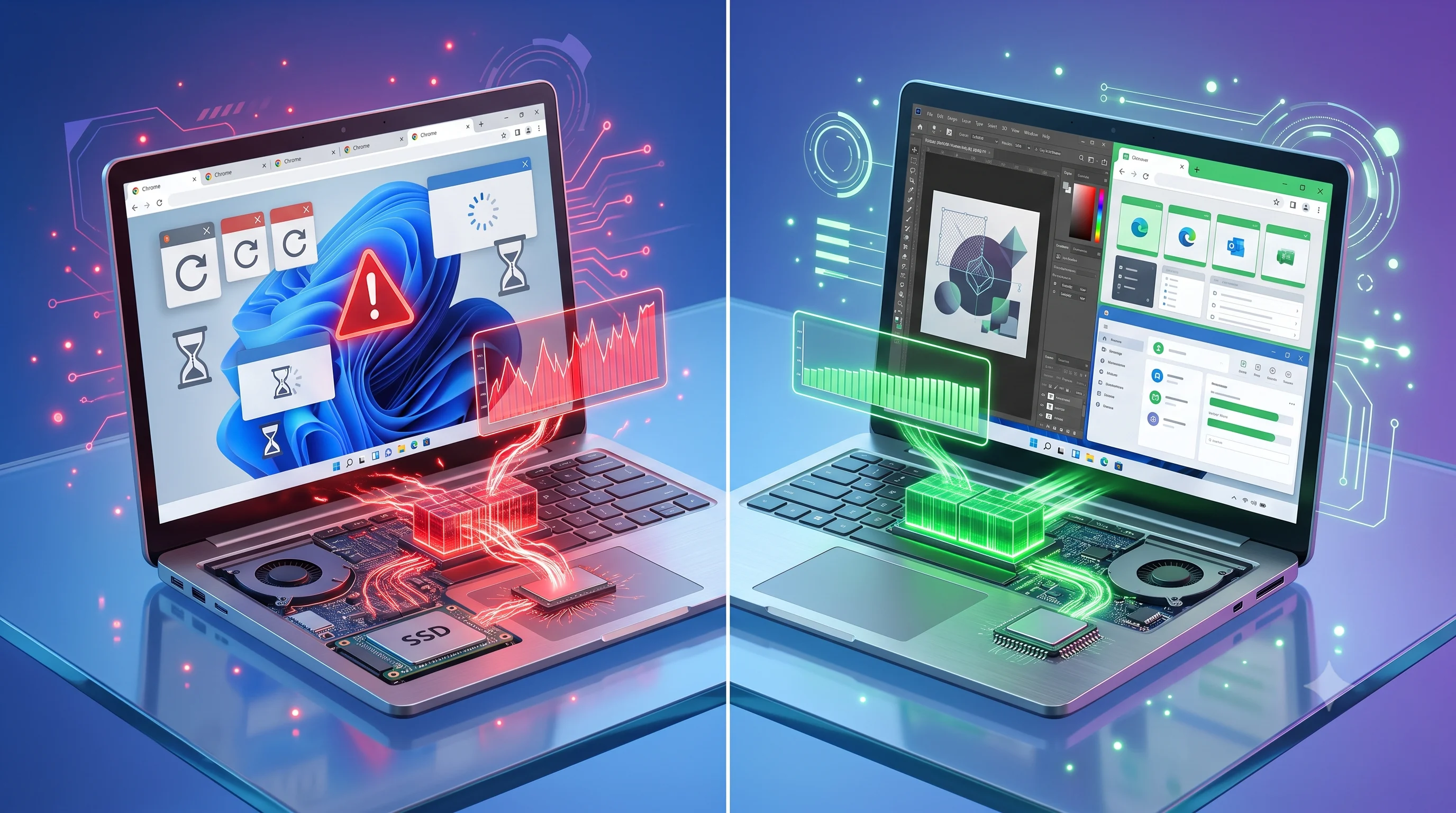
Windows 11 technically runs on 8GB RAM — but running isn't the same as running well. Here's what's actually happening under the hood, and when an upgrade is worth it.
On This Page
Windows 11 technically runs on 8GB RAM — but running isn't the same as running well. If your laptop shipped with 8GB a few years ago and it's started feeling sluggish under everyday use, the operating system hasn't changed the goalposts on its own. What's changed is how much memory a normal browsing and work session actually demands.
Did You Know?
Browser memory usage varies substantially by site, extensions, media and process state. Multiple tabs can consume several gigabytes, but there is no useful universal per-tab number; monitor actual memory pressure on the laptop you are evaluating.
Where Your 8GB Actually Goes
Windows 11 uses part of available memory for the operating system, drivers, security features, caching and background activity. The amount varies by build, hardware and configuration, so a fixed 2–3GB figure should not be treated as a universal baseline.
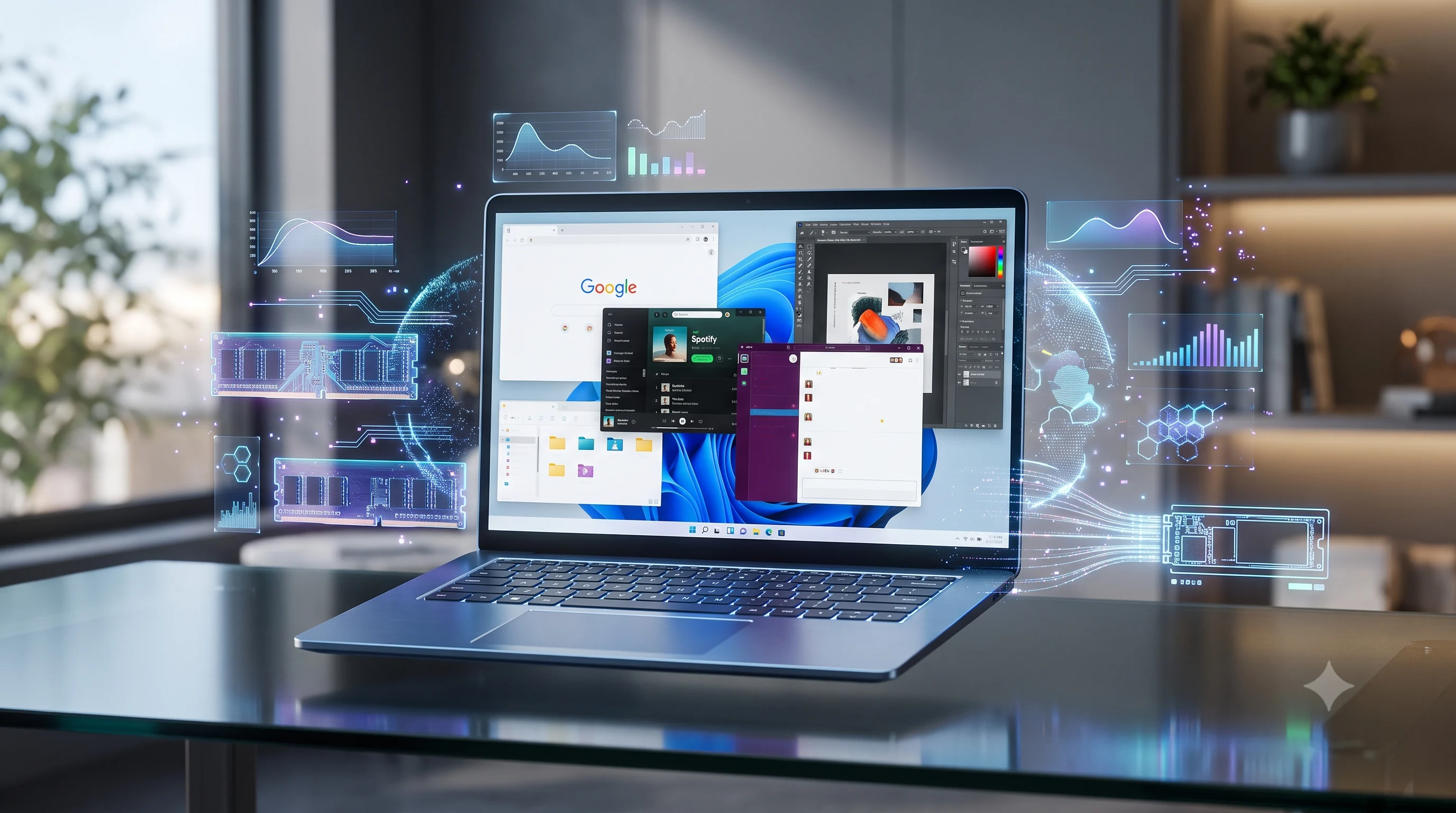
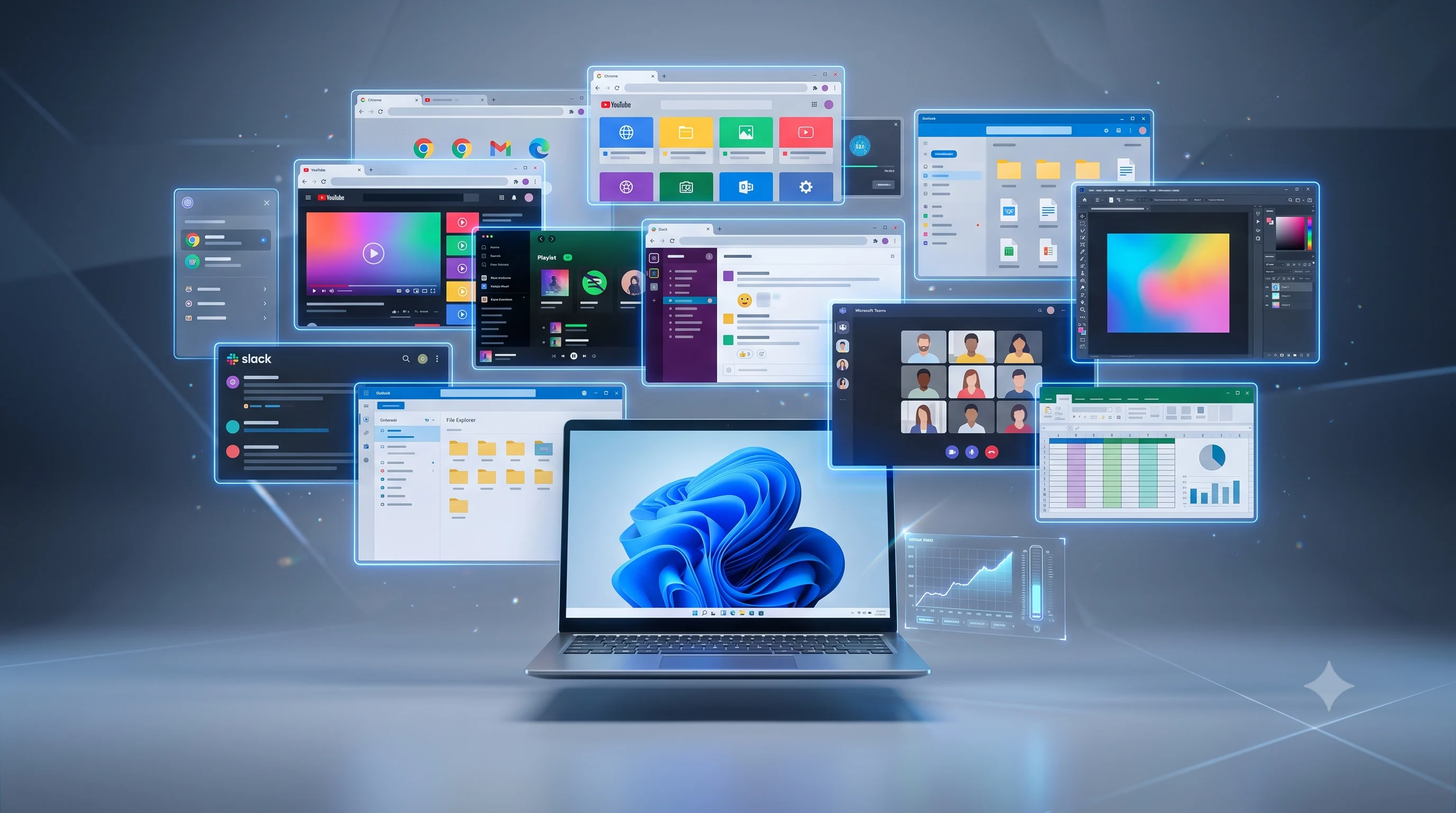
Chrome is a common contributor, but it is not alone. Slack, Spotify, Discord and other background applications can all consume memory, and actual usage varies with tabs, extensions, workloads and configuration. The important signal is sustained memory pressure and paging, not a fixed number of megabytes for one application.
What Happens When RAM Runs Out
When physical RAM fills up, Windows doesn't crash — it starts using your storage drive as overflow memory, a process called paging or memory swapping. This keeps things technically running, but storage is dramatically slower than RAM, even on a fast NVMe SSD. The result is the specific kind of stutter familiar to anyone who's had too many things open at once: everything freezes for a second, then catches up.

A Typical 8GB Session
Fresh boot
~2.5GB used by Windows 11 alone
Browser opens
+1GB for Chrome's base process
10 tabs open
+3-4GB across tabs and extensions
Spotify running
+300-500MB in the background
Slack running
+400-600MB in the background
Photoshop opens
Available RAM is already gone
Memory swapping begins
Windows starts paging to disk
Performance drops
Stutters, delayed switching, lag
User notices slowdowns
The laptop "feels old"
8GB vs 16GB vs 32GB: What Actually Changes
| Feature | 8GB | 16GB | 32GB |
|---|---|---|---|
| Everyday multitasking | Struggles past ~8 tabs | Comfortable | Comfortable |
| Photoshop / Lightroom | Frequent swapping | Usable for most edits | Smooth on large files |
| 15-20 Chrome tabs | Heavy slowdown | Generally fine | No issue |
| Virtual machines | Not practical | One VM, limited | Multiple VMs |
| Gaming (background apps open) | Stutter risk | Solid | Solid |
| Office work (Word, Excel, Teams) | Workable, occasional lag | Smooth | Smooth |
| Future-proofing (3+ years) | Not recommended | Reasonable | Comfortable margin |
Windows 11 technically runs on 8GB RAM — but running isn't the same as running well.
Does a Faster SSD Fix This Instead?
An NVMe SSD upgrade is one of the best value repairs for an aging laptop — it dramatically cuts boot times and app-launch delays. But it doesn't remove the underlying memory pressure; it just makes the swapping Windows does when RAM runs out less painful. If your laptop is already on an HDD, upgrading to an SSD is worth doing regardless. If it's already on an SSD and still slows down under normal multitasking, that's a RAM problem an SSD can't fully solve.
Performance Tip
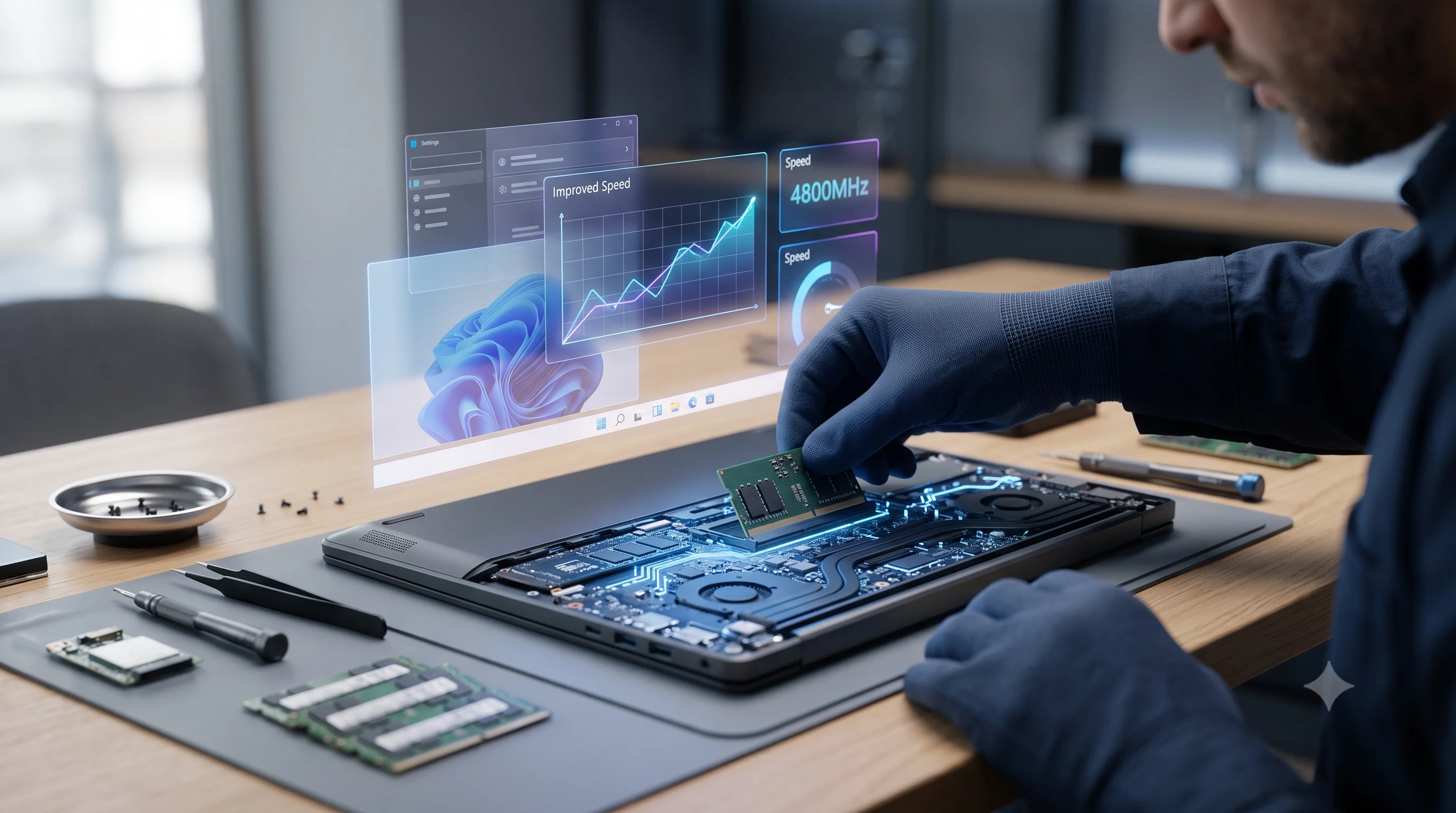
Check whether your laptop's RAM is upgradeable before assuming a full replacement is needed. Many business and gaming laptops still have accessible SO-DIMM slots — some modern ultrabooks solder RAM directly to the board and can't be upgraded at all. We can check this from your model number in under a minute.
Should You Upgrade to 16GB or 32GB?
For most everyday use — browsing, office work, streaming, light photo editing — 16GB comfortably covers 2026's typical workload with room to spare. 32GB is worth it specifically for heavier creative work (large Photoshop/Lightroom files, video editing), running virtual machines, or genuinely future-proofing a machine you plan to keep for 4-5+ years.
Expert Advice
If you're deciding between 16GB and 32GB and you're not doing video editing or running VMs daily, 16GB is the better value — the jump from 8GB to 16GB is where most people actually feel the difference. Going straight to 32GB rarely changes day-to-day responsiveness if your workload doesn't need it.
Is 8GB RAM enough in 2026?
Can Windows 11 run on 8GB?
Why does Chrome use so much RAM?
Can I upgrade laptop RAM?
Does an SSD replace RAM?
Should I buy 16GB or 32GB?
Is Your Laptop Running Slow?
If your laptop freezes, slows down during multitasking, or struggles with everyday apps, our technicians can diagnose whether it's RAM, storage, overheating, or a hardware fault — for free.