KCROC — Kuwait Computer Repair On Call

Laptop Liquid Damage Repair Kuwait

Liquid-spill assessment, corrosion inspection, board cleaning and component-level repair for laptops and MacBooks.Coffee, water, juice and other spills can create short circuits immediately and corrosion that continues after the visible liquid is gone. KCROC isolates power, documents the affected areas, inspects connectors and board traces, and cleans contamination before deciding which components can be saved. The objective is to repair the original electronics where practical, while being honest when corrosion or component damage makes a repair uneconomical.

Built for: Laptop and MacBook owners who have experienced a recent spill, moisture exposure, corrosion, or a device that stopped working after liquid contact.

Repair levelcomponent level
Typical turnaround24-72 Hours
Warranty30 Days
PricingFrom 35 KWD
See KCROC repair pricing and starting prices

Why Choose Us

Power-Off First

We prioritize electrical isolation because continuing to power a wet or contaminated board can worsen the damage.

Corrosion Inspection

Visible drying does not mean the electronics are safe. Connectors, traces and components are inspected for contamination and corrosion.

Original Board Where Practical

When the board is repairable, component-level work can preserve the original hardware instead of defaulting to a board swap.

Honest Repairability Assessment

If corrosion or component damage makes repair uneconomical, we explain that before further paid work.

What Happens Inside a Liquid-Damaged Laptop

Liquid can bridge electrical contacts immediately and leave residues that continue to affect connectors, traces and components after the visible moisture has disappeared. Coffee, soft drinks and other contaminated liquids can be especially problematic because drying does not remove the residue.

KCROC isolates power before detailed inspection, maps contamination and corrosion, then tests affected circuits. When the original board is repairable, component-level work can preserve it instead of treating every spill as an automatic motherboard replacement.

Liquid Damage: What To Do Before Pickup

Laptop is still powered on

Shut it down immediately and disconnect the charger. Do not keep testing it.

Liquid reached the keyboard or ports

Do not reconnect power just because the outside appears dry; internal contamination may remain.

Laptop appears dead after a spill

Arrange inspection rather than repeatedly pressing the power button, which can worsen a short.

Device failed days after the spill

Request a corrosion-focused inspection because delayed failures can occur after the original incident.

Service Capabilities

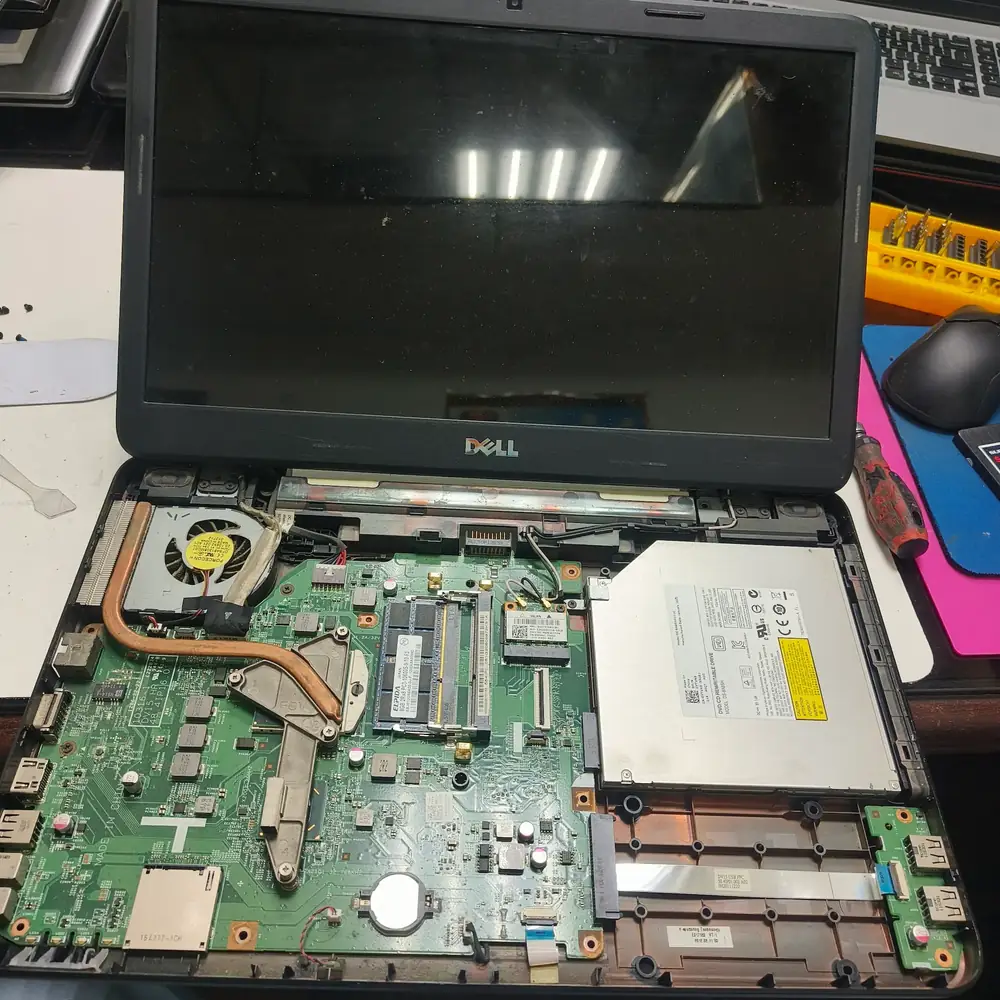
Dell laptop internal teardown

Internal hardware exposed for detailed motherboard and connector inspection after liquid exposure.

  • Immediate Power Isolation
  • Liquid Damage Inspection
  • Corrosion Mapping
  • Board Cleaning
  • Connector Inspection
  • Component-Level Diagnostics
  • Micro-Soldering Where Required
  • Post-Repair Stress Testing
  • Free Pick & Drop
  • 30-Day Warranty

Devices We Cover

Windows LaptopsMacBook AirMacBook ProGaming LaptopsBusiness Laptops

Brands We Service

DellHPLenovoASUSAcerMSIMacBook

Common Problems We Fix

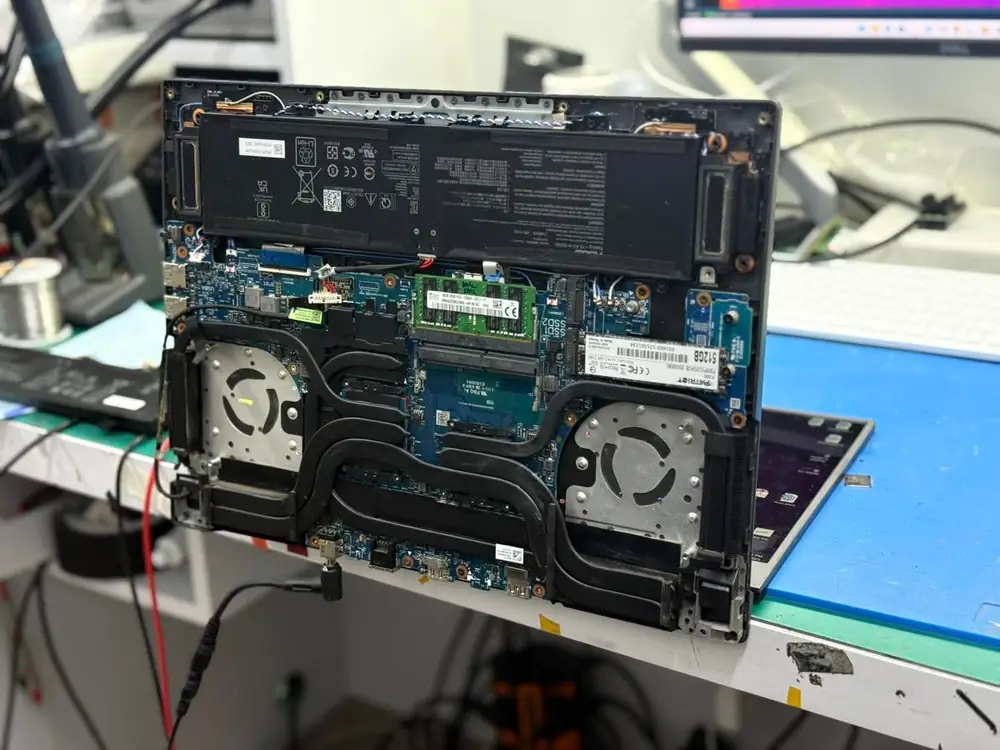
Laptop Open Repair Bench

An opened laptop ready for liquid-damage inspection and corrosion assessment.

Laptop Died After a Spill

critical

Power should be isolated immediately. The board is then inspected for shorts, corrosion and damaged power components.

Keyboard Stopped Working After Liquid

high

The keyboard and the electronics underneath it are checked because liquid can travel beyond the visible spill area.

Laptop Powers On but Screen Is Black

critical

Liquid can affect display power, backlight circuits, connectors or the motherboard even when fans still spin.

Laptop Failed Days After a Spill

high

Delayed corrosion can turn a minor-looking spill into an intermittent or complete hardware failure.

Our Repair Process

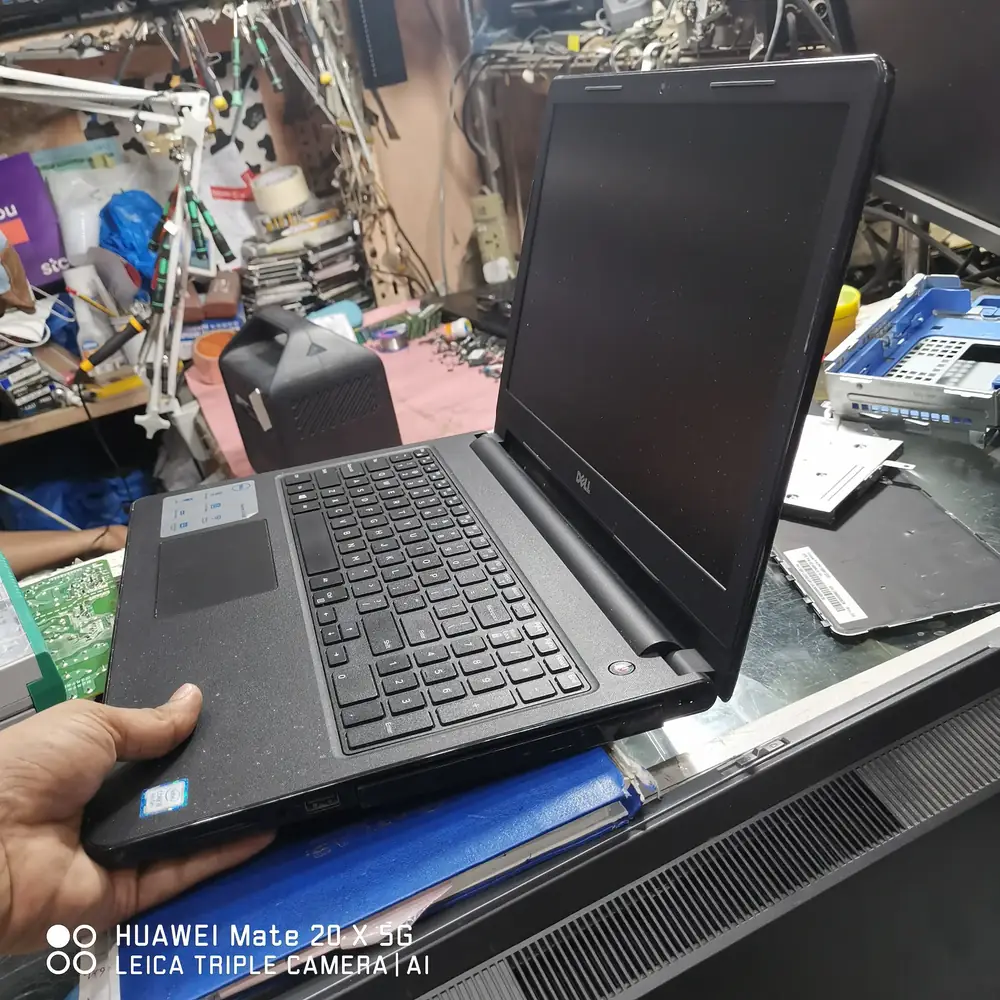
Dell laptop chassis hardware repair

Component-level repair work after cleaning and fault isolation on a liquid-damaged laptop.

1

Emergency Pickup

We collect the affected device across Kuwait. If it is still powered on, shut it down and disconnect power first.

2

Power Isolation & Teardown

The battery and power sources are isolated before the affected areas are inspected.

3

Corrosion Assessment

We map contamination, inspect connectors and test relevant board rails and components.

4

Cleaning & Component Repair

Contamination is cleaned and repairable components, traces or connectors are addressed at board level where practical.

5

Functional Stress Test

Charging, display, keyboard, storage, thermals and other affected functions are tested after repair.

6

Return with Warranty

The repaired device is returned with a 30-day parts and labour warranty on the completed repair.

What We Check

  • Confirm liquid type and affected area
  • Isolate battery and external power
  • Inspect board and connectors
  • Map corrosion and contamination
  • Test affected power rails
  • Verify all repaired functions under load

Frequently Asked Questions

Related Repair Resources

Explore the closest repair services, troubleshooting pages, brand specialists and practical guides for this type of fault.

First-party repair evidenceReal MacBook Liquid-Damage Case Study

Where We Handle This Repair

These are the Kuwait service areas most directly connected to this repair type. Pickup is arranged through KCROC rather than requiring a walk-in visit.

Service Areas in Kuwait

Ready to fix your device?

Our technicians are ready to trace the fault. Send us your symptoms via WhatsApp for a fast, free estimate.

Message on WhatsApp
No Fix, No Fee Guarantee