
Spilled Water or Coffee on Laptop
Liquid (water, coffee, juice) has been spilled on the keyboard. The device may have shut off instantly, or the keyboard may be acting erratically.
Safe troubleshooting
What to check before opening the laptop
Root causes
Common reasons a laptop has no power
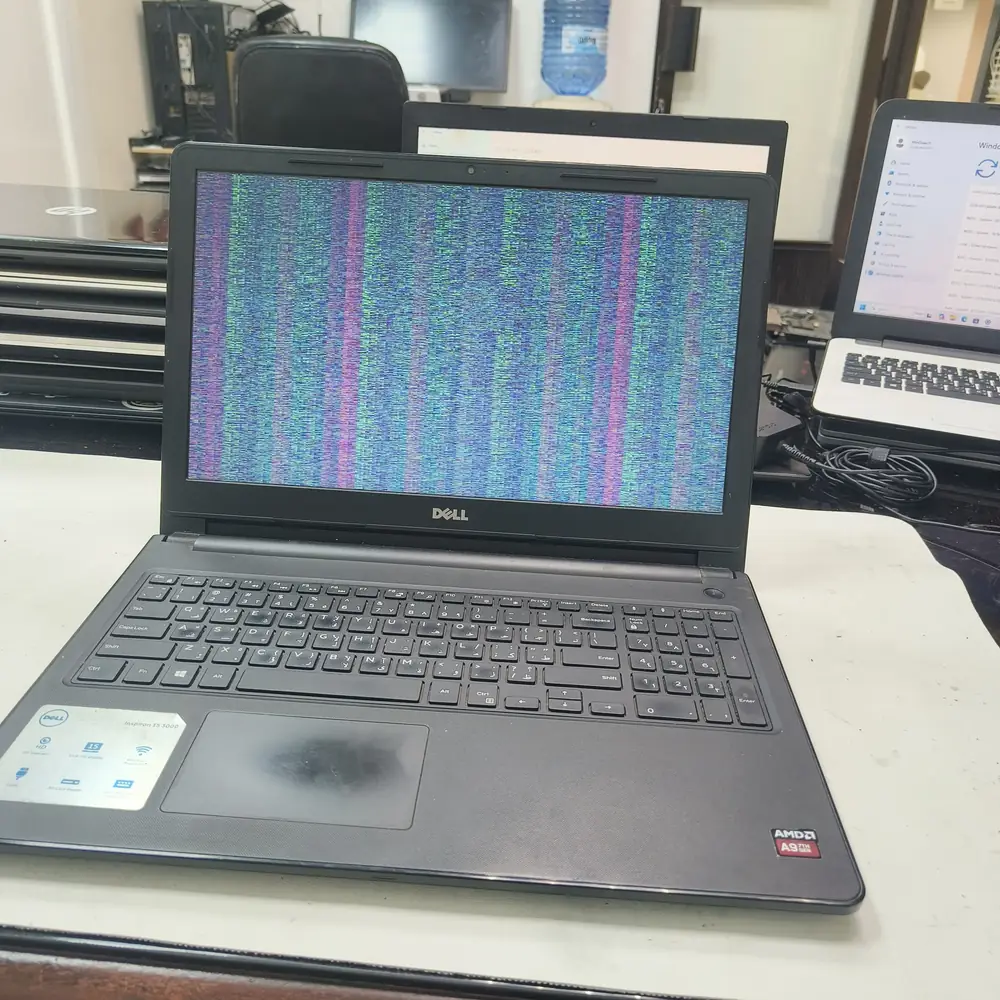
Display corruption after a liquid spill — a sign the short has reached the graphics circuit.
What NOT to do
DO NOT put it in rice (rice dust makes it worse). DO NOT use a hairdryer (pushes liquid deeper). DO NOT TRY TO TURN IT ON to "see if it works" — this causes the electrical shorts that kill the board.
The KCROC approach
Diagnose first. Repair the failed stage.
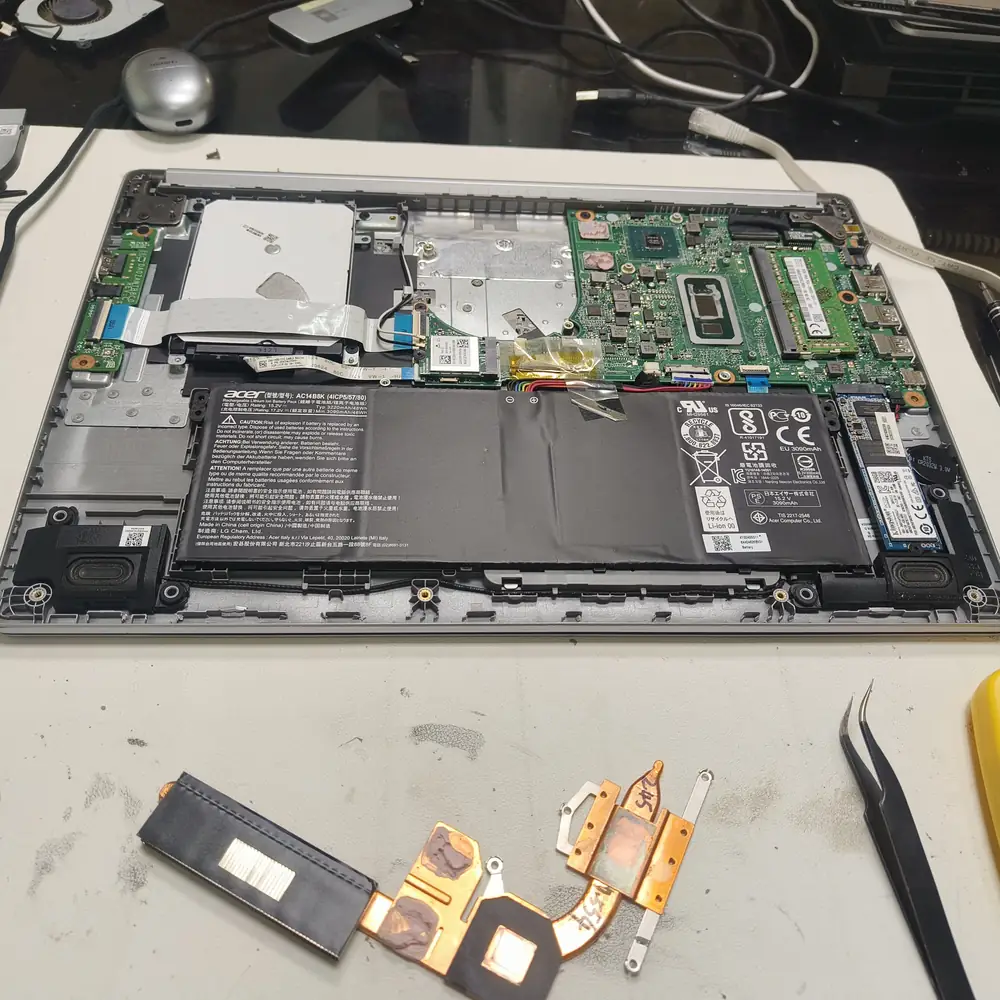
Immediate power disconnection. We fully disassemble the device, remove the motherboard, and run it through an industrial ultrasonic cleaner to strip all liquid and corrosion. We then replace any shorted chips via micro-soldering.
Repair services
Handled under
First-party proof
A real no-power repair from our Hawalli lab
Real repair evidence
This page links to a documented KCROC repair case rather than using a generic “success story” claim. The linked case study records the device, diagnosis, repair method and outcome.