1
Look at Task Manager
Press Ctrl + Shift + Esc and watch the Performance tab. A disk sitting at or near 100 percent usage while you are doing little points to the drive. High memory usage points to too little RAM.
The laptop takes over 2 minutes to reach the desktop, opening Chrome freezes the system, and Task Manager consistently shows 100% Disk Usage or 100% CPU Usage.
A laptop that takes minutes to start or freezes while you work is almost always held back by one of four things: an old hard drive, a nearly full drive, too little memory, or heat that forces the processor to slow itself down. Malware and heavy start-up programs can add to it. A short test of each tells us whether a clean-up, an SSD or something else will make the difference.
Start here
People often use the same phrase for a dead laptop, a black screen and a Windows boot failure. Choosing the correct path prevents unnecessary parts replacement.
Slow to start, disk at 100 percent, still using a hard drive
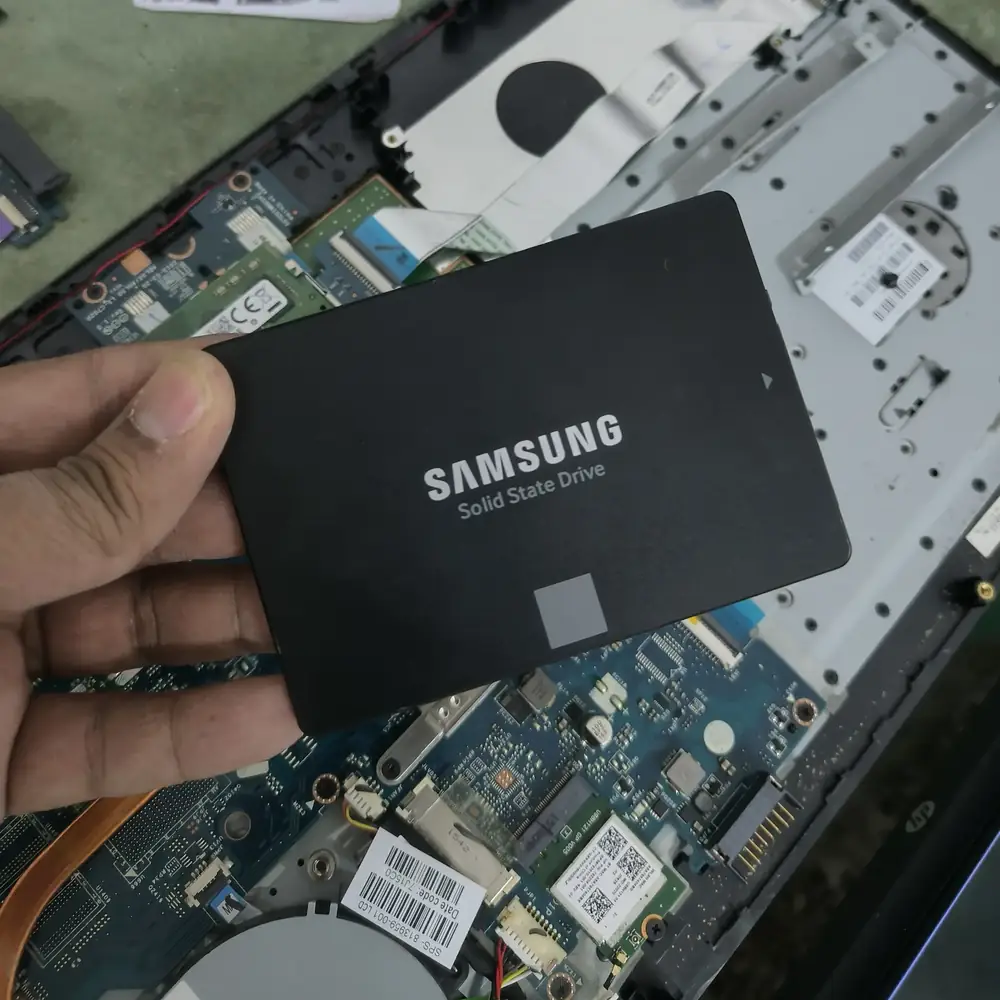
An SSD upgrade is the most effective fix.
Slows down after a few minutes and runs hot
Cooling clean-up and fresh thermal paste, not storage.
Memory usage always high
More RAM, if the model allows it.
Clicking or grinding from the drive
Back up now. The drive may be failing and should be replaced.
Safe troubleshooting
Press Ctrl + Shift + Esc and watch the Performance tab. A disk sitting at or near 100 percent usage while you are doing little points to the drive. High memory usage points to too little RAM.
If the drive is almost full, Windows has little room to work. Free up space or move files off the laptop and see if it improves.
Clicking, grinding or long pauses from a mechanical hard drive can mean it is failing. Back up your files and stop heavy use.
If the laptop is very hot, the fan is loud or it slows down after a few minutes, thermal throttling may be the cause.
Too many start-up programs slow down every boot, and unwanted software can use resources in the background.
Root causes
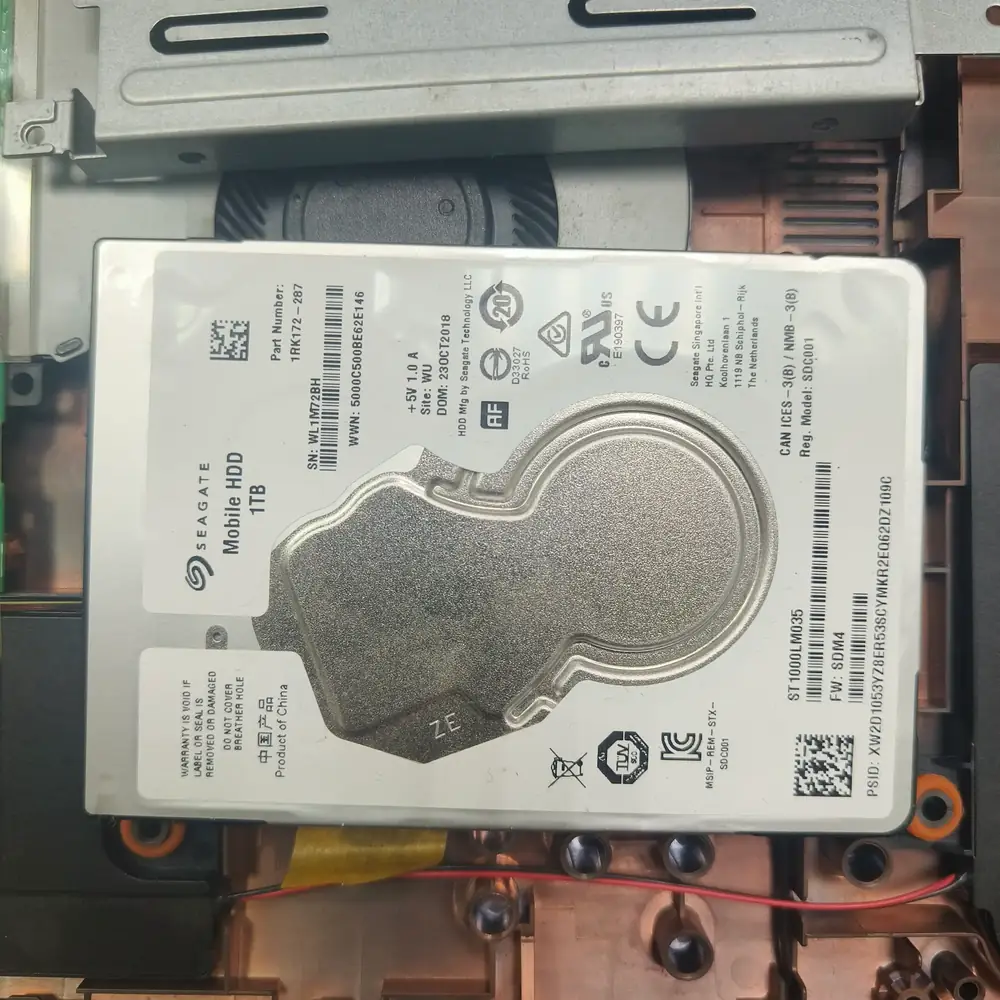
An aging mechanical hard drive — one of the most common causes of a laptop that takes minutes to boot.
Do not buy expensive "PC Cleaner" software subscriptions online. They rarely solve hardware bottlenecks and often act as malware themselves.
Inside the lab
When the external power path checks out but the laptop remains dead, the useful question is where power stops progressing through the board—not which expensive part to replace first.
We check the drive's health and read speed to find out whether it is failing or just slow.
We look at temperatures under load and check the fan and vents for dust and the thermal paste for age.
Where it fits, we move your Windows installation and files to an SSD, add memory or clean the cooling, rather than recommending everything.
We compare start-up time and responsiveness after the work, and the repair carries a 30-day warranty.
The KCROC approach
If the laptop has an old HDD, an SSD upgrade is the ultimate fix—it reduces boot times from minutes to seconds. We clone your exact system to a new SSD or perform a clean Windows installation.
Repair services
Continue the diagnosis
Use the most specific guide or service page for the symptom you are actually seeing.
Questions customers ask
The difference is usually large on a laptop that has a mechanical hard drive. Start-up and application loading are noticeably quicker. We tell you whether an SSD is the right fix after we test the drive.
In most cases we move your existing Windows installation and files onto the new SSD. It is still sensible to keep a backup of anything important.
It depends on the model. Some have slots, others have memory soldered to the board. We check what your laptop supports before suggesting an upgrade.
Not necessarily. Heat is a common cause there. We check the temperatures and the cooling system before suggesting an upgrade.