1
Test with a known-good charger
If possible, borrow or buy a correctly rated OEM or certified charger and cable, and test with that first — a failing or counterfeit adapter is one of the most common and cheapest causes.
The laptop recognizes the charger is plugged in (Windows says "Plugged in"), but the battery level stays the same or slowly drops. Or, the laptop only works when plugged into the wall and dies instantly if unplugged.
"Plugged in, not charging" is a message that can mean several unrelated things: the battery itself has degraded, the charging port is loose or damaged, the adapter is failing, or the charging circuit on the motherboard has failed. Guessing which one it is by replacing parts one at a time gets expensive fast — this page walks through the checks that actually narrow it down first.
Start here
People often use the same phrase for a dead laptop, a black screen and a Windows boot failure. Choosing the correct path prevents unnecessary parts replacement.
Known-good charger tested, still "plugged in, not charging"
Points toward the battery itself or the motherboard charging circuit. A battery health check is the next step.
Battery warning signs guideCharging works only when the cable is held at a specific angle
Points strongly toward a loose or damaged DC-in/USB-C charging port rather than the battery.
Original charger shows no light or response at all, on any device
The charger itself has likely failed — replace with a correct-wattage OEM or certified adapter before assuming a laptop-side fault.
Laptop shuts off instantly when unplugged, even at high reported battery %
The reported percentage is unreliable — this is a strong sign of a genuinely failed battery that can no longer hold or deliver charge.
Safe troubleshooting
If possible, borrow or buy a correctly rated OEM or certified charger and cable, and test with that first — a failing or counterfeit adapter is one of the most common and cheapest causes.
Windows distinguishes between "Plugged in, charging" and "Plugged in, not charging." The latter specifically points away from a totally dead charger (which would usually show no charging status at all) and toward the battery or charging circuit.
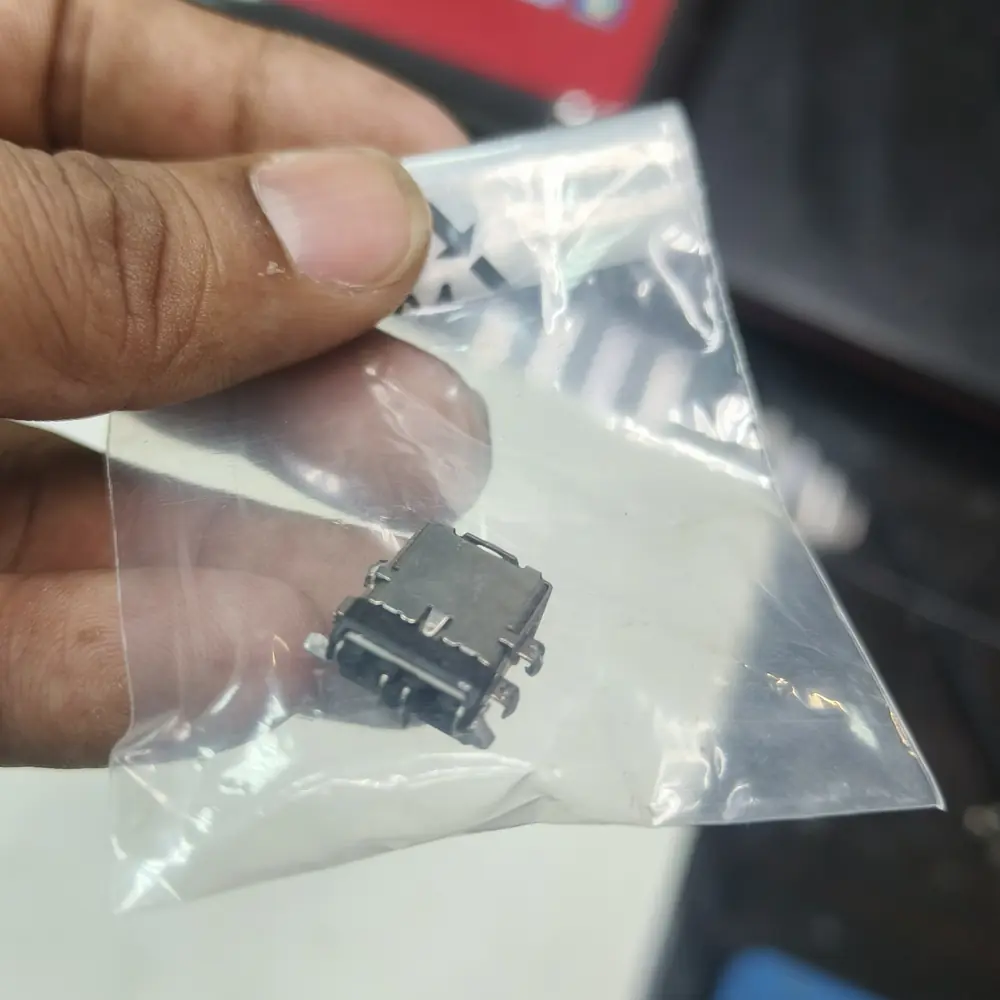
With the laptop off, gently check if the charging port feels loose, wobbly or recessed compared to when new. Do not force or repeatedly flex the connector — a visibly damaged port is enough evidence on its own.
On Windows, generate a battery report (see the battery warning-signs guide) — a battery showing severely reduced capacity is a likely contributor even if it is not the whole story.
If gently repositioning the cable makes charging start and stop, this points strongly to a loose DC jack or connector rather than the battery or motherboard chip.
A dead-but-stable charging status with a known-good charger usually means battery or motherboard charging IC; an intermittent, cable-position-dependent fault usually means the port.
Root causes
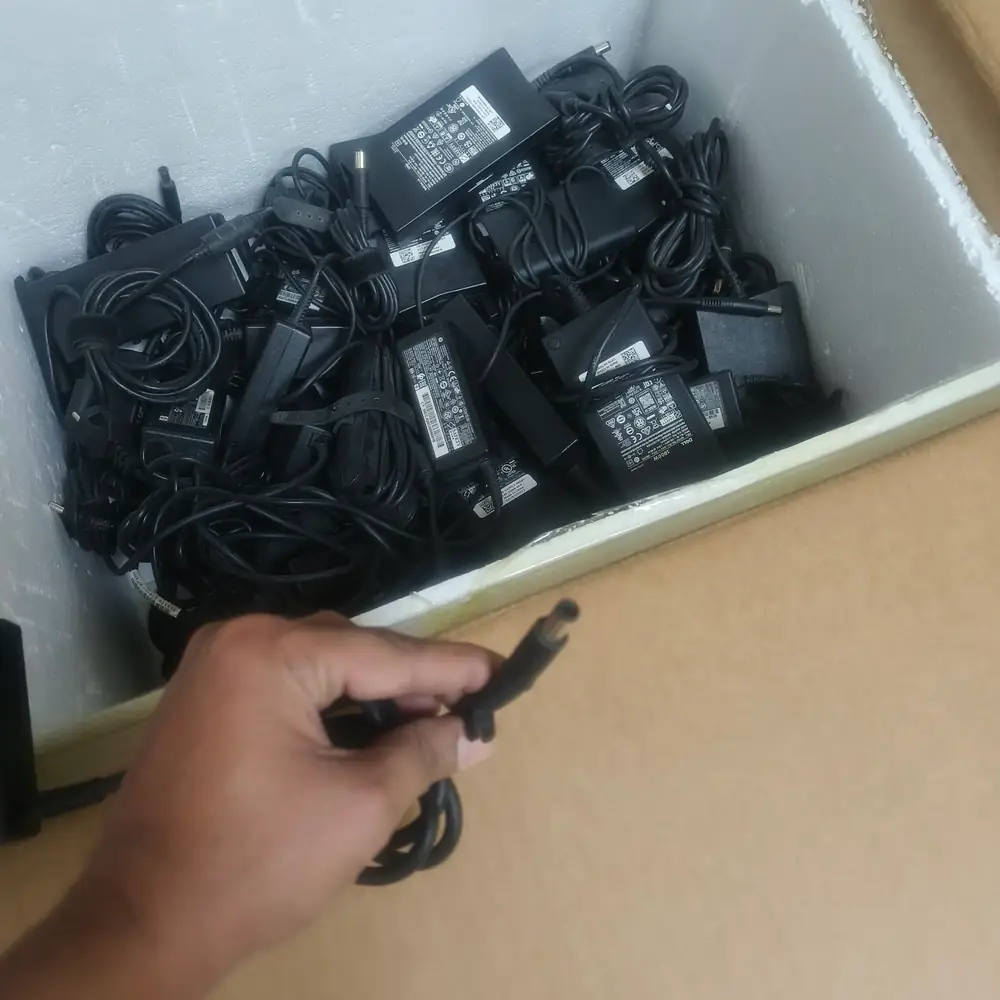
Testing charger output and battery health — a "plugged in, not charging" fault can be either component.
Do not forcefully bend the charging cable at extreme angles trying to "find the sweet spot" to make it charge — this usually breaks the internal port off the motherboard.
Local expertise
Kuwait's heat can accelerate battery cell degradation, so a "plugged in, not charging" fault paired with a laptop that is 2+ years old is statistically more likely to be the battery than in a cooler climate.
Counterfeit and third-party chargers are common in the local market — verifying the charger with a known-good replacement early in diagnosis avoids paying for a battery or board repair that would not have fixed the actual fault.
KCROC stocks common OEM-equivalent batteries and charging ICs for major brands at the Hawalli lab, and offers free pickup and delivery across Kuwait for this repair.
Inside the lab
When the external power path checks out but the laptop remains dead, the useful question is where power stops progressing through the board—not which expensive part to replace first.
The adapter's voltage and current output are measured directly to confirm it is delivering the correct, stable power before any laptop-side component is suspected.
The DC-in or USB-C port is inspected and tested for a secure mechanical and electrical connection, since a loose port is a common and low-cost fix.
The battery is tested for capacity, voltage under load and physical condition (checking for swelling) to determine whether it can still hold and deliver a usable charge.
If the charger, port and battery all test as functional, the motherboard's charging IC (such as a BQ-series chip or Apple's CD3215 on MacBooks) is tested for the specific failure.
Depending on findings, we replace the battery, repair or replace the charging port, or replace the specific failed charging IC rather than the entire motherboard.
After repair, the laptop is charged and discharged through a verification cycle to confirm stable charging before it is returned.
The KCROC approach
We test your battery health and charger voltage. If the battery is dead, we replace it. If the motherboard charging circuit has failed, we replace the specific charging IC (like the BQ chip or CD3215 on MacBooks).
The diagnostic approach applies across major laptop designs; the exact hardware path varies by model.
Repair services
Questions customers ask
This specific message usually means the laptop is receiving some power but the battery cannot accept a charge — most often due to a degraded battery or a failed charging circuit, rather than a completely dead charger.
It can, particularly with counterfeit or underpowered chargers that deliver unstable power. Testing with a known-good, correctly rated charger is the fastest way to rule this out.
It is not inherently dangerous by itself, but it means the battery has likely failed and can no longer act as a safety buffer against power interruptions, and in some cases indicates an underlying issue worth diagnosing before it worsens.
This depends on the laptop model and whether the port itself needs replacement or the surrounding motherboard connector is affected. A diagnosis at KCROC identifies the exact scope before any cost is quoted.
Only if the battery is confirmed to be the actual cause. Replacing a battery when the real fault is the charging port or a motherboard IC will not solve the problem and adds unnecessary cost.
No — a charging IC repair is a motherboard power-circuit fix and does not involve the storage drive. Your data is not touched during this type of repair.