
Windows Won't Boot or Stuck in Repair Loop
The laptop powers on normally and reaches the logo screen, but then either freezes there, drops into a blue 'Automatic Repair' / 'Recovery' screen, or restarts and repeats the same failed boot attempt over and over.
Safe troubleshooting
What to check before opening the laptop
Root causes
Common reasons a laptop has no power
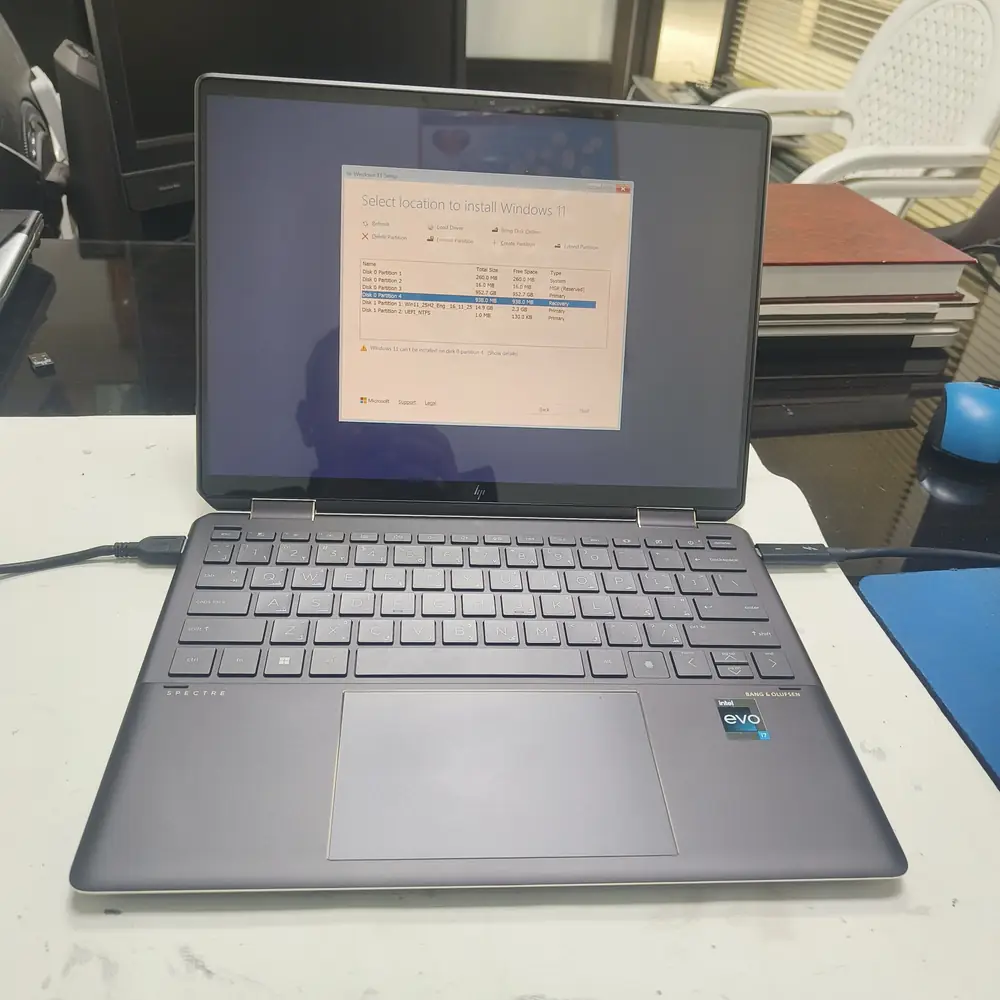
Running diagnostics to tell a failing drive apart from a corrupted Windows boot configuration.
What NOT to do
Do not keep letting it attempt "Automatic Repair" over and over, and do not run disk-repair tools blindly — on a genuinely failing drive, repeated read/write attempts can push it from recoverable to completely dead before your files are backed up.
The KCROC approach
Diagnose first. Repair the failed stage.

We first determine whether the drive itself is healthy using SMART diagnostics. If the drive is fine, we repair the Windows boot files and startup configuration without touching your data. If the drive is failing, we prioritise pulling your files off first, then clone or replace it and reinstall Windows clean.
Repair services