
Laptop Screen Cracked or Shattered
The screen shows spiderweb cracks, dark ink-like bleeding, discoloured patches, or areas with no picture at all after a drop, knock, or something pressing on the closed lid. An external monitor usually displays a perfect picture.
Safe troubleshooting
What to check before opening the laptop
Root causes
Common reasons a laptop has no power
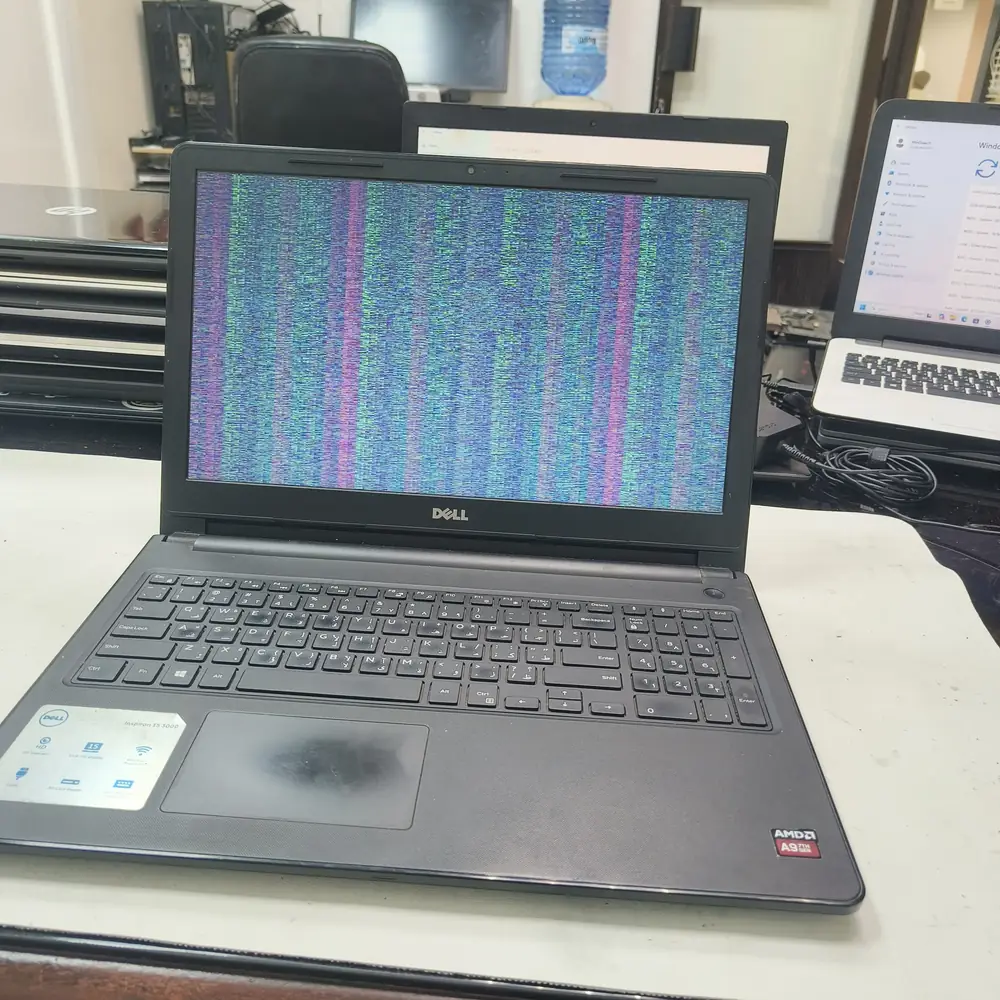
A cracked panel showing display bleed — we confirm on an external monitor that the board itself is unaffected.
What NOT to do
Do not keep using the laptop with a cracked panel — flexing or pressing on a shattered screen can push liquid crystal further into the bezel and, on some models, damage the display cable connector underneath.
The KCROC approach
Diagnose first. Repair the failed stage.
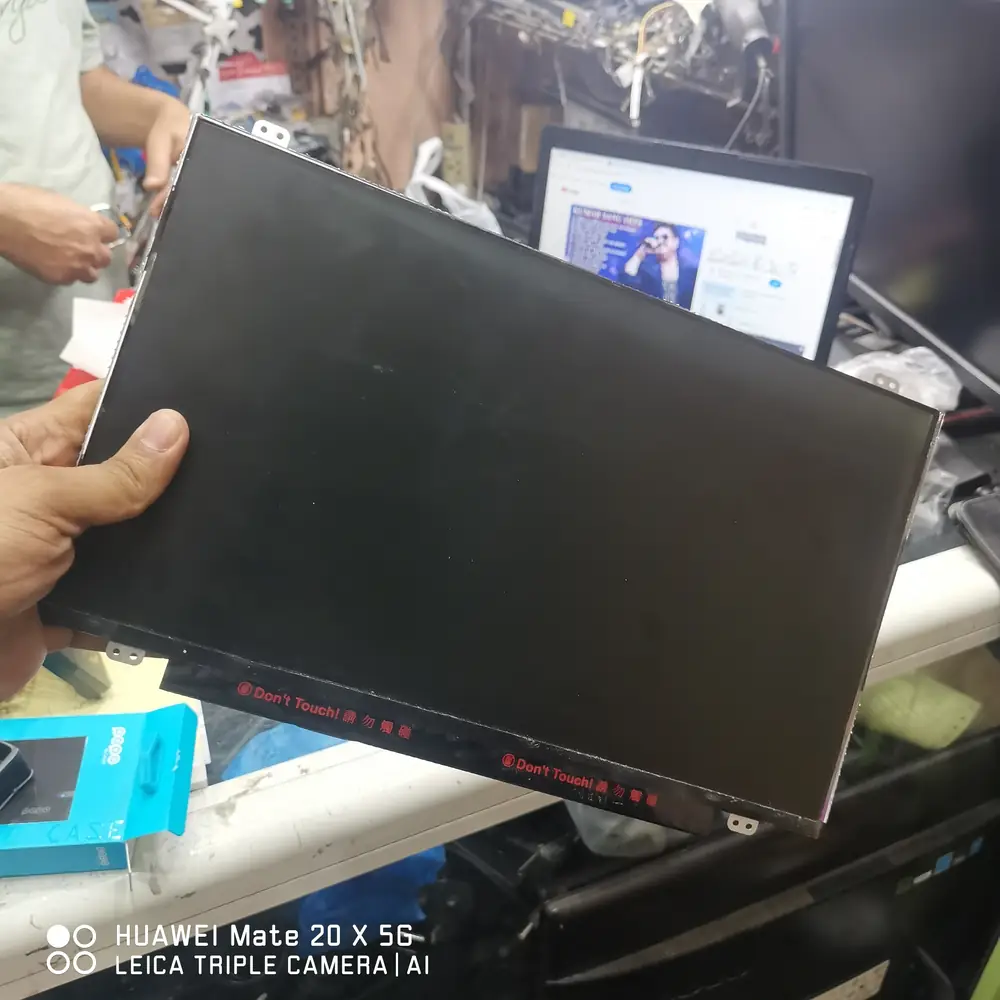
We confirm the fault is the panel and not the board by testing output on an external monitor, then fit and calibrate an OEM-spec replacement LCD/IPS/OLED panel matched to your exact model, checking hinges and the display cable at the same time.
Repair services
Handled under
First-party proof
A real no-power repair from our Hawalli lab
Real repair evidence
This page links to a documented KCROC repair case rather than using a generic “success story” claim. The linked case study records the device, diagnosis, repair method and outcome.