
Virus, Malware or Ransomware Infection
Constant pop-up ads even outside the browser, a homepage or search engine that changed itself, unfamiliar toolbars, the antivirus getting disabled on its own, or — in serious cases — files that suddenly cannot be opened with a ransom message demanding payment.
Safe troubleshooting
What to check before opening the laptop
Root causes
Common reasons a laptop has no power
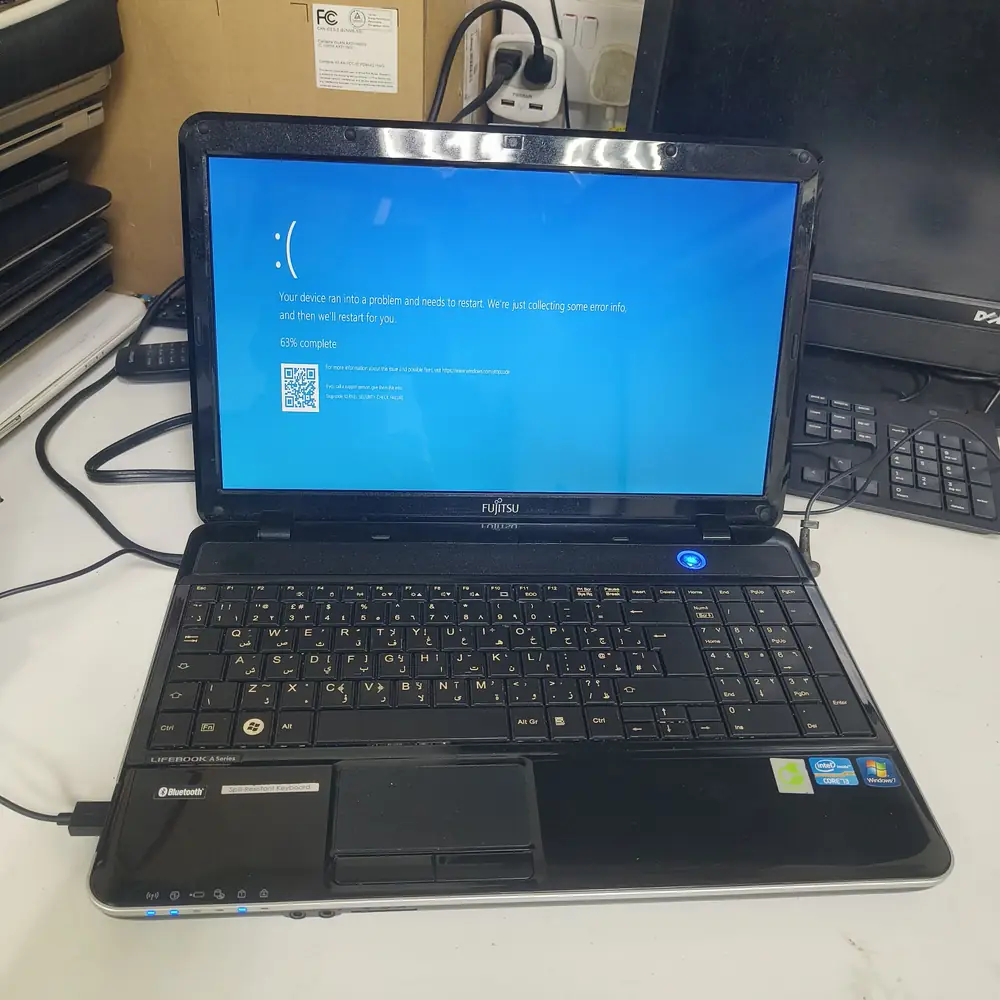
Windows software-repair diagnostics before malware cleanup or system recovery.
What NOT to do
Do not pay a ransomware demand, and do not install multiple "PC cleaner" or antivirus tools on top of each other trying to fix it yourself — conflicting security tools often make removal harder and some free "cleaner" downloads are malware themselves.
The KCROC approach
Diagnose first. Repair the failed stage.
We fully scan and remove the infection using professional-grade tools run outside the compromised operating system, so the malware cannot hide from or disable the scanner. For severe or ransomware infections, we back up any recoverable personal files first, then perform a clean Windows installation to guarantee nothing survives.
Repair services