
How to Protect Your Laptop Screen from Breaking
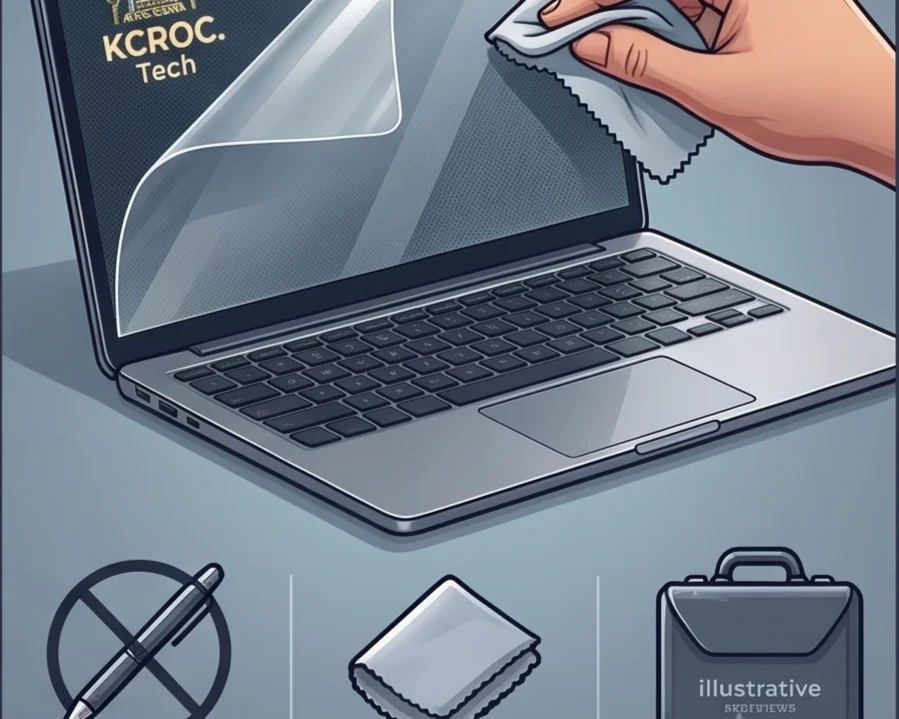
A cracked laptop screen is one of the most common repairs in our Hawalli lab. Follow these habits to prevent expensive display damage.
Laptop screens are incredibly fragile, and modern bezel-less designs have only made them more vulnerable to physical stress and pressure cracks.
The most common cause of screen damage isn't dropping the laptop—it's leaving an object on the keyboard (like a pen, earbuds, or a USB drive) and closing the lid. Even light pressure on a closed lid with an object inside will shatter the LCD instantly.
Another major culprit is opening the laptop from the corner. Always open your laptop by lifting from the direct center of the bezel. Lifting from the corner twists the chassis, which can snap the internal hinges and subsequently crack the display glass.
If you notice your hinges becoming incredibly stiff or hearing a cracking plastic sound when opening the lid, stop using it immediately. Have the hinges loosened and repaired before they rip through the display cable and screen panel.
Is Your Laptop Running Slow?
If your laptop freezes, slows down during multitasking, or struggles with everyday apps, our technicians can diagnose whether it's RAM, storage, overheating, or a hardware fault — for free.