
Sticky, repeated or dead keys
Check keyboard mechanism, connector and layout; quote the compatible assembly.
PRECISION DIAGNOSIS · HAWALLI LAB
Unresponsive keys, repeated characters or a trackpad that will not click? We check the exact MacBook generation, input assemblies, cables and battery before quoting a compatible repair.
Exact repair scope, compatible parts and turnaround are confirmed after diagnosis of your model. No automatic replacement or unverified availability promises.
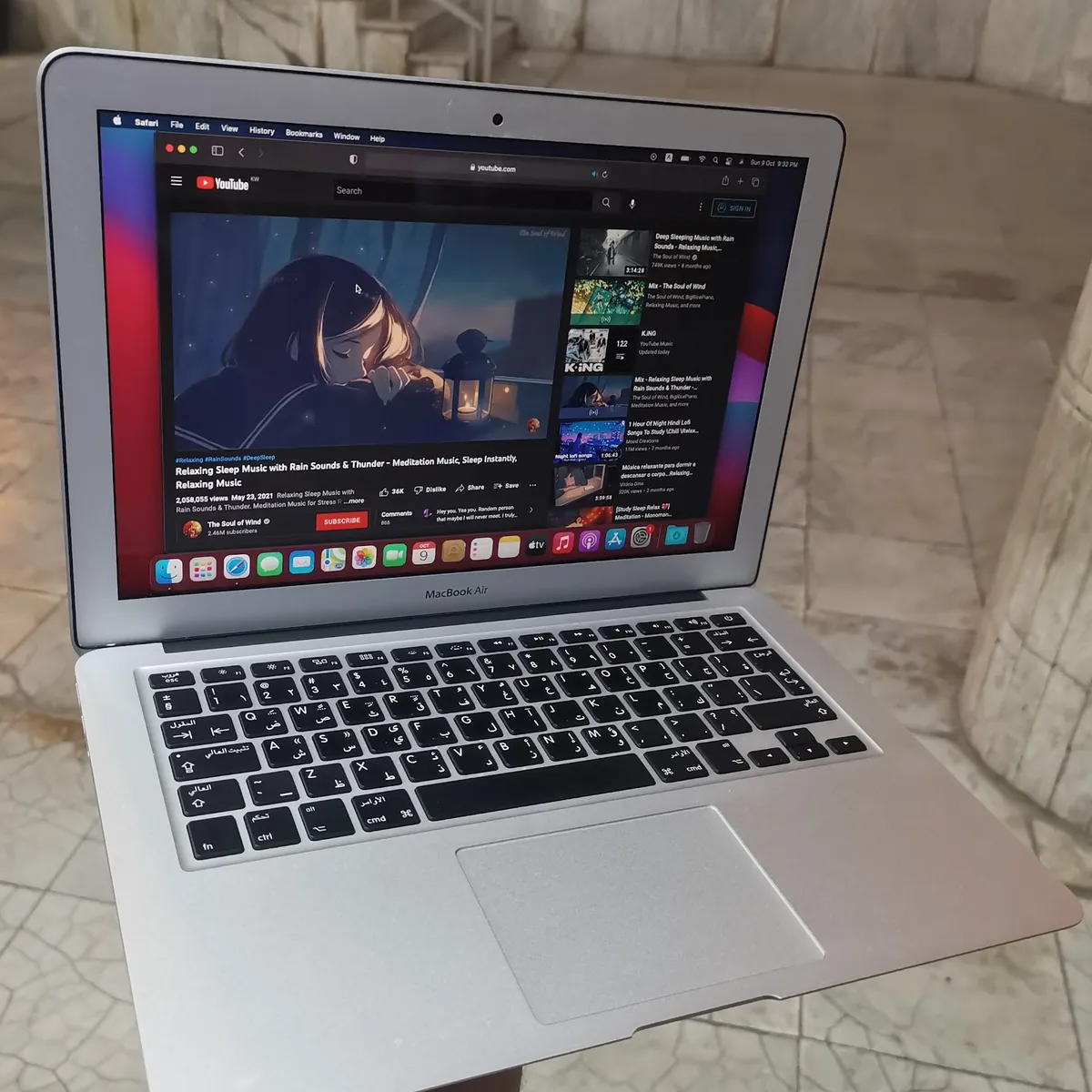
RECOGNIZE THE SIGNS
These are useful clues, not a final diagnosis. The same symptom can have several different hardware or software causes.
YOUR REPAIR OPTIONS
MacBook Air and Pro generations use different keyboard mechanisms, trackpads and top-case assemblies. The A-number is a starting point; we verify the exact generation and part compatibility before quoting.
Check keyboard mechanism, connector and layout; quote the compatible assembly.
Check flex cable, settings and input path before replacement.
Stop charging and using the device; inspect battery safety first.
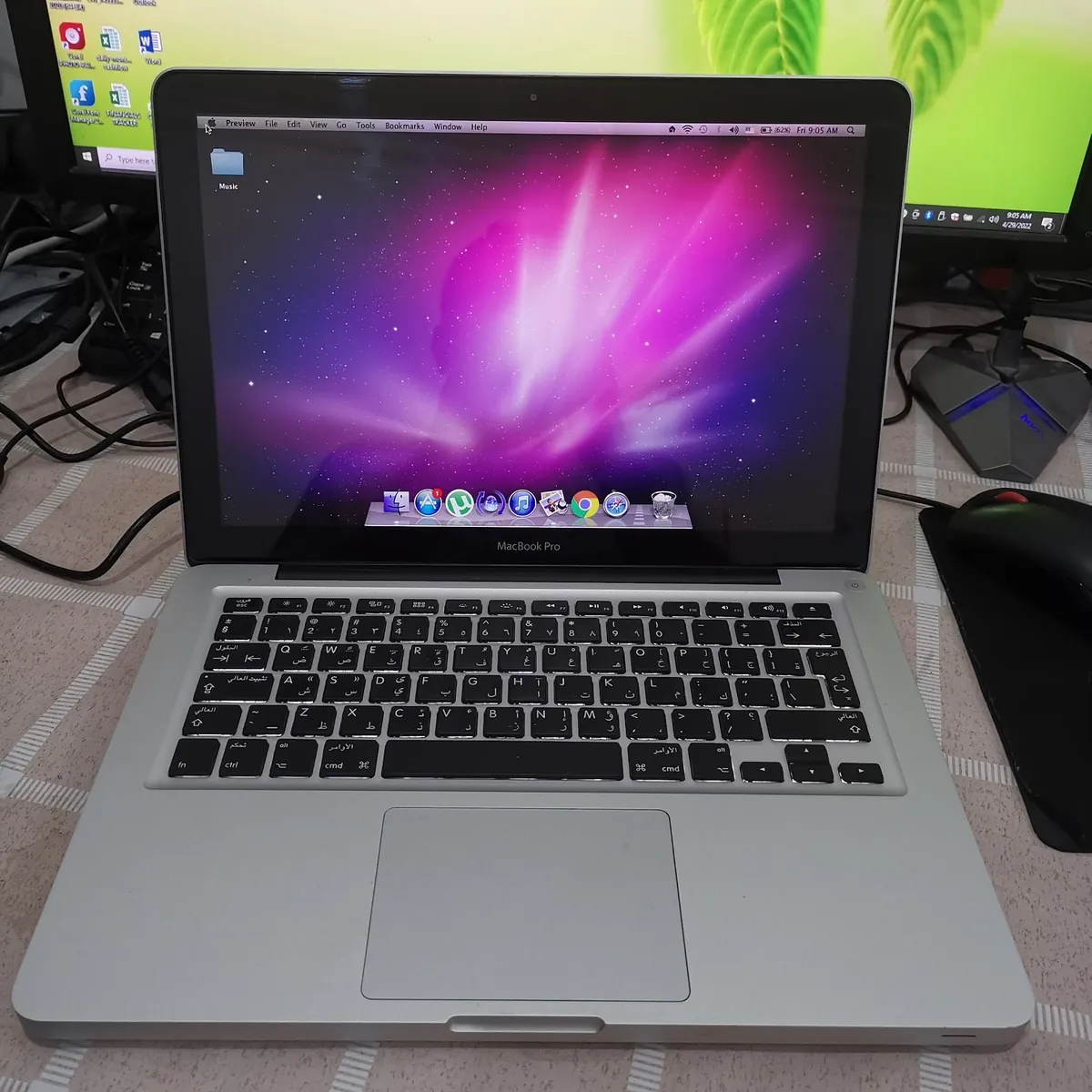
INSPECT · IDENTIFY · REPAIR · RETEST
Our checks follow the device and its reported fault. We confirm the cause before discussing parts, pricing or repair steps.
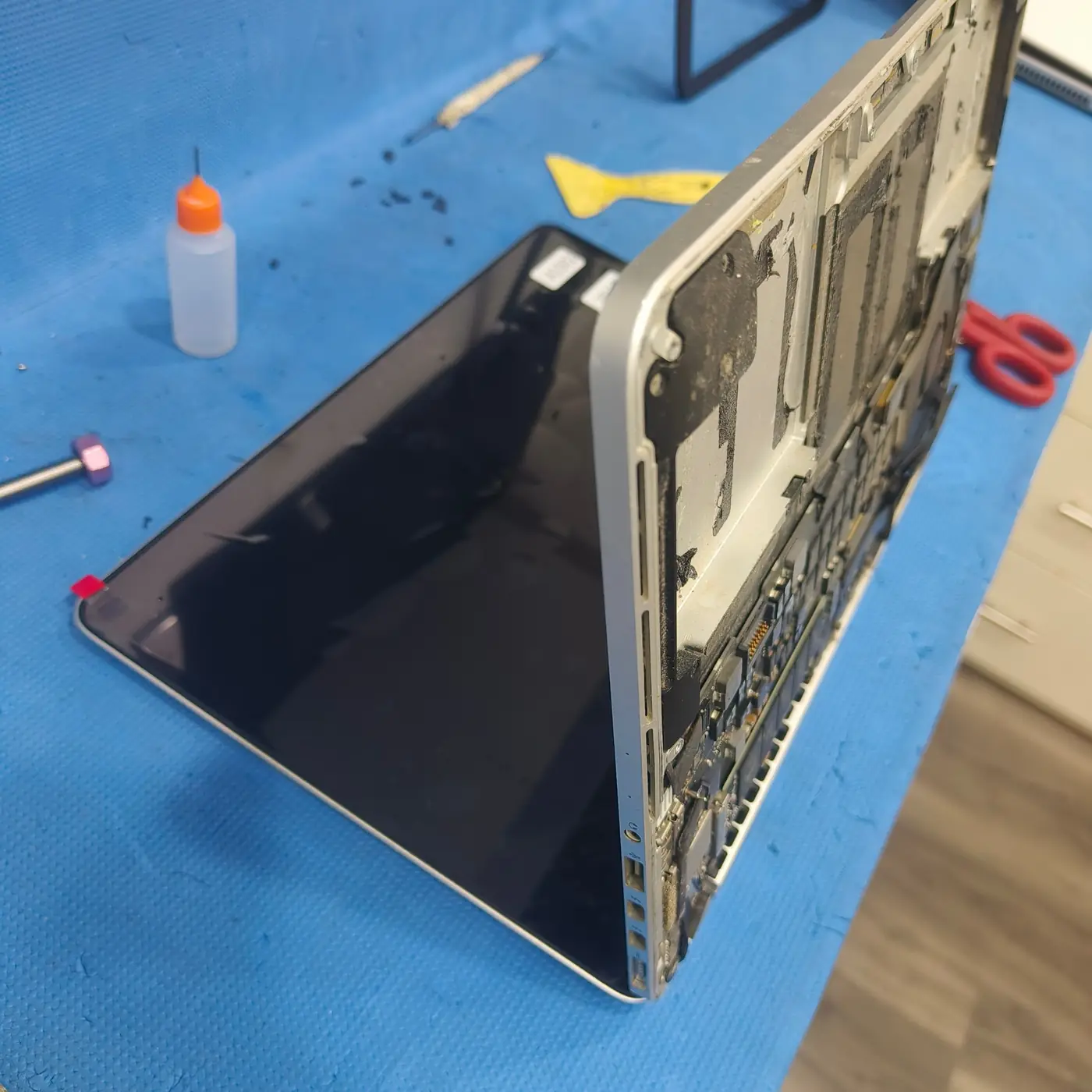
CLEAR SCOPE · NO SURPRISES
Model and layout matching, input-path diagnosis, an itemized quote and post-repair typing, clicking and gesture checks.
Battery, liquid damage, logic-board work and model-specific top-case assemblies are quoted according to findings and availability.
Send the A-number and exact model, preferred keyboard language, affected keys or trackpad symptoms, and any liquid exposure. Do not press a lifted trackpad.
Verify the repaired input functions and explain the installed assembly and warranty coverage before return.
STRAIGHT ANSWERS
Answers about diagnosis, compatible parts and what to expect before approving a repair.
The exact A-number, keyboard layout, assembly type and parts availability determine the quote. Initial diagnosis is free.
We assess the exact generation and compatible part availability before quoting either mechanism.
We check layout availability for your exact model before ordering; we do not guarantee every layout is in stock.
A swollen battery may push it upwards. Stop using and charging the MacBook; do not press the trackpad. Arrange safe inspection.
No. A flex cable, battery, connector, settings or logic-board issue can cause similar symptoms.
It depends on the generation and damage. We explain the compatible assembly options and price before work.
We verify the affected input functions, including typing, clicks and gestures where supported.
Keep the MacBook switched off and disconnected. Liquid damage requires separate inspection and quotation.