
Windows 10 End of Support: What It Means and What to Do in 2026
Windows 10 support ended on October 14, 2025. Your PC still works, but the normal security-maintenance safety net is gone. Here is how to decide between Windows 11, ESU, repair, replacement, or Linux without spending money blindly.
PC works normally
End of support does not switch the computer off.
Security risk grows
Unsupported systems miss normal future Windows fixes unless covered by ESU.
Best first step
Check Windows 11 eligibility before replacing otherwise-good hardware.
What “end of support” actually means
Windows 10 did not stop functioning on October 14, 2025. Apps still open, files remain on the disk, and the PC can still boot and connect to the internet.
What ended was Microsoft’s normal product maintenance: free software updates from Windows Update, technical assistance, and security fixes for standard unsupported Windows 10 installations. Microsoft explicitly says the PC will continue to work, but recommends moving to Windows 11.
Verify the current Microsoft position on its PC Health Check support page .
Do you need to do anything right now?
Yes, but the right urgency depends on how the PC is used. A computer used for banking, business documents, customer information, or sensitive accounts deserves a faster transition plan than a lightly used offline or secondary machine.
If you need more time, Consumer ESU can reduce the security gap on an eligible Windows 10 22H2 PC. It should still be treated as transition time rather than a reason to stay on Windows 10 indefinitely.
Option 1: Upgrade to Windows 11
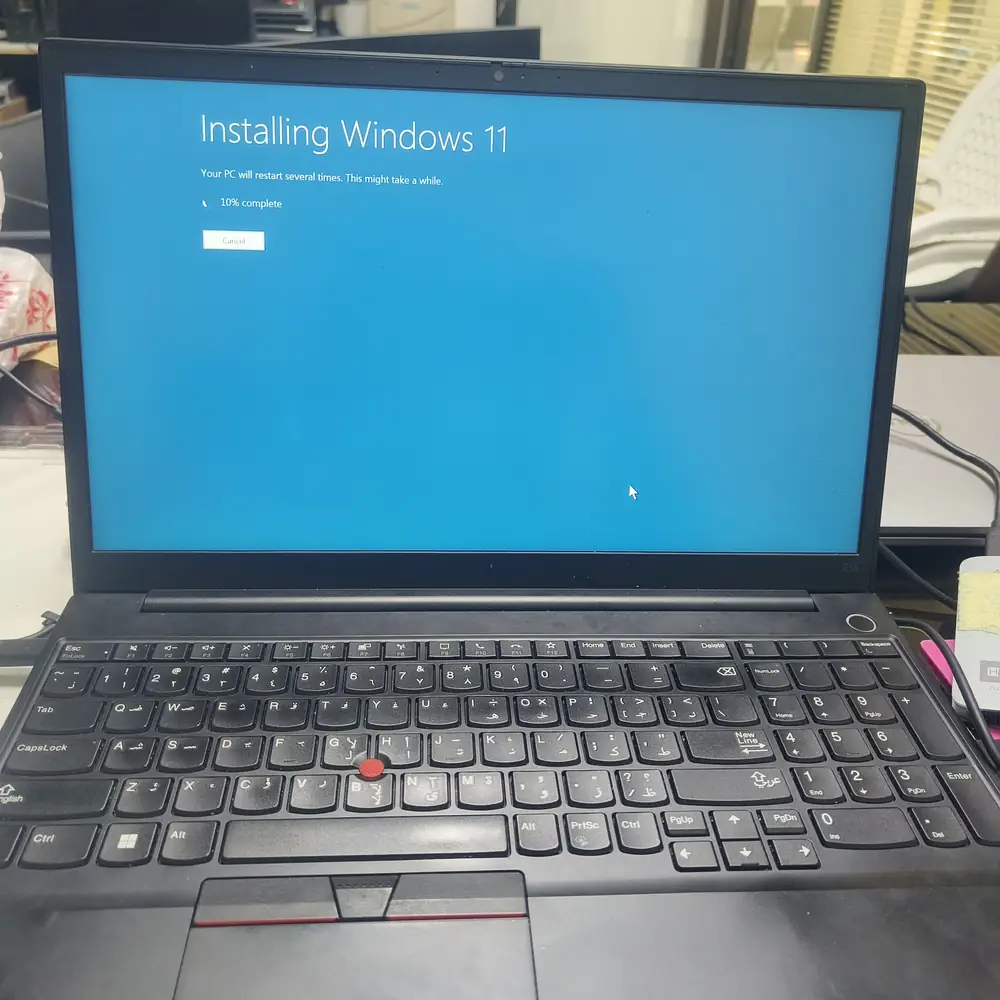
For an eligible, healthy PC, Windows 11 is usually the cleanest long-term path. Microsoft’s minimum requirements include a compatible 1 GHz+ two-core processor, 4 GB RAM, 64 GB storage, UEFI with Secure Boot capability, TPM 2.0, DirectX 12-compatible graphics, and a suitable display.
Use Windows Update or Microsoft’s PC Health Check app for a device-specific compatibility result. Do not assume TPM is missing simply because it is not enabled: on some systems TPM functionality exists in firmware under names such as Intel PTT or AMD fTPM.
See Microsoft’s current Windows 11 specifications . If the upgrade is failing or Windows itself is unstable, see our Windows won’t boot repair guide or BSOD diagnostic page.
Option 2: Use Windows 10 Extended Security Updates (ESU)
Microsoft’s Consumer ESU program is the main official bridge for eligible Windows 10 version 22H2 devices that are not ready to move to Windows 11.
Current consumer ESU facts
- Coverage currently runs through October 12, 2027.
- ESU provides critical and important security updates—not new features or normal product improvements.
- Microsoft currently lists: no additional cost with the applicable PC Settings sync option, 1,000 Microsoft Rewards points, or a one-time $30 USD/local-currency-equivalent purchase plus applicable tax.
- A Microsoft account sign-in is required to enroll; regional options can vary.
Because these terms can change, confirm them on Microsoft’s official Windows 10 ESU page before enrollment.
Option 3: Repair or upgrade the existing PC
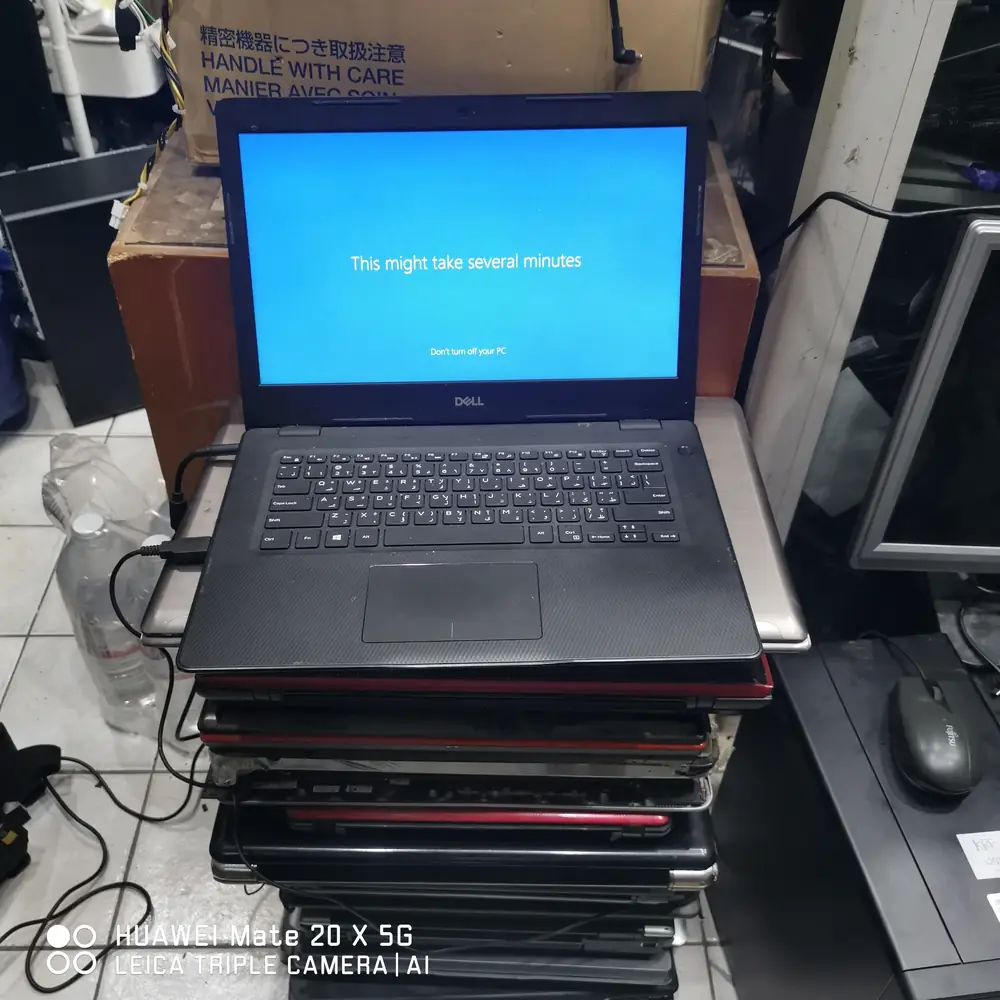
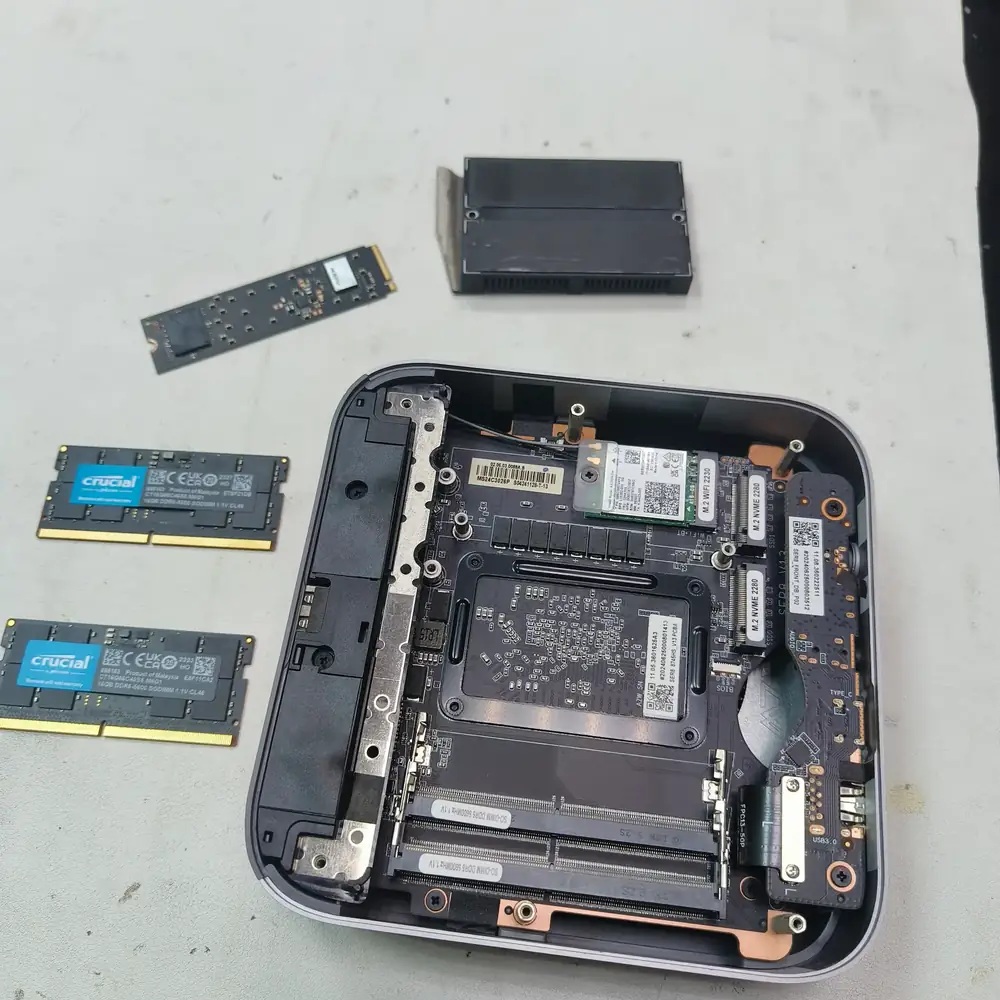
A Windows 11 compatibility failure does not automatically mean the hardware is worthless. An SSD, more RAM, a new battery, cooling service, or a repaired Windows installation can still make a machine useful—provided the processor and platform fit your longer-term needs.
For a very slow machine, see our slow laptop / SSD upgrade guide. For broader hardware faults, our laptop repair service covers SSD, RAM, battery, thermal, charging, and Windows-related diagnostics.
Option 4: Replace the computer
Replacement is often better when the PC cannot officially meet Windows 11 requirements, already has several failing components, or no longer delivers the performance and reliability you need for work.
Before buying a new machine, compare the repair cost with the remaining useful life of the existing system. Our laptop buying guide for Kuwait can help you avoid buying hardware that is poorly matched to your workload.
Option 5: Move suitable older hardware to Linux
Linux can give older hardware a useful second life for browsing, email, documents, and other general-purpose work. Ubuntu and Linux Mint are common beginner-friendly choices.
Check your software, printer, scanner, gaming, and specialist application requirements first. Linux is a valid option, but not a drop-in replacement for every Windows workflow.
Safety checklist if you are staying on Windows 10 for now
- Enroll in Consumer ESU if your device is eligible.
- Keep Edge, Chrome, Firefox, or your chosen browser fully updated.
- Keep reputable security software active and updated.
- Back up important files to more than one location.
- Be cautious with email attachments, fake update prompts, and unfamiliar downloads.
- Avoid “PC optimizer,” registry-cleaner, and random driver-updater tools promoted through search ads.
If you suspect the computer is already infected, use our virus and malware removal page rather than stacking multiple cleanup utilities on top of each other.
Upgrade, ESU, repair or replace? A practical decision rule
Upgrade to Windows 11
The PC passes compatibility checks and the hardware is healthy.
Use ESU temporarily
You need transition time and the Windows 10 22H2 device is eligible.
Repair or upgrade
A specific fix such as SSD, RAM, cooling, battery, or Windows repair gives the machine useful life.
Replace the PC
The platform is incompatible, unreliable, or uneconomical to repair.
Frequently asked questions
Is Windows 10 still working in 2026?
Yes. Windows 10 PCs continue to work after support ended. The important change is that normal free security fixes, quality updates, feature updates, and Microsoft technical support ended on October 14, 2025 unless an eligible device is covered by Extended Security Updates.
When did Windows 10 support end?
Microsoft ended normal support for Windows 10 on October 14, 2025.
What is Windows 10 ESU?
Extended Security Updates is Microsoft’s temporary transition program for eligible Windows 10 version 22H2 devices. It provides critical and important security updates but does not add new features, general non-security fixes, product improvements, or technical support.
How long does Windows 10 Consumer ESU last?
Microsoft currently states that eligible enrolled consumer devices can receive ESU through October 12, 2027.
How much does Windows 10 ESU cost?
Microsoft currently lists three consumer enrollment paths: no additional cost when using the applicable PC Settings sync option, redeeming 1,000 Microsoft Rewards points, or a one-time $30 USD purchase or local-currency equivalent plus applicable tax. Availability can vary by region and device.
Can my old PC run Windows 11?
It depends on the exact hardware and firmware configuration. Windows 11 requires a compatible processor, at least 4 GB RAM, at least 64 GB storage, UEFI firmware with Secure Boot capability, TPM 2.0, and other requirements. Microsoft recommends PC Health Check for a device-specific answer.
Should I repair or replace my old Windows 10 laptop?
If the laptop is otherwise reliable and a repair or upgrade is economical, repair may make sense. Replacement is usually the better long-term choice when the machine is incompatible with Windows 11, has multiple failing components, or no longer meets your performance needs.
Can KCROC check whether my computer can upgrade to Windows 11?
Yes. KCROC can assess Windows 11 compatibility, TPM and Secure Boot configuration, storage and RAM health, Windows Update problems, and whether repairing, upgrading, or replacing the computer is the more practical option.
Windows 10 upgrade and computer repair help in Kuwait
If you are unsure whether to upgrade, repair, or replace your PC, KCROC can check the actual hardware, Windows 11 compatibility, TPM/Secure Boot configuration, storage health, RAM, Windows Update, and the economics of repair before you spend money.