
Gaming PC Won’t Boot After a BIOS Update: Kuwait Recovery Guide
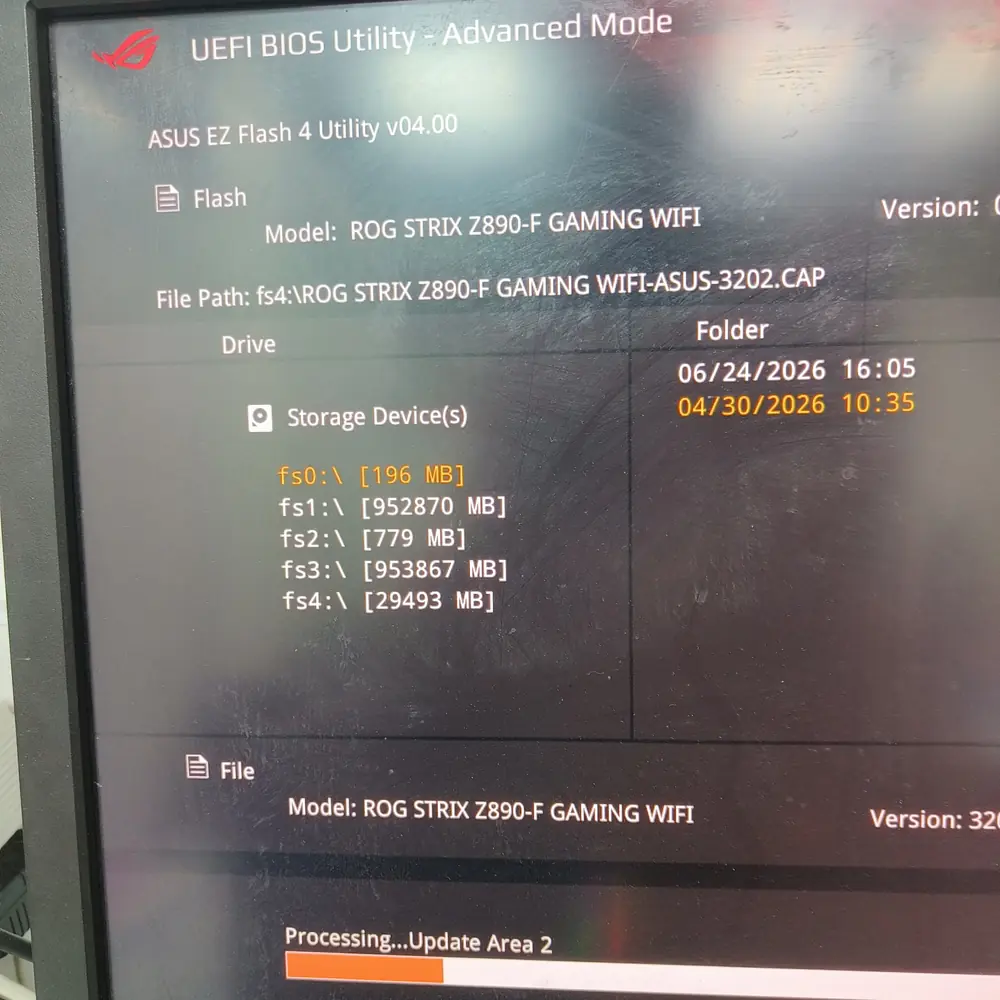
Table of Contents
An interrupted BIOS update, wrong firmware file or failed flash can leave a gaming PC with no POST or no display. Learn the safe recovery path before trying another firmware image.
Do not flash another BIOS file at random
Motherboard firmware is model-specific. Confirm the exact board model and supported recovery method before attempting another update.
What happened after the update?
- The PC powers on but never reaches POST.
- Fans run but there is no display.
- Debug LEDs or beep codes changed after the failed flash.
- The board repeatedly powers on and off.
- The system reaches recovery or the firmware screen but Windows will not boot.
First-line recovery: use the board's supported method
Some motherboards provide a vendor-specific firmware recovery feature. If your board supports one, follow its exact documented procedure and use only the correct firmware image. Do not assume that a recovery feature exists on every board.
When a CMOS reset helps — and when it does not
A CMOS reset can clear configuration values, but it does not automatically repair every corrupted firmware state. If the failure began immediately after a failed flash and the system cannot execute the normal recovery path, the next step may require firmware-level diagnosis.
When firmware recovery becomes a repair job
If normal recovery does not work, a technician may need to determine whether the firmware chip can be read, reprogrammed or otherwise recovered. KCROC's published repair service includes BIOS/VBIOS recovery and board-level diagnostics where the hardware is technically repairable.
Do not confuse BIOS failure with a dead GPU
A failed BIOS update can produce a no-display condition that looks like a graphics-card failure. The timing of the failure, POST indicators and the exact motherboard behavior are therefore important evidence.
Kuwait repair and pickup
KCROC's gaming-PC service states that gaming systems can be collected across Kuwait, diagnosed in the Hawalli laboratory and returned after testing.
Frequently asked questions
Can a failed BIOS update be repaired?
Should I keep trying different BIOS files?
Can a BIOS failure make the screen completely black?
Does KCROC repair BIOS problems on gaming PCs?
Is Your Laptop Running Slow?
If your laptop freezes, slows down during multitasking, or struggles with everyday apps, our technicians can diagnose whether it's RAM, storage, overheating, or a hardware fault — for free.